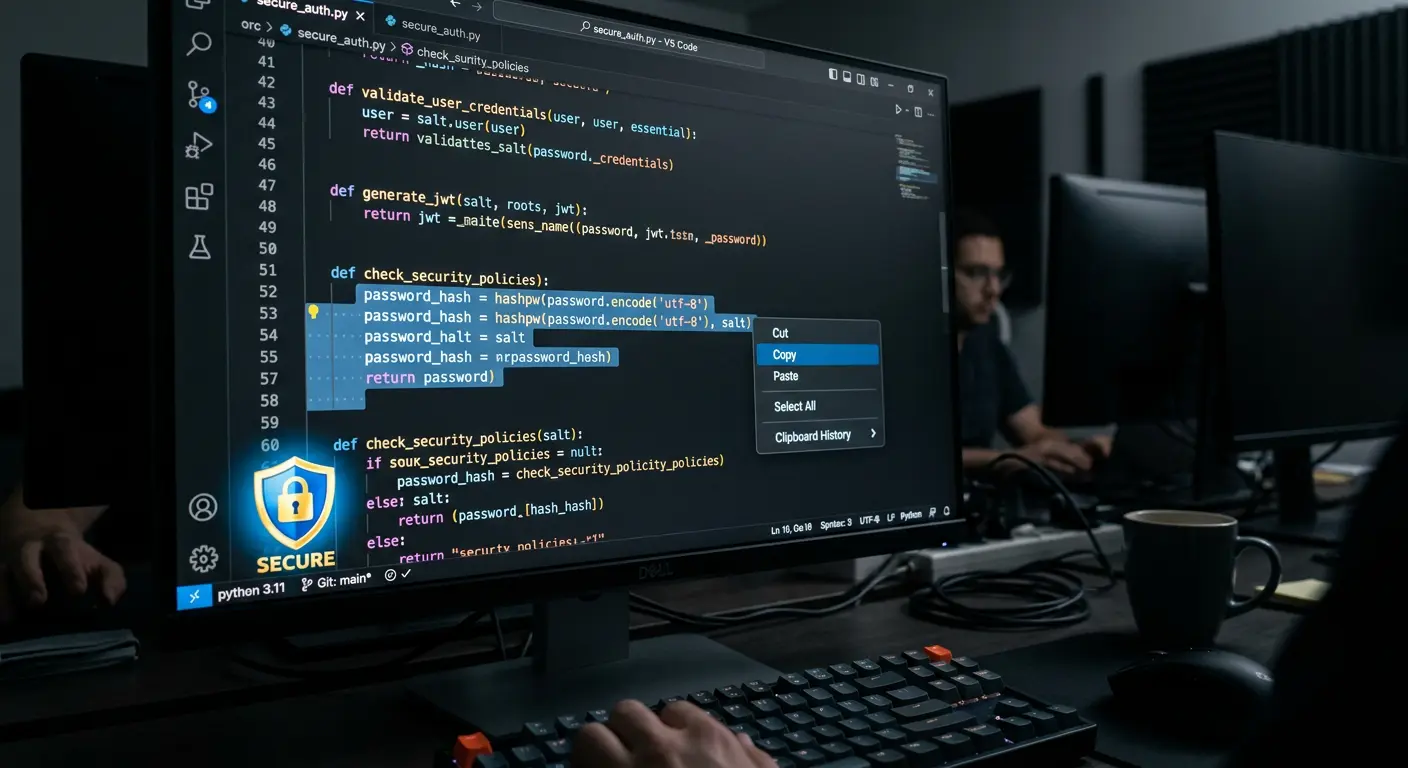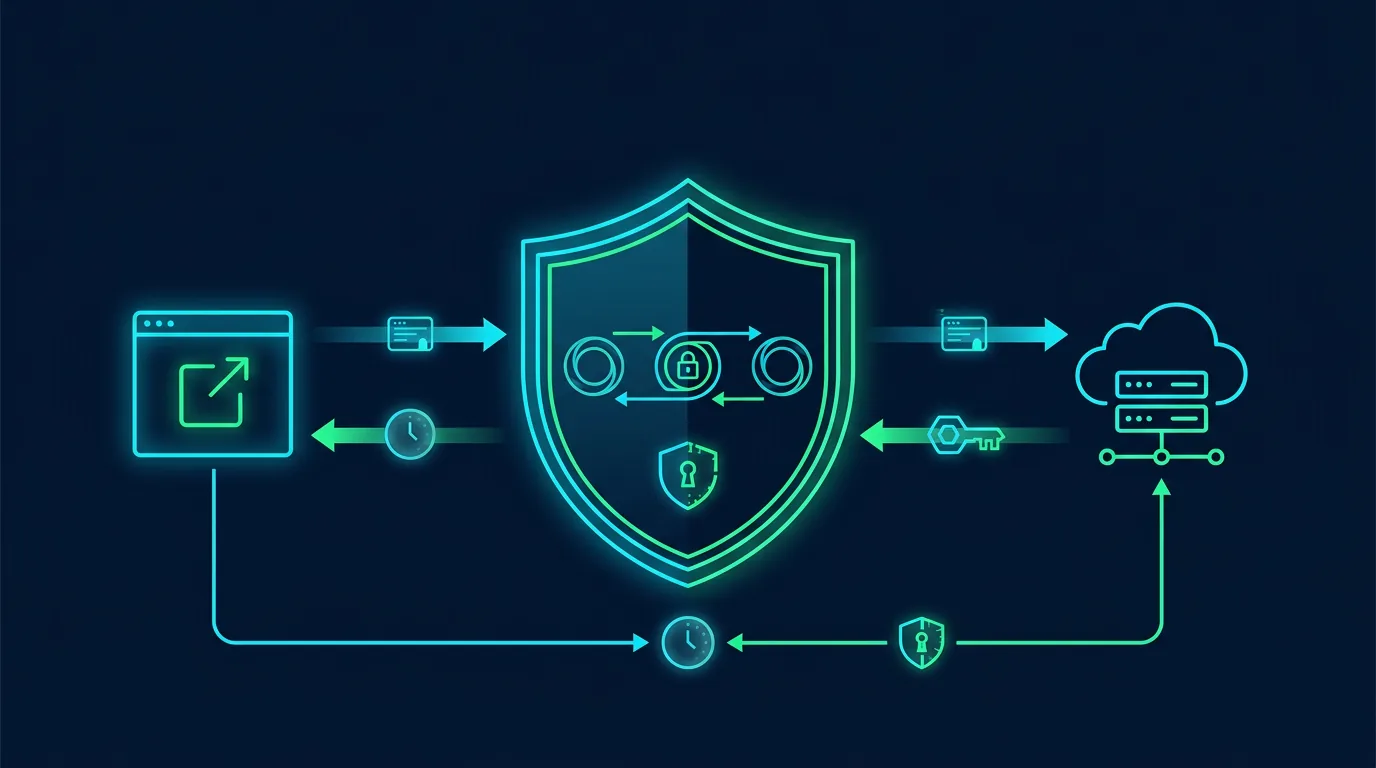
API keys, access tokens, refresh tokens, and session cookies give applications a way to recognize requests. If an attacker steals one, a password may not be needed. Impact depends on scope, lifetime, and revocation.
Distinguish the credentials
An API key usually identifies an application or integration. An access token grants limited, short-lived access. A refresh token requests a new access token. A session cookie binds a browser to a server-side session. Treat each as a secret, even when it looks harmless.
Where tokens leak
Look for tokens in source code, repositories, .env files, logs, URLs, screenshots, support tickets, local storage, browser extensions, and backups. Do not put access tokens in URLs because URLs can enter history, proxies, analytics, and Referer headers.
Developer controls
Use least-privilege scopes, short expiry, rotation, and revocation. Keep secrets server-side or in a secrets manager. For cookies, use Secure, HttpOnly, and an appropriate SameSite setting. Protect changes to email, MFA, and payments with reauthentication or step-up authentication.
OAuth is not automatically secure. Validate redirect URIs strictly, use PKCE for public clients, validate issuer and audience, and never accept a token issued for another service. Do not write raw tokens to logs.
If a token may be stolen
- Record the token type, account, scope, time, and suspected source without sharing its value.
- Revoke the token or all affected sessions.
- Rotate application secrets when the token came from a server or repository.
- Review usage logs, locations, endpoints, and data changes.
- Change the password when the token came from an infected browser.
- Clean the repository and history, then enable secret scanning.
Local logout only removes a cookie on that device. It may not revoke refresh tokens or sessions on other devices. Provide a way to review and terminate all active sessions.
Audit checklist
- Tokens have least-privilege scopes and expiry.
- Refresh tokens can be revoked.
- Cookies use appropriate flags.
- Tokens do not appear in URLs, logs, or source code.
- OAuth uses PKCE and strict redirect URIs.
- Users can terminate all sessions.
Sources
Note: Never paste a real token into an issue tracker, chat, or AI tool for analysis.
Applying controls without disrupting operations
Make changes in stages. Record the starting state before changing configuration. Keep the owner, change time, and rollback method. This prevents a team from chasing an ideal configuration while putting a working service at risk.
Start with assets that affect money, identity, and customer data. Assign one owner, one reviewer, and one communication channel. After enabling a control, test it with a test account or non-production device. Check the result from both the user side and the log side.
Create a comparable baseline
A baseline contains approved configuration, its owner, the last change time, and the reason for each exception. Store it in a restricted repository. Never store secrets, tokens, private keys, or customer data in the baseline. Screenshots help, but structured notes are easier to review.
Treat exceptions as debt
Exceptions may be necessary for compatibility. Give every exception a reason, owner, risk, compensating control, and expiry date. Review exceptions in an operational meeting. An exception without an expiry becomes forgotten permanent configuration.
Measure outcomes with simple questions
Ask whether the control reduces misuse, speeds detection, or limits incident impact. Measure time to notice a change, time to revoke access, accounts without MFA, alerts that received a response, and expired exceptions. These numbers help a business owner choose the next task.
Protect reader and user privacy
A security control is not permission to collect unlimited data. Define purpose, limit access, and delete operational data when it is no longer needed. When a checklist touches customer data, involve the privacy owner and document the processing basis.
Conclusion
Good defense has an owner, evidence, and a review schedule. Choose one change you can test this week, document the result, and move to the next asset.
Editorial disclosure: This article was written for ShaSec from public documentation and defensive security practice. It does not endorse a specific vendor, ask readers to click ads, or promise that one control can prevent every incident.