Your phone unlocks with face. Office attendance uses fingerprint. E-wallet signup uses ID photo plus selfie. Convenient. But one aspect stays rarely discussed: you cannot change biometrics like password.
This article breaks down biometric security risk honestly, defensively, and practically, focusing on what you control as user, not lab theory.
Why biometrics differ from passwords
Password is secret and changeable. If password leaks, you change it.
Biometrics is semi-public and permanent. Your face exists in profile photos. Your fingerprint stays on glasses. Your voice exists in TikTok videos. Once leaked, you cannot change face.
Permanent nature makes storage and usage need more care.
Biometrics is not secret. Biometric systems do not check secrecy, they check pattern match. If pattern can be copied, system gets tricked.
Understand this before enabling biometrics everywhere.
Types of biometrics you use daily without notice
Fingerprint. Sensor in phone, laptop, attendance machine. Fingerprint data stored as mathematical template, not finger photo. But weak template can be reversed under certain conditions.
Face. Face ID in iPhone, face unlock Android, and e-KYC verification. Face gets scanned into depth map or landmark points.
Voice. Voice assistants and bank call center verification. Voice used for passive identification.
Behavior. How you type, walk, or move mouse. Used in bank fraud detection for anomaly detection.
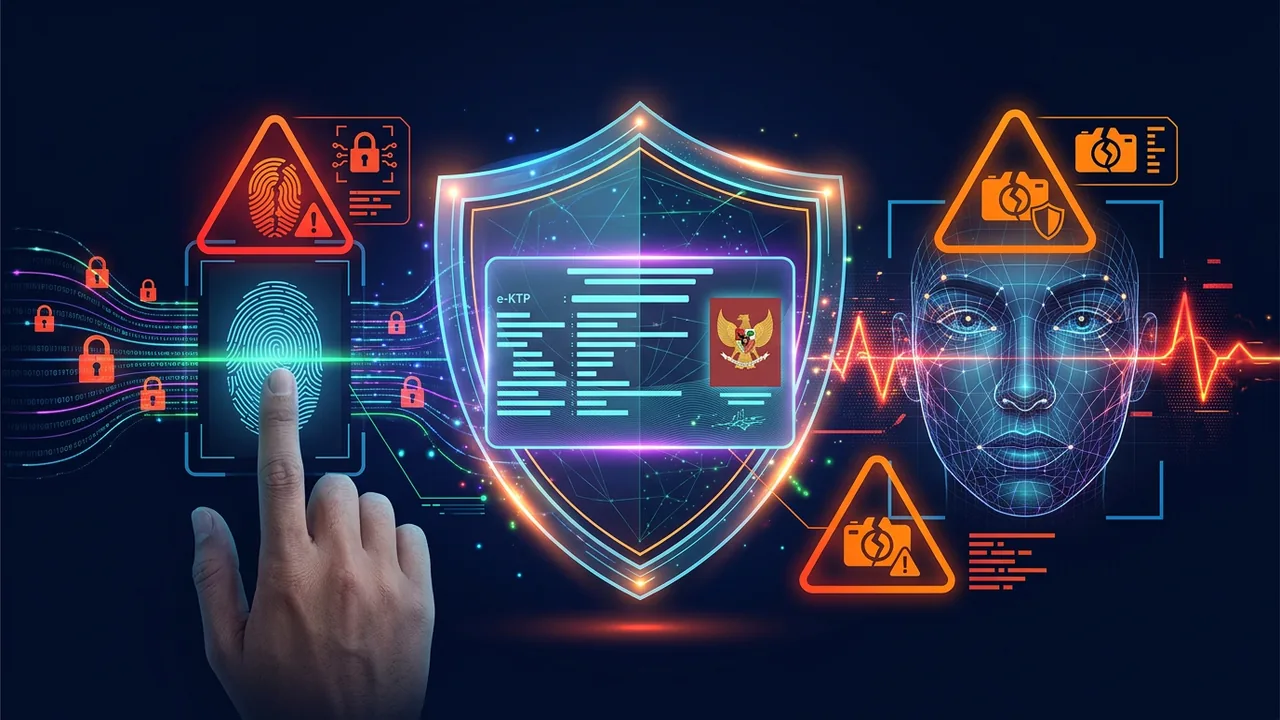
E-ID plus liveness. In Indonesia, many services use combination e-KTP photo and selfie blink or nod. System checks whether selfie matches ID photo and whether person is alive.
All five types hold different risk levels. Fingerprint and face become most targeted because they are widely used.
Attacks targeting biometrics
Fingerprint spoofing
Researchers at CISPA 2023 showed fingerprints can be reconstructed from high-resolution photo of finger holding object in Instagram photo. Success rate on cheap sensors reached 40%. Flagship sensors with alive detection resist more, but still not 100%.
Real-world mode: actor uses tape or silicone mold to open stolen phone still using victim fingerprint. Mode reported in phone theft cases in Jakarta 2024, where actor opened victim phone using fingerprint lifted from phone case.
Face spoofing and deepfake liveness
Face spoofing uses printed photo, replay video, or 3D mask. Cheap e-KYC system that only checks one frame photo gets tricked easily.
Newer liveness check asks for blink, smile, or head turn. But real-time deepfake now can mimic those moves. iProov report 2025 noted 704% increase in liveness deepfake attacks within a year in financial sector.
Case in Indonesia 2024: loan shark syndicate used deepfake to create selfie verification using stolen ID photo. Actors bought leaked ID data, then created deepfake video that nods and blinks to pass e-wallet verification.
Voice cloning for vishing
Voice cloning needs 30 seconds voice sample. Sample can come from TikTok video, leaked Zoom meeting recording, or voicemail.
Actor clones child voice to call parents asking money transfer. Mode falls under vishing and was reported by Kominfo 2024.
Voice verification system in bank call center using static keyword like birth date gets tricked easily if actor already has leaked data plus cloned voice.
Leaked biometric database
Biggest risk is not your phone, but provider server storing your biometrics.
Global example: Biostar 2 breach in 2019 leaked 27 million biometric data including fingerprints and face. Leaked biometric data cannot be reset. Impacted users must treat their fingerprints as no longer secret.
In Indonesia, issue of e-KTP photo storage in loan and e-wallet servers draws attention. If loan server does not encrypt ID photo properly, leak of one server can open thousands identities for deepfake.
Specific risks of e-KTP and selfie verification in Indonesia
e-KTP contains photo, national ID number, address, and fingerprint. Data becomes key for many services. Combined risk is unique.
ID photo used for loan signup. If your ID photo leaks, actor can register illegal loan. Many loan apps only need ID photo plus selfie. Selfie can be made with deepfake if liveness system weak.
National ID used for SIM swap. Actor uses national ID to request SIM replacement at provider store claiming lost. After SIM active, actor takes over banking OTP. SIM swap mode using stolen ID reported in several cities 2023-2024.
Physical ID faked to open bank account. High-resolution leaked ID photo can be reprinted with edits. Fake account used as money mule for fraud.
Too long ID photo retention. Many services keep ID photo on server without clear time limit. Indonesia PDP Law 2022 requires limited retention and deletion after purpose finished. Practice in field not fully compliant yet.
You as user cannot control their servers fully. But you can reduce trail.
How to use biometrics safely without paranoia
Biometrics remains useful when used with layers.
Principle 1: Biometrics for username, not sole password
Treat biometrics as convenience, not only key.
On phone, enable biometrics plus strong 6-digit PIN. Do not use swipe pattern easy to guess. On iPhone, Face ID plus alphanumeric passcode safer than 4 digit.
In banking app, use biometrics for fast login, but large transactions still require PIN or OTP from separate device.
Principle 2: Store biometrics on device, not in cloud if option exists
Apple Face ID and Touch ID store template in Secure Enclave inside phone, not in iCloud. Flagship Android also has Trusted Execution Environment.
When service asks whether you allow storing biometrics on their server, decline if option for device-only exists. Example: e-wallet login using local biometrics safer than uploading face to server for verification each login.
Principle 3: Limit spreading high-resolution fingerprint and face photos
You do not need to delete all photos. Just avoid:
- Close-up finger photo with 4K resolution on Instagram showing fingerprint detail.
- TikTok video with clear voice without pause making cloning easy, especially if you mention mother maiden name or address.
- Front and back ID photo uploaded to Google Drive shareable public link or Telegram group.
If service asks for ID selfie, ensure:
- Official domain with HTTPS.
- Clear privacy policy about ID photo retention.
- No requirement to keep ID photo saved in phone gallery after upload that risks upload to cloud backup without encryption.
Principle 4: Enable anomaly detection and notifications
Enable login notification in email, banking, e-wallet. If biometric login from new device at 3 AM happens, you know fast.
On Android, check Settings > Security > Biometrics > number of enrolled fingerprints. If fingerprint you did not enroll exists, delete.
On iPhone, check Settings > Face ID > Alternate Appearance. If alternate appearance you did not create exists, delete.
Steps if your biometric data leaks
You get notification that your ID photo circulates on forum.
Do this.
- Change related passwords. If ID photo leaks together with national ID, change e-wallet and banking passwords using ID as user ID or recovery.
- Freeze ID-based access. Contact local civil registry for consultation whether suspicious usage exists. Some regions can check ID usage for certain services.
- Report to financial authority if fake loan appears. Save billing evidence. Request credit bureau report to see loans under your name.
- Enable app-based 2FA in all services previously using SMS OTP. SMS OTP vulnerable if SIM swap happens using leaked ID.
- Request data deletion from services keeping your ID photo too long. Use data deletion right per PDP law. Send official email to data protection officer of those services.
If phone lost and phone uses biometrics, immediately remote wipe via Find My iPhone or Find My Device Android. Biometrics useless if actor can open phone via USB debugging or exploit.
Guide for parents and small business about biometrics of children and employees
Children. Avoid uploading child photo with school data plus fingerprint for extracurricular attendance managed by vendor without audit. Child biometric data is sensitive longer, valid for decades. Choose vendor clear about encryption and retention.
Small business employees. If you manage fingerprint attendance, keep biometric template on local machine, not on cloud server of unclear vendor. Tell employees about retention and their rights. Delete template when employee resigns. Do not use employee biometric data for other purposes like emotion monitoring.
Customers. If your shop asks for face verification for membership, give alternative PIN or card option. Not all customers comfortable with face stored. Transparency increases trust.
Technology reducing biometric risk in future
Industry moves toward safer direction.
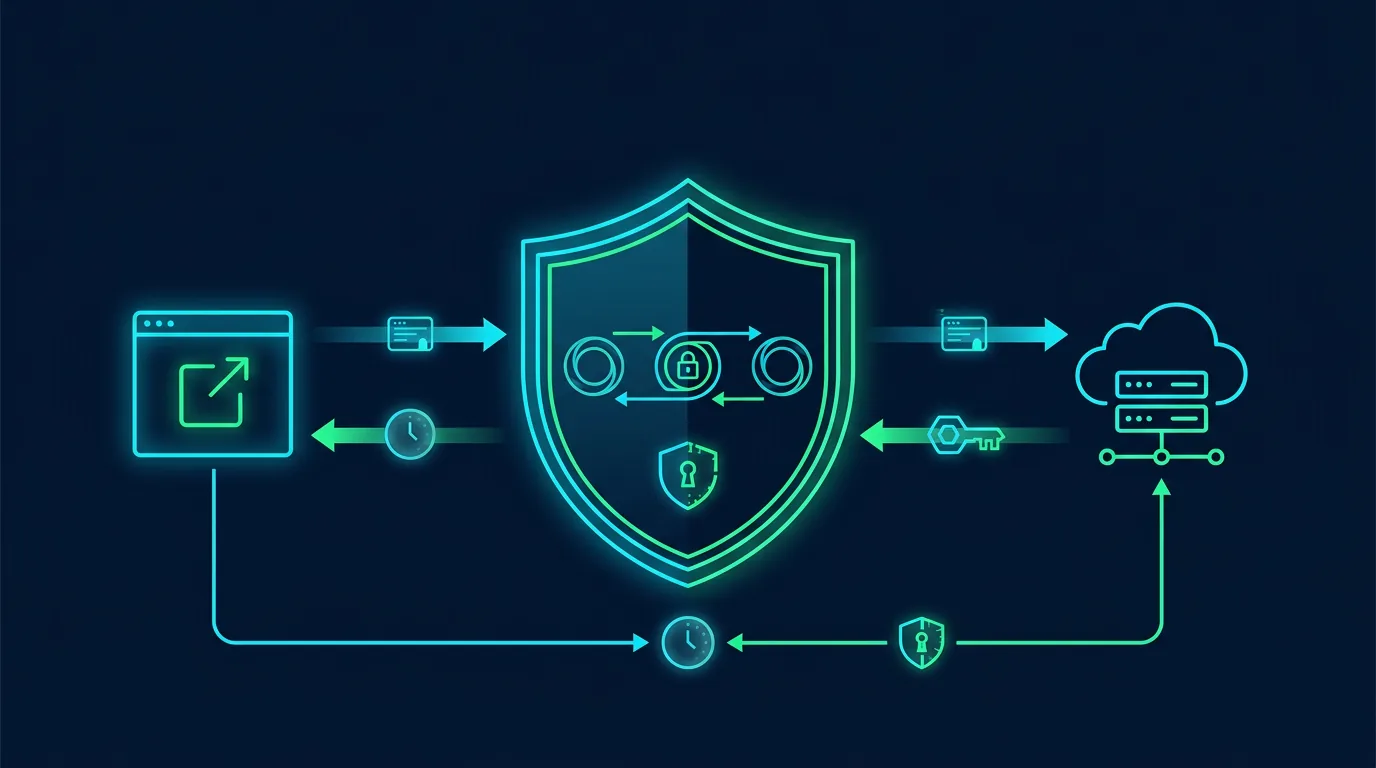
- On-device biometrics with FIDO2. FIDO2 uses cryptographic keys on device, not biometric template sent to server. Biometrics only unlock local. Server only receives cryptographic proof. Technology used in passkeys.
- Multispectral liveness detection. Detection using infrared, depth, and blood flow more resistant to printed photo and deepfake.
- Revocable biometrics. Research on cancelable biometrics transforms biometric template into distorted version changeable if leaked. Original template not stored. Technology not widespread yet, but direction promising.
- Zero-knowledge proof for e-ID. Concept allowing you to prove age over 17 without giving full ID photo. In Indonesia, project still discussion, but relevant for PDP law.
As user, you can start using passkey in services supporting it. Passkey uses FIDO2 and does not send biometrics to server.
Case study: small business fraud using leaked ID data and deepfake
A phone counter in Surabaya served e-wallet registration for customers. Counter photographed customer ID and saved in shareable Google Drive folder for staff convenience.
Drive leaked because shareable link got indexed and staff used weak password. Actor downloaded 200 ID photos plus selfies.
Actor used that data to register illegal loans. Loan verification system asks for blinking selfie. Actor used open source deepfake app to create blinking video from stolen selfie photo. 30 of 200 data passed verification.
Victims only knew when debt collector billed them. Phone counter got complained because it stored ID data without clear consent and without encryption.
Case shows chain risk: insecure ID storage becomes breach, breach becomes deepfake material, deepfake becomes fake loan account, fake account becomes bill.
Lesson for small business: do not store ID photo in shareable Drive. Use encrypted folder with limited access, delete after verification per SOP, and ask brief written consent from customer for storage purpose.
Implementation guide for small business developers
If you are small business website developer needing simple e-KYC, follow these principles.
- Do not store original ID photo on server. Store hash or cropped data. If you must store, encrypt AES-256 and store key in KMS, not in config file.
- Use e-KYC vendor with ISO 27001 certification and clear about liveness detection. Ask whether they store template or original photo. Choose one only storing encrypted template.
- Apply 7-day retention for ID verification photo, then auto-delete. Log only keeps verification status, not photo.
- Audit access. Who in team can see ID photo? Limit. Record access log.
- Show clear notice to user: why you need ID, how long stored, and how to request deletion.
Simple implementation like this helps comply with PDP law and reduces big breach risk.
Personal biometric audit checklist 20 minutes
Do every 3 months.
- How many fingerprints enrolled on phone? Delete unused.
- Does Face ID have alternate appearance you did not create?
- Does ID photo still stay in gallery or public Google Drive? Move to encrypted folder or delete after verification finished.
- Did e-wallet and loan services you once registered clearly delete data? Check retention policy.
- Is app-based 2FA active on email and banking, not only SMS OTP?
- Are phone and laptop updated to latest OS to get Secure Enclave patch?
- Do you use passkey where available?
- Did you ever post close-up fingerprint photo on social media? Delete if yes.
- Any app asking biometric access without clear reason? Revoke permission.
Print checklist and place near important documents. Do audit together with family every quarter start. Biometric education works better as household habit, not one-time lecture.
Sources and further reading
- NIST SP 800-63B: Digital Identity Guidelines - Biometrics Considerations
- CISA: Biometrics Security and Privacy Risks
- ENISA: Biometrics Threat Landscape 2024
- iProov: Identity Theft Report 2025 - Deepfake Liveness Attacks
- Kominfo: PDP Law Personal Data Protection Guide
- Apple: Secure Enclave Overview
Editorial note: This analysis is defensive. ShaSec does not suggest avoiding biometrics entirely, but using it with layers and risk understanding. If you manage system storing biometrics, consult PDP compliance expert and run DPIA before implementation. Keep DPIA documentation for audit and responsibility proof.
Frequently asked questions
Is phone fingerprint safe?
Relatively safe for regular users if flagship phone with Secure Enclave and strong PIN. Risk rises if cheap phone with sensor without liveness or if you store high-resolution finger photos in public.
Can Face ID be tricked by photo?
Apple Face ID uses infrared depth map and hard to trick with photo. Cheap Android face unlock using only front camera easier to trick with photo or video.
Can e-KTP be faked from leaked photo?
ID photo alone not enough for original physical ID with chip, but enough to register online services with weak verification. Main risk is online verification, not physical ID.
Must I delete fingerprint from all services?
Not needed. Use for convenience on personal device, but do not make it only key for large transactions. Combination biometric plus PIN safer.
How do I know my biometric data leaked?
No service 100% detects biometric leak like password. Indicators are fake loans, SIM swap, or weird login requiring face verification you did not request.
Is passkey safer than biometrics?
Passkey uses local biometrics to unlock, but what gets sent to server is cryptographic key, not biometric template. So passkey reduces risk of server storing your biometrics.
Does Indonesia PDP law protect biometric data?
Yes. Indonesia PDP Law 2022 classifies biometric data as specific personal data with higher protection. Data controller must get explicit consent, clear purpose, and must delete after finishing. Offenders face administrative and criminal sanctions.
How does on-device vs server-side biometrics affect risk?
On-device keeps template in phone secure chip and only sends proof. Server-side sends your biometric to company server for matching. If that server leaks, your biometric leaks. Prefer on-device when possible.
What should small businesses do if they must collect ID photos?
Encrypt at rest, enforce 7-day retention, auto-delete after verification, log access, and get written consent. Show users why you need ID, how long you keep it, and how they can request deletion. Use vendor with ISO 27001 and clear liveness detection that stores only encrypted template, not raw photo.
Training staff every quarter about phishing and secure file sharing prevents shareable Drive leak like Surabaya counter case. Limit staff who can view ID photos.