Small and medium businesses consider data security a large company problem. In reality, SMBs store equally sensitive customer data: full names, addresses, phone numbers, emails, transaction history, and sometimes payment information. When this data leaks, the impact on small businesses can be more devastating due to limited recovery resources. Data protection regulations like GDPR in Europe, CCPA in California, and similar laws worldwide impose obligations on all businesses, including SMBs. Administrative fines can reach significant percentages of annual revenue. This is not a number small businesses can ignore.
What data you need to protect
Not all data has the same sensitivity level. Categorize your customer data: General data: names, business emails, city. Lower breach risk but still needs protection. Specific data: personal phone numbers, home addresses, dates of birth, detailed transaction history. Breaches of this data can directly impact customers. Sensitive data: health information, financial data (account numbers, credit cards), government IDs, biometric data. Regulations provide special protection for this category. Breaches can result in heavy fines and legal action.
8 steps to protect customer data
1. Minimize data collected
Collect only data necessary for business operations. If you do not need to store customer birthdays, do not ask. If shipping addresses are only needed at checkout, do not store them in permanent profiles. The less data you hold, the smaller the breach impact.
2. Separate sensitive data from regular data
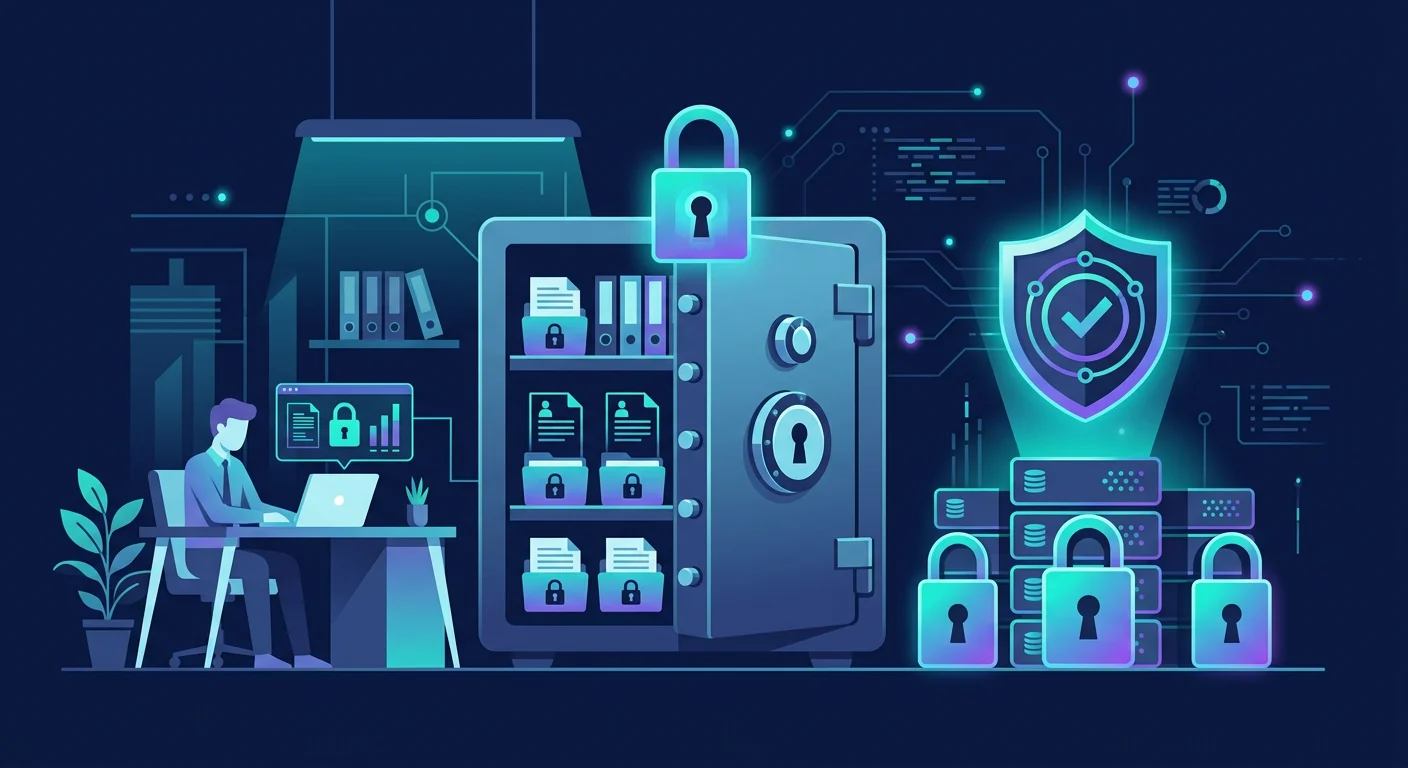
Store sensitive data (government IDs, account numbers, health information) in separate locations with restricted access. Do not mix with marketing data or general contact lists. If the main database is breached, sensitive data remains protected.
3. Encrypt sensitive data
Customer data stored in databases, spreadsheets, or cloud storage should be encrypted. For SMBs using spreadsheets, use password-encrypted files. For databases, enable at-rest encryption if the platform supports it.
4. Limit access based on need
Not all employees need access to all customer data. Marketing staff may only need names and emails, not full addresses or phone numbers. Shipping staff need addresses but not transaction history. Apply the least privilege principle: each person only gets access necessary for their work.
5. Secure devices that store data
Laptops, tablets, or computers used to access customer data must be protected:
- Strong passwords and auto-lock after inactivity
- Updated antivirus
- Disk encryption enabled
- Not used for high-risk activities (random file downloads, suspicious sites)
6. Back up data regularly
Customer data must be backed up routinely in separate locations. If ransomware attacks or hardware failure occurs, you can restore operations without losing customer data. Backups must also be encrypted.
7. Create a clear privacy policy
Your business website or app must have a privacy policy explaining:
- What data is collected
- Why data is collected
- How data is stored and protected
- How long data is retained
- How customers can request data deletion A privacy policy is not a legal formality. It builds customer trust.
8. Prepare a data breach response procedure
Regulations require breach reporting within specific timeframes. Prepare written procedures:
- Who is responsible for handling incidents
- How to identify leaked data
- Who to report to (authorities and affected customers)
- How to document every step Practice this procedure at least annually.
Example: data breach from an unprotected spreadsheet
A small online store stored customer data (names, addresses, phone numbers, order history) in Google Sheets without access restrictions. A former employee who still had access downloaded the entire database and sold it to a competitor. Thousands of customer records leaked, and the store faced customer complaints and authority investigations. Preventive steps: restrict spreadsheet access to active employees only, use two-factor authentication, and revoke access when employees leave.
Common SMB customer data mistakes
- Storing data on personal devices without protection. Personal laptops used for business lack corporate-grade protections.
- Not revoking former employee access. Accounts and access still active after employees leave are a major risk.
- Assuming "we're too small to be hacked." Automated attacks target all businesses regardless of size.
Frequently asked questions
Are small businesses exempt from data protection laws?
No. Data protection laws apply to all personal data controllers, including SMBs. While penalties may be scaled, basic obligations still apply.
How much does it cost to secure customer data?
Many basic steps (data minimization, access restrictions, privacy policies) require no cost. Technology investments (encryption, backups, antivirus) vary but are generally affordable at SMB scale.
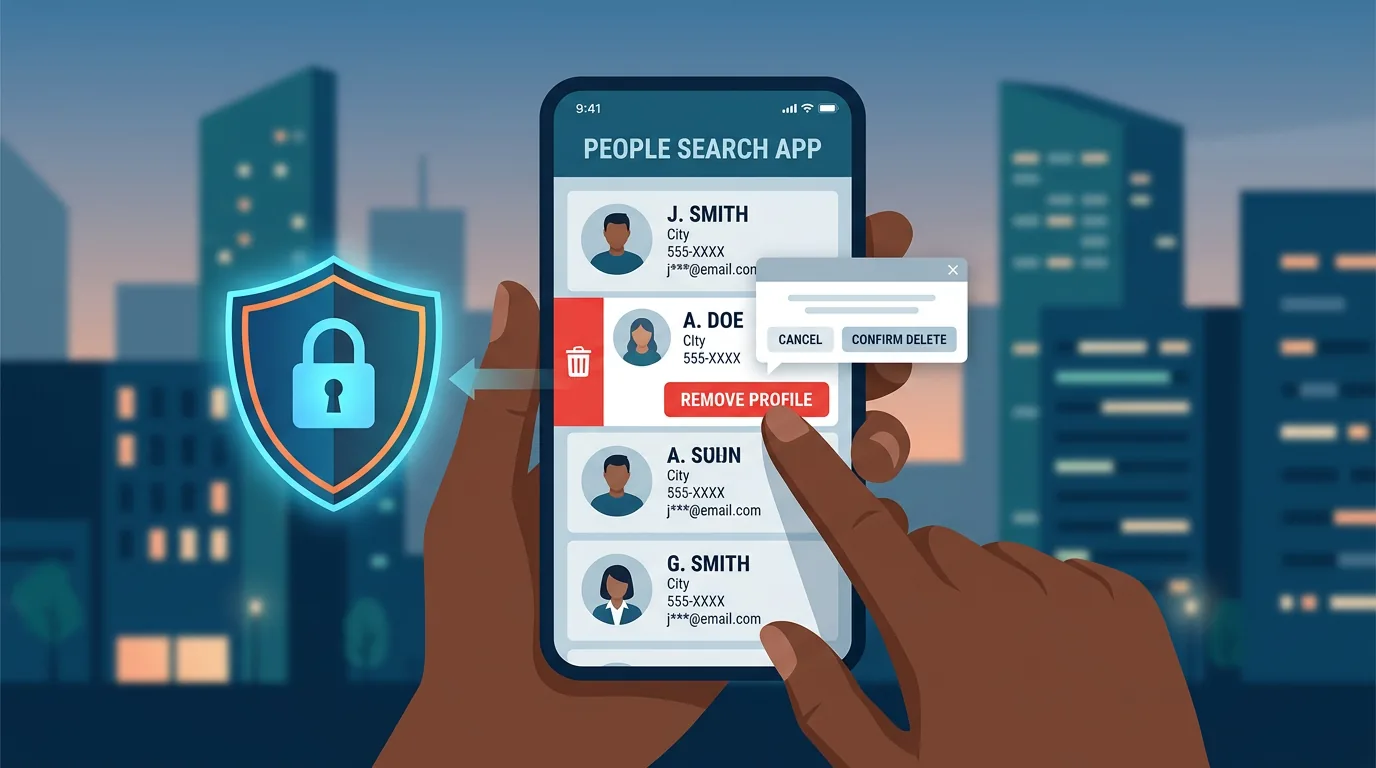
What if a customer requests data deletion?
Data protection laws give data subjects the right to request deletion. Prepare procedures to fulfill these requests within reasonable timeframes. Delete data from all systems, including backups after retention periods expire.
Sources and further reading
- GDPR.eu: Compliance Checklist
- CISA: Small Business Cybersecurity
- NIST: Small Business Cybersecurity Corner
Editorial note: This article provides general guidance and is not legal advice. For specific compliance with applicable data protection regulations, consult a legal professional or data privacy consultant.