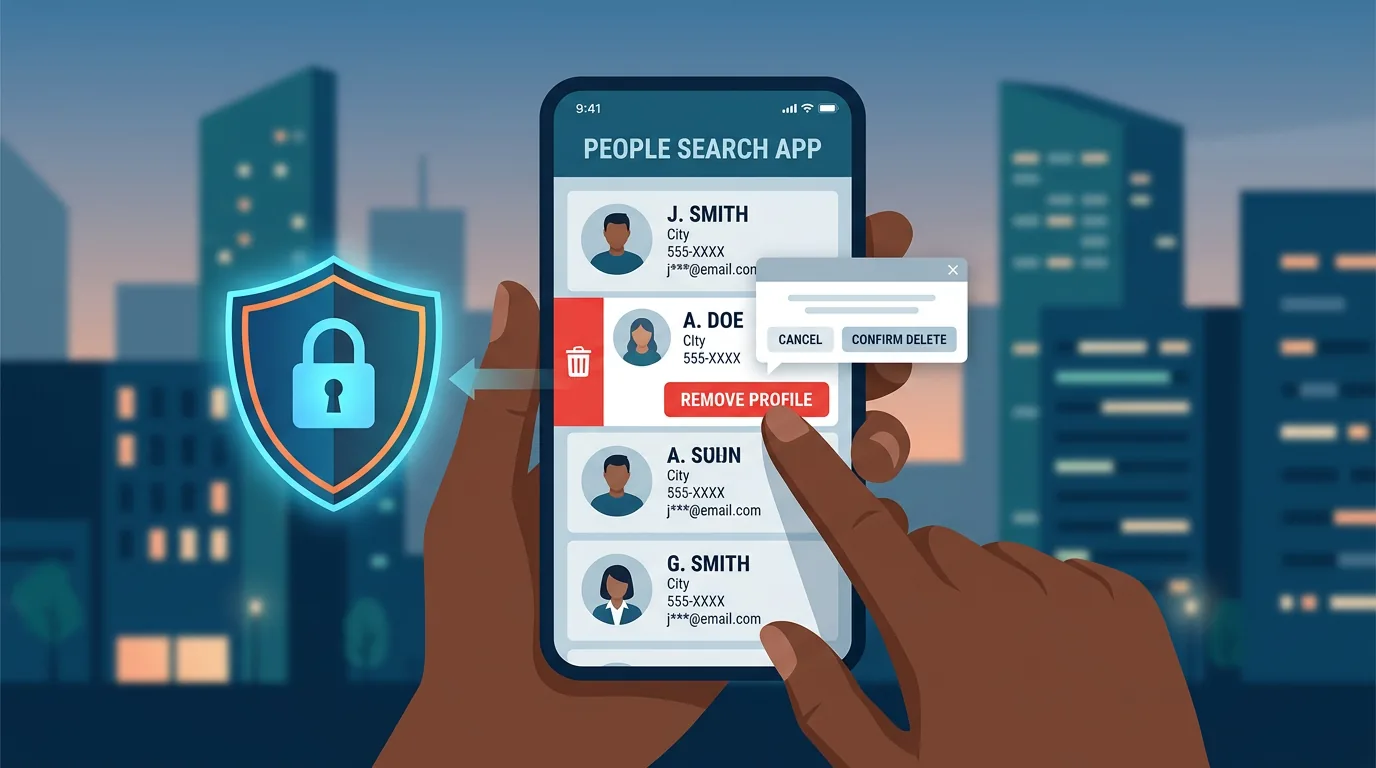
You type your own phone number into GetContact. The site shows your name, tags like Finance Staff or Loan, and a photo you never uploaded. A coworker types your name into Truecaller. Your number appears with a carrier label. A stranger types your name into Google and sees a people-search page that lists your old address and a relative name.
You did not create that listing. Someone else gave your number to an app that gave it to a broker that published it.
This guide shows you how people-search sites and data brokers collect that number, where you find your own entries, how you remove listings from GetContact and Truecaller and from Google Search, and how you keep your number from resurfacing.
What a data broker and a people-search site do
A data broker collects personal data from many sources, packages it, and sells or displays it. A people-search site is a broker type that shows name, phone, email, address, and associates on a searchable page. The business model feeds three buyers.
- Marketers buy phone lists for spam and call centers.
- Risk and verification vendors sell lookup APIs to fintech, HR, and debt collectors.
- Ad networks and scammers scrape public pages for phishing.
People-search sites split into two layers.
Global brokers such as Spokeo, Whitepages, Radaris, FastPeopleSearch, TruePeopleSearch, and BeenVerified scrape US public records. They show far less for Indonesian numbers, but they still list Indonesians who lived abroad, who used a US SIM, or whose email appeared in a breach.
Caller ID and crowd-tag apps dominate in Indonesia. GetContact and Truecaller build name-tag databases from user contact uploads. When you install GetContact and accept contact access, the app uploads your whole address book to its server. When another person saves you as Budi Loan or Siti E-commerce, that tag heads to the broker. The next person who searches your number sees that tag.
How your number gets into those databases
You can trace four feed types.
1. Contact upload you or your friends allowed. GetContact and Truecaller ask for contact permission at install. Most users tap allow. The app hashes or plain uploads contacts with name, phone, and sometimes photo, and it links that entry to the uploader. A broker that holds 300 million phones holds at least one copy of your number even if you never installed the app, because someone who saved you installed it.
2. Breached data that circulates. Breaches from e-commerce, fintech, edtech, or loan apps leak name, phone, email, and sometimes KTP fragment. Brokers ingest breach dumps and add them to search indexes. Even a 2021 breach that you forgot still feeds a 2026 people-search result.
3. Public posts and scrapes. A number you posted on Facebook Marketplace, Instagram bio, Tokopedia seller page, or a PDF on a government site gets scraped. A company directory that lists +62 812 numbers for sales staff gets scraped. Directory scrapers run daily.
4. Data sharing between apps and SDKs. Some apps embed data SDKs that send device ID, phone hash, and app list to a data partner. That partner correlates your phone with name fragments from other partners and then resells the tuple.
Indonesian users face tag risk more than address risk. In US broker pages you see home address and relatives. In GetContact you see name variants and tags that coworkers wrote. Tags like Penipu, Pinjol, or Selingkuh cause reputational harm at work even when the tag is false.
What a listing shows about you
You can expect these fields when you find yourself.
- Primary phone and name variants. The broker shows your number plus three to five name forms people saved: Budi H, Budi Finance, Budi A.
- Tags and labels. GetContact lists tags and count. Truecaller lists name, carrier, and last-seen region.
- Photo. GetContact often shows a photo pulled from a social profile or from Telegram contact sync.
- Email and social links. Brokers that merged breach and public data can show a masked email or a link to LinkedIn.
- Address fragment or old city. Less common for Indonesian mobiles, but breach data can add city.
One field alone looks small. Combined they support impersonation. A scammer who knows your full name, phone, and that you work at PT X can call HR and request a document.
Where you check if you appear
Run this check in order. Spend 30 minutes.
Step 1: Search yourself as a stranger would. Open a private browser. Search "812 3456 7890", "+62 812 ...", and "your full name" + phone. Try with and without spaces. Try Google and Bing. Note any result that shows your number with name.
Step 2: Check GetContact and Truecaller directly. Open getcontact.com/en via desktop and use the search with your number in international format. Truecaller has a web search at truecaller.com or in-app search. Do not log in with your primary Google if you want to limit new data shared; use a throwaway or use a friend phone with your permission.
Step 3: Check breach exposure. Open haveibeenpwned.com and enter email, then dehashed or IntelX breach search for phone if you use it. Note breach names and dates. A 2022 Tokopedia or 2023 fintech breach that hit your phone explains why the broker holds it.
Step 4: Check Google personal data tool. At google.com/settings/personal-results, review what Google holds about you. At results about you, you can request removal of pages that show phone or address. That does not delete from the broker site, but it removes the Google link.
Save screenshots and URLs for each hit. You need the exact URL to file a delisting request.
How you remove your number from GetContact
GetContact provides an unlisting channel. Follow this flow with the account that owns the number.
- Open getcontact.com/unlist or via the app > Settings > Privacy > Unlist.
- Enter the number in full international format, like
+62 812xxxxxxx. - Verify with SMS OTP. The system sends a code to that number, so you need access to the SIM.
- Confirm the unlisting. GetContact says removal completes within 24 hours and search no longer shows tags for that number. Your number still stays in internal anti-spam scoring, but public search returns not found.
After unlisting, ask two friends who tagged you with a sensitive label to also delete their GetContact tag for you. Tags live as votes. Unlisting hides the phone from search, but a cached app on a friend phone can still show a saved tag offline until the next sync.
If unlisting fails, send a support request at GetContact support with the phone, a photo of KTP masked except name and number, and a request to delist under privacy rights. Cite UU PDP Article on right to erasure.
How you remove your number from Truecaller
Truecaller runs a public unlisting page.
- Open truecaller.com/unlisting or in-app > Settings > Privacy Center > Deactivate or Unlist.
- Enter the number with country code, like
+62 812 .... - Enter captcha and confirm. Truecaller says the number becomes unlisted within 24 hours and stops appearing in Truecaller search. The app also stops showing name for that number to new searchers.
If you use Truecaller account, first deactivate the account at Truecaller > Settings > Privacy Center > Deactivate, then unlist.
Truecaller also holds a separate Caller ID cache on user phones. Like GetContact, old app installs can still show a cached name until the cache refreshes.
How you remove entries from people-search sites and from Google
For global brokers you need opt-out per site. Visit the site, find Privacy or Opt-Out, submit name, phone, and the profile URL. Most US brokers ask for email verification and then remove within 72 hours. You need to repeat per broker. A service like DeleteMe or Kanary automates this for a fee, but you can do manual for the top five that list you.
For Google, open results about you at google.com/settings/personal-results > Request to remove. Choose Result shows personal contact info > Phone or address > Submit. Google reviews and if it fits policy it removes the link from search, not the source page. You still need to remove the source at the broker for full erase.
For Indonesian local scrapes such as nomor.hp sites or KTP leak mirrors, file a removal request to the host. Include the URL, your identity masked, and a clear request to remove phone data under UU PDP. Many small scrapes comply after one email because they monetize with ads and want to avoid a complaint to Kominfo.
What you do after removal to keep the number out
Removal is one pass. New uploads can re-add the number. You need habits that cut resupply.
Limit contact permission on your phone. On Android and iPhone, open Settings > Apps > GetContact > Permissions > Contacts > Deny. Do the same for Truecaller if you keep it. If you need caller ID, prefer a version that works without full contact upload where possible, or use the OS spam filter instead.
Ask your circle to limit contact upload. You cannot control every friend, but you can ask close contacts to deny contact permission for new caller ID apps. A short note in a group chat works. People often say yes when they learn the app uploads the whole book.
Cut public posting of the phone. Remove the phone from Instagram bio, Facebook about, and public marketplace descriptions once a sale ends. Use a secondary number or a masked number for public posts. For sellers, use Tokopedia or Shopee chat instead of posting WA in the open.
Use aliases for sign-ups that do not need the real number. Some services need a real OTP number, but newsletters and forums do not. Use an alias email and a secondary phone or a VoIP number for low-trust sign-ups so a later breach does not link your primary phone to that service.
Review app permissions quarterly. On Android, Settings > Privacy > Permission manager > Contacts shows which apps hold contact access. Revoke any app that has no need. On iPhone, Settings > Privacy > Contacts shows the same.
Extra step when your number appears with a KTP or family link
You search your name and a site shows phone plus NIK fragment or a family member name taken from a breach dump that combined Dukcapil-style data. That link carries higher risk because a loan or e-wallet verification can abuse it. Treat that as priority. File removal at that broker first, then contact the data source that leaked the link if you know it, and place a credit freeze or watch at BI checking or fintech where possible. Keep the removal confirmation as evidence for a future PDP complaint.
Your rights under Indonesian law
UU Nomor 27 Tahun 2022 on Personal Data Protection gives you a right to erasure and a right to object to processing for marketing. That right covers phone and name stored by a broker that serves Indonesian users. GetContact and Truecaller run Indonesian language pages and target Indonesian users, so their processing falls under that scope when they handle an Indonesian phone.
You can invoke the right with a short letter.
I am the owner of phone +62 812 xxx. I request erasure of my personal data linked to that number from your service and from public search results, per UU PDP right to erasure. I attach OTP verification and masked ID for proof. Please confirm completion within 72 hours.
Keep the request and the confirmation. If the broker ignores the request, you can escalate to the PDP authority or to Kominfo complaint channel.
What you tell your UMKM team and your family
You run an UMKM with a team WA group. You share customer numbers for delivery. That shared book often ends up in someone personal GetContact install that uploads the whole group. Set a team rule. Store customer contacts in a shared sheet or CRM that members access with login, not in personal phone books that sync to caller ID apps. For family, teach parents that a number that appears as Penipu in GetContact can be a wrong tag, and they should verify via call or WA before blocking a real vendor.
Checklist you run this week
- You search your phone in private browsing and save URLs where you appear.
- You run GetContact unlist and Truecaller unlist for your primary number and for any secondary number you used for public posts.
- You file Google removal for any result that shows phone or address.
- You deny contact permission for GetContact and Truecaller on your phone.
- You remove public phone posts from Instagram bio and marketplace listings.
- You audit app contact permissions and revoke what you do not need.
- You set a calendar reminder to search your number again in 90 days.
You can add a monthly check to your personal security audit sheet so the number stays off public search.
Why this matters for money and for safety
A leaked phone plus a name plus a tag list gives a scammer the opening line. The scammer calls your number, says I am from BRI and I see you at PT X, and many people answer because the detail matches the tag they saw on GetContact. Removal does not stop all spam, but it removes the public confirmation the scammer uses to build trust.
For AdSense and for business pages, removal reduces lookups that map your personal number to your brand domain. Customers who search your brand and then see a people-search page with your personal address link your personal life to the brand. Delisting breaks that link.
Sources and where you verify further
- GetContact Help: Manage Profile Visibility and Unlist
- Truecaller Help: How to unlist your phone number
- Google Help: Removing personal contact info from Search and Results about you
- haveibeenpwned.com for breach check
- UU PDP No. 27/2022 text on rights to erasure and objection
- Studies on contact upload behavior in caller ID apps, 2022 to 2024
- ENISA guidance on data broker risk and personal data minimization
You cannot stop every copy of a phone that already spread, but you can remove the public page that most people find and you can cut the feed that adds new tags. Unlist today, limit contact upload, and check again in 90 days.