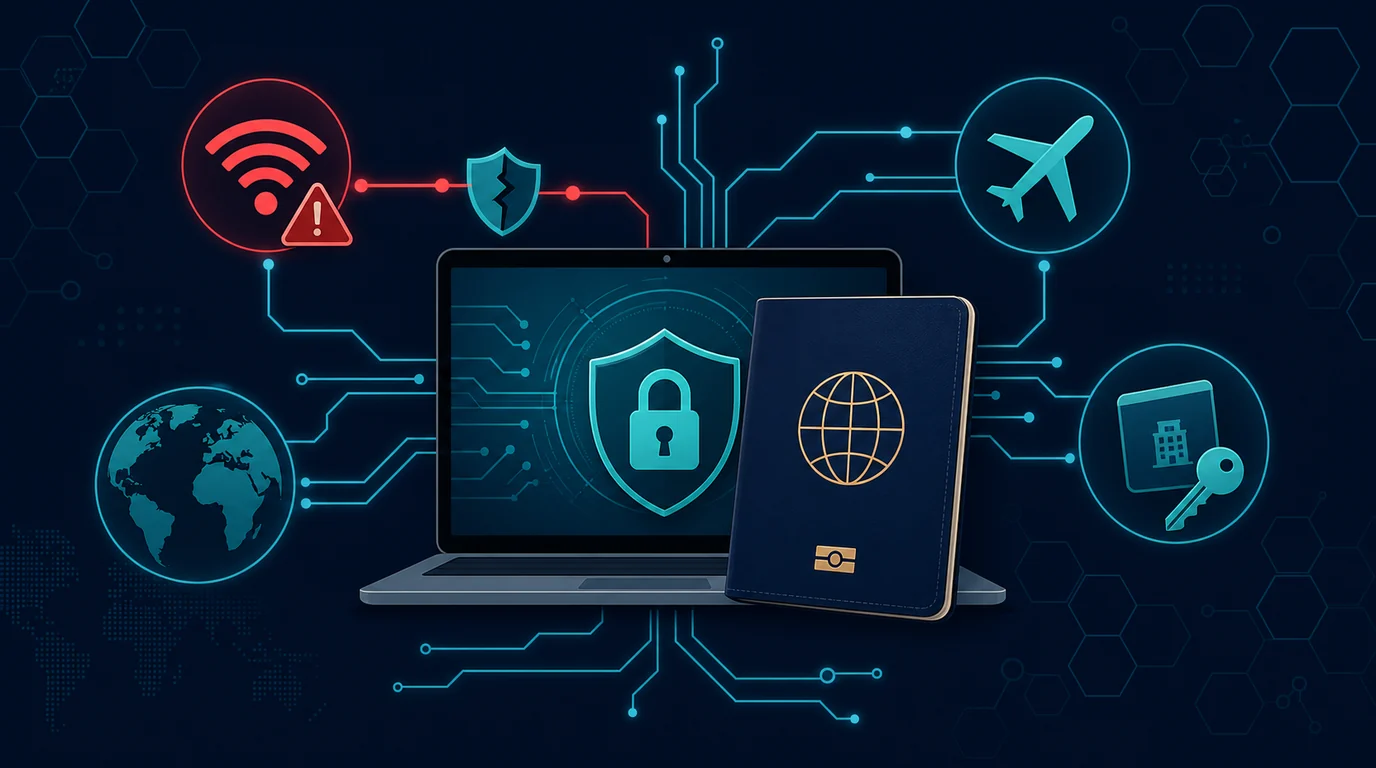
Your full name, telephone number, email address, photo ID card, home address and transaction history form enough traces to identify you. The data does not stay in one place. You share it when you open an account, send a package, sign in to an app, take part in a health service, or simply fill out a discount form. Because they are distributed, digital identities need to be maintained as a series, not as a single document.
Identity theft often begins with seemingly innocuous material. Someone obtains phone numbers and email addresses from a data breach, then sends a message using your name, directs you to a fake sign-in page, or attempts an account recovery. At another stage, the perpetrator uses photos of documents to register for services, apply for credit, or create fraudulent accounts in the victim's name. The goals are different, but the fuel is the same: data that systems or humans can trust.
This article helps you develop habits that you can stick to without turning your life into a full-time security project. The focus is on reducing exposed data, corroborating decisive accounts, and recording evidence when something seems odd.
Understand what parts of your digital identity are valuable
Digital identity is not just a NIK or photo ID card. Think of it as a collection of evidence that allows a service, friend, bank, or courier to distinguish you from others. Some data should not be shared carelessly. Others need to be used every day, but still need to be controlled.
Core data
Core data includes photo of KTP, family card, passport, driver's license, account number, card number, signature, selfie for verification, as well as account recovery code. Perpetrators can use this combined data to bypass identity checks or convince service personnel. Save a copy of the document in an encrypted location. If a party really needs a copy, send it through their official channels and tag the copy with the purpose, for example "for verification of [service name], [date]". Don't cover data that must be read without confirming the service provider's rules, but don't send plain copies to private chat numbers.
Connecting data
The primary email address, telephone number, date of birth, home address, and birth mother's name are often used for account recovery. This data seems commonplace because many people share it in conversations or social media profiles. For fraudsters, connecting data functions like pieces of a map. With one phone number, they can search for social media accounts. With birth dates, they can construct password guesses. Minimize this information in public profiles, and avoid answering online quizzes that ask for school names, pet names, or hometowns. Such answers are often the same as old security questions.
Behavioral data
Shopping history, location, devices used, active hours, and close contacts can provide insight into your habits. Behavioral data can't always be hidden, but you can limit its collection. Review location permissions on apps, turn off unnecessary location sharing, and don't upload photos of travel tickets or app screens with order numbers. A cheater doesn't need to know all the details of your life. Two or three precise clues are enough to make a fake message sound convincing.
Start from the account that is the recovery center
Many people strengthen social media accounts first because they are publicly visible. A more useful sequence starts with accounts that can open the door to other services: primary email address, phone number, mobile operator account, banking service, digital wallet, and password manager. If an attacker controls your primary email, they can select "forgot password" on many services and then delete notification emails.
Create a short list of those central accounts on paper that is kept safe or in a password manager. Note down the official site address, recovery method, and customer service number. This list is not a place to store passwords in plain text. The list helps you act quickly when the situation is urgent, without searching for help numbers through search engines that may display advertisements or dummy sites.
Use a unique and long password for each central account. Password managers can create and save random passwords, so you don't have to remember dozens of combinations. Protect your password manager with a key phrase that is long, unique, and never used anywhere else. Enable two-factor authentication. If the service provides a passkey or authenticator app, choose that method for important accounts. SMS is still useful when there are no other options, but phone numbers are easier to attack via SIM switching than device locks or authenticator apps.
Check the email address and recovery phone number on the primary account. Delete old addresses that you no longer hold. Make sure the registered number is still active and under your control. Many problems arise when someone changes their phone number, then forgets to update their recovery data in their email, marketplace, or bank.
Put limits on documents and selfies
Identification documents and selfies are often required for financial, employment, travel or administrative services. A legitimate need does not mean all requests are safe. Before sending a document, stop for a moment and check four things: who is requesting it, why they need the document, through which channel the document is being sent, and how they are storing or deleting it.
Sign in to an app or site from an address you type yourself, not from a link in a message. Check the domain name carefully. Official services usually explain the reasons for verification and provide a privacy policy. If a chat account urges you to send a photo of your KTP within minutes while threatening to block your account, consider that a red flag. Contact the service through channels you find yourself to check the request.
Add text watermarks to copy when service rules allow. Watermarks must leave information necessary for legitimate processing, but describe the context of use. For example: "For service X account verification only, July 3, 2026." Don't use watermarks that are easy to cut if you can avoid it. Place it across an empty area without covering numbers or photos that need to be verified. Keep records of which party received the copy and when. This simple record makes it easier for you to assess the source of risk if there is misuse later.
Don't upload document photos to shared cloud storage without clear access settings. If you need to keep backups, use a private folder with strong authentication. Avoid giving the file a name that is too obvious, such as "KTP_asli_depan_hind.jpg", because the file name may appear in search or preview. Use a name that is easy for you to understand, but doesn't give too many clues to people glancing at the screen.
Beware of social engineering that exploits real data
The most effective deceptive messages don't always have bad spelling. Perpetrators can use full names, shipping addresses, or the last four digits of certain numbers to build trust. The data may come from leaks, public posts, or information you provided on previous forms. The presence of original data proves that the perpetrator knows something about you. It does not prove that the perpetrator represents the company.
Pay attention to the requested action. Scammers often ask for an OTP code, recovery code, PIN, app installation, or screen sharing access. Legitimate staff do not need your secret code to "cancel a transaction" or "clear an account". Stop when the conversation moves from general information to confidential requests. Hang up the call, don't press the link, and open the official app yourself to see the account status.
Create a two-way verification habit. If someone claims to be from a bank, delivery company, office, or school, close the conversation and call the number listed on the official website, physical card, or app. Don't use the number the caller sent. If the message claims to be from a friend or family member, contact that person via a number or other channel you already know. This step feels slow for a few minutes, but prevents losses that are much more difficult to recover from.
Tidy up your public footprint
Search for your name, email address, phone number, and username through a search engine. Perform searches in private mode so that results are not overly influenced by personal history. Take note of pages that display old addresses, telephone numbers, photos of documents, or family data. Ask the site owner to remove content you uploaded yourself. For data from other sites, use the deletion form provided or contact the administrator with a brief request and proof that the data is yours.
Review social media privacy. Limit who can see your birthday, friends list, phone numbers, family photos, and location. Archive or delete old posts showing documents, boarding passes, access cards, bills, or front of house. Graduation celebration photos often show the school name and year. Photos of shipping packages can show the address and order number. You don't have to delete the entire history. Select posts that provide pieces of information to impersonate you.
Separate email addresses if possible. Use one address for important services, one for shopping or subscriptions, and one for registrations that run the risk of generating spam. This separation helps you see where a message goes and reduces the impact if a database is leaked. Don't make your primary email address your public username on many forums or social media.
Early signs of identity misuse
Identity abuse rarely starts with a big announcement. You may receive unsolicited login codes, bills from unknown services, profile change notifications, or calls regarding applications you never made. Don't ignore minor incidents just because an account seems safe. Note the time, service name, reference number, sender email address, and screenshots. This proof is helpful when you contact the relevant service.
Check your bank, digital wallet and card transaction history regularly. Read notifications for address changes, new devices, logins from foreign locations, or payment method updates. On services that provide session history, log out devices you don't recognize after changing the password. Don't immediately delete all evidence emails. Save a copy in a special folder or print important information if you need to create a report.
Watch for changes to phone numbers. A sudden loss of signal, a message that the SIM is being activated on another device, or failure to receive an OTP can indicate a problem with the operator's account. Contact the operator through official channels, request a SIM status check, and ask if they provide an account PIN or password to prevent card changes without additional verification.
If you suspect that your data has been used by someone else
Don't try to solve everything through one conversation that forces you to hurry up. Sort actions by accounts that provide the most access. Secure your main email first, then your password manager, phone numbers, accounts, digital wallets, and other accounts that have payment methods. Change the password of a device you trust. Check recovery addresses, email forwarding filters, incoming devices, and connected third-party applications.
If there is an unauthorized transaction or account opening, contact the service provider immediately via official channels. Explain that you suspect identity misuse. Have them tag accounts or transactions, limit data changes, and number reports. Note the name of the officer, the time of the conversation, and the instructions they gave. For financial cases, follow the service provider's reporting procedures and retain supporting documents.
Report fake accounts or posts using your name, photos or documents to the relevant platform. Select an impersonation or privacy violation reporting path. Don't argue for a long time with the perpetrator's account. Conversations can give them the opportunity to seek additional information or remove evidence. Take a screenshot showing the account name, URL, content of the post, date, and important interactions before reporting.
If you are in Indonesia and experience serious suspected criminal activity or data misuse, preserve digital evidence and consider making a report to the appropriate law enforcement authorities. You can also seek guidance from financial service providers, carriers, or consumer protection organizations depending on the type of case. This article is not a substitute for legal assistance. Each case has a different treatment path.
Example situation: old phone number used to retrieve account
Rani changed her telephone number after moving cities. He updated the number on the chat application, but forgot to update it on his old email address and two marketplaces. A few months later, the old number was active for another customer. The person had no malicious intentions, but he started receiving Rani's recovery code and order notifications. If the new owner of the number chooses to follow the recovery link, he or she may be logged into an account that still uses the old number as proof of identity.
Rani's problem isn't weak passwords. The problem is the recovery path that is lagging behind. He should have created a list of services connected to the old number before removing the SIM card. After realizing the risk, he logged into each critical service, changed the recovery number, deleted unrecognized sessions, and then activated the authenticator application. He also checks emails for keywords like "phone number", "security", and "recovery" so he doesn't miss any old accounts.
This example shows that identity hygiene is not only related to criminal attacks. Ordinary life changes, such as moving addresses, changing numbers, or closing accounts, can open gaps if digital records are not kept up to date.
Mistakes that often pave the way
Keeping photos of identity and payment cards in an unprotected gallery exposes those documents when a phone is borrowed, lost, or serviced. Sending documents via chat groups makes it difficult to control the copies. Using one password for email, marketplace, and social media magnifies the impact of one leak. Sharing an OTP with someone who sounds convincing defeats many technical layers at once.
Another mistake is to view data leaks as something that cannot be acted upon. You can't take back leaked data, but you can break the connection between it and your account. Change associated passwords, enable stronger sign-in methods, be alert for service-themed messages, and check for unfamiliar recovery addresses or devices. Small actions taken in the right order are more useful than trying to erase your entire digital footprint in one night.
Monthly checklist for digital identity
- Check login and device activity on primary email.
- Read transaction notifications and profile changes on financial services.
- Review recovery phone numbers and email addresses on important accounts.
- Delete unused applications and revoke access of unknown third parties.
- Search your name or number occasionally to find public posts that need to be removed.
- Update operating system, browser and password manager applications.
- Keep the official service numbers of banks, carriers and email providers in an easy to reach place.
Frequently asked questions
Is changing all passwords after a data leak always necessary?
Change passwords on leaked services, especially if you've used the same password elsewhere. Start with your primary email and financial accounts. If each account uses a unique password, the impact of leaks is more limited. Keep checking account activity and enable two-factor authentication.
Is it safe to send ID card photos via chat?
Only send if you have verified the recipient, understand the purpose of the verification, and use a channel they claim is official. Use a visible purpose watermark on copies if the service rules allow it. Avoid sending documents through groups, staff members' personal accounts, or form links that come from unexpected messages.
Do I need to close all old accounts?
Close accounts you no longer use, especially those that store payment data or documents. For accounts that still need to be maintained, delete unnecessary profile data and update the recovery method. Closing an account without checking your recovery data can make it difficult to follow up on issues later, so save proof of the closure and the support address.
What are the first steps if someone else creates an account in my name?
Gather evidence, including URLs, screenshots, times, and sample messages. Report impersonation via platform features. If the account is asking for money, using documents, or causing losses, contact the relevant service and consider reporting it to the authorities. Do not send additional documents to the perpetrator's account to "prove" your identity.
Sources and further reading
- CISA: Secure Our World
- NIST: Digital Identity Guidelines
- FTC: What To Know About Identity Theft
- Komdigi: Content Complaints
Editorial note: This guide is educational in nature. Contact service providers and authorities through official channels for handling transactions, accounts or documents that are suspected of being misused.