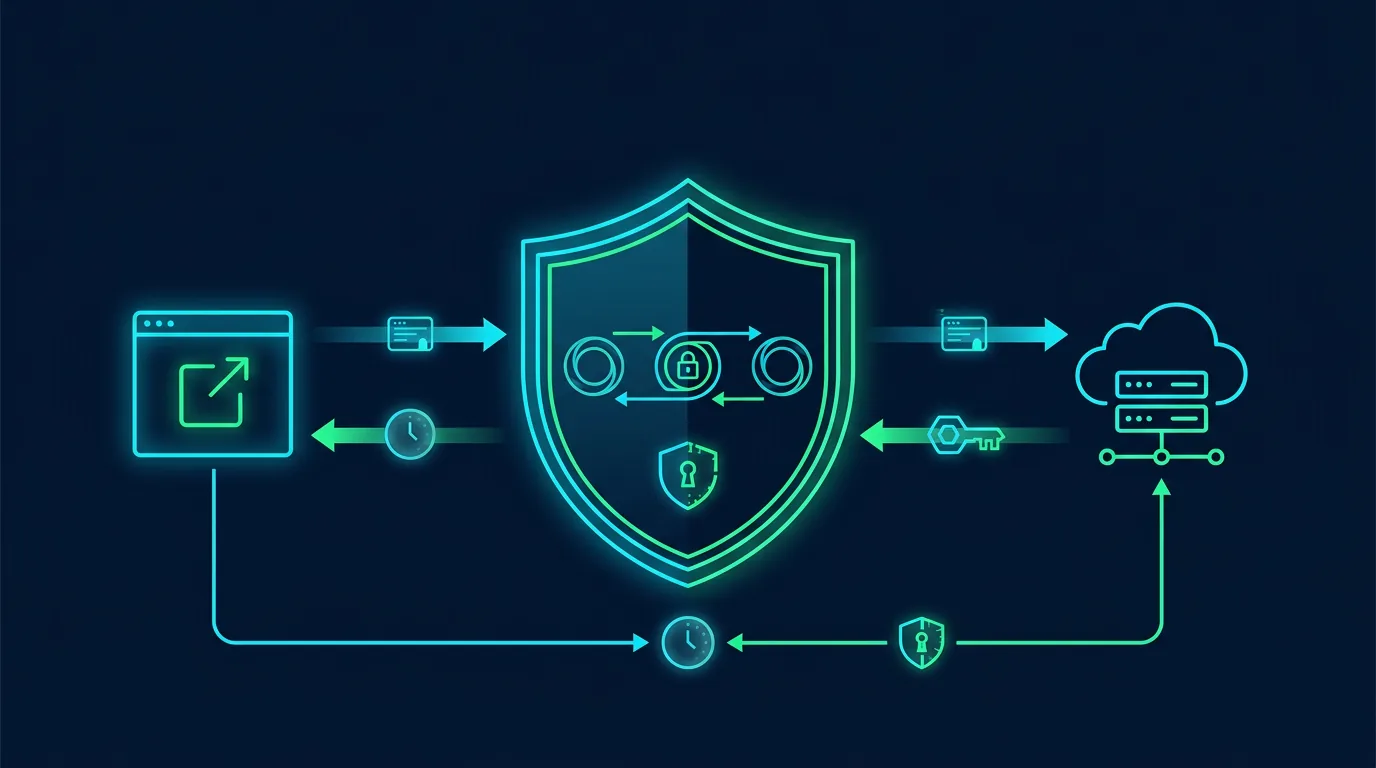
A compromised registrar account can change nameservers, redirect a website, receive password-reset mail, or lock the legitimate owner out. Domain hijacking differs from defacement: the attacker controls registration or DNS, not only website files.
Map the assets that need protection
Record the registrar, registry, DNS provider, hosting, email, CDN, billing account, administrative contacts, and look-alike domains. Identify who can change nameservers, transfer locks, and recovery details. Do not assume hosting and registrar access are the same account.
Core controls
Lock down the registrar account
Use a unique password, phishing-resistant MFA where available, login alerts, and separate administrator and billing accounts. Store recovery codes in a vault. Remove former administrators and review access by role.
Enable the registrar lock
A transfer lock prevents a domain move without releasing the lock. For critical assets, ask about registry lock or an equivalent service. A lock does not replace MFA. An authenticated administrator can still change DNS.
Protect DNS
Use DNSSEC when the registrar and DNS provider support it. Store the DS record and recovery procedure. Monitor nameservers, MX, TXT, CNAME, and A records. An MX change is especially dangerous because it can redirect account-recovery mail.
Separate recovery paths
The registrar recovery email should not depend only on the domain being protected. Use a separate address with MFA. Keep registrar contacts, ownership evidence, invoices, and renewal dates in a secure location.
Practical monitoring
Alert on new logins, nameserver changes, DNS changes, transfer requests, contact changes, and failed payments. Check certificate transparency for new certificates on your domain. From outside your network, verify that the website, MX, and DNS still point to the intended infrastructure.
If you suspect a takeover
- Preserve evidence and record the current state before making broad changes.
- Contact the registrar through its official channel and request a transfer and change freeze.
- Secure the registrar and DNS accounts from a trusted device.
- Compare nameservers, DNSSEC, MX, and contacts with your stored baseline.
- Revoke sessions, tokens, and passwords that may have been reset through redirected mail.
- Notify customers through another channel if the website or email changed.
- Record times, screenshots, email headers, logs, support tickets, and case numbers.
Monthly checklist
- Registrar and DNS MFA is enabled.
- Transfer lock is active.
- Recovery contacts are correct.
- Nameservers and MX records match the baseline.
- Renewal dates are monitored.
- Only necessary administrators retain access.
Sources
Note: For high-value domains, ask the registrar to explain its emergency-lock procedure before an incident occurs.
Applying controls without disrupting operations
Make changes in stages. Record the starting state before changing configuration. Keep the owner, change time, and rollback method. This prevents a team from chasing an ideal configuration while putting a working service at risk.
Start with assets that affect money, identity, and customer data. Assign one owner, one reviewer, and one communication channel. After enabling a control, test it with a test account or non-production device. Check the result from both the user side and the log side.
Create a comparable baseline
A baseline contains approved configuration, its owner, the last change time, and the reason for each exception. Store it in a restricted repository. Never store secrets, tokens, private keys, or customer data in the baseline. Screenshots help, but structured notes are easier to review.
Treat exceptions as debt
Exceptions may be necessary for compatibility. Give every exception a reason, owner, risk, compensating control, and expiry date. Review exceptions in an operational meeting. An exception without an expiry becomes forgotten permanent configuration.
Measure outcomes with simple questions
Ask whether the control reduces misuse, speeds detection, or limits incident impact. Measure time to notice a change, time to revoke access, accounts without MFA, alerts that received a response, and expired exceptions. These numbers help a business owner choose the next task.
Protect reader and user privacy
A security control is not permission to collect unlimited data. Define purpose, limit access, and delete operational data when it is no longer needed. When a checklist touches customer data, involve the privacy owner and document the processing basis.
Conclusion
Good defense has an owner, evidence, and a review schedule. Choose one change you can test this week, document the result, and move to the next asset.
Editorial disclosure: This article was written for ShaSec from public documentation and defensive security practice. It does not endorse a specific vendor, ask readers to click ads, or promise that one control can prevent every incident.