Running an online store means you are responsible for customer data: names, addresses, phone numbers, purchase history, and in some cases payment information. Customers entrust their data to you, and a single security incident can erase trust built over years. Whether you sell through marketplaces, your own website, or social media, security threats remain real. Hackers target small online stores just as aggressively as large ones, because small stores often have weaker protections.
Threats targeting online sellers
Online stores face several types of threats:
- Customer data theft through security holes in websites or plugins
- Account takeover on marketplace or store platforms
- Chargeback fraud where buyers claim they never received goods and request refunds
- Website malware that steals customer checkout data
- Phishing targeting sellers with fake emails from marketplace platforms
8 steps to secure your online store
1. Enable two-factor authentication on all business accounts
Marketplace accounts (Amazon, eBay, Etsy), payment gateway accounts, and store admin panels must be protected with 2FA. Use an authenticator app, not SMS. One compromised account can give access to thousands of customer records and held funds.
2. Ensure your store website uses HTTPS and SSL
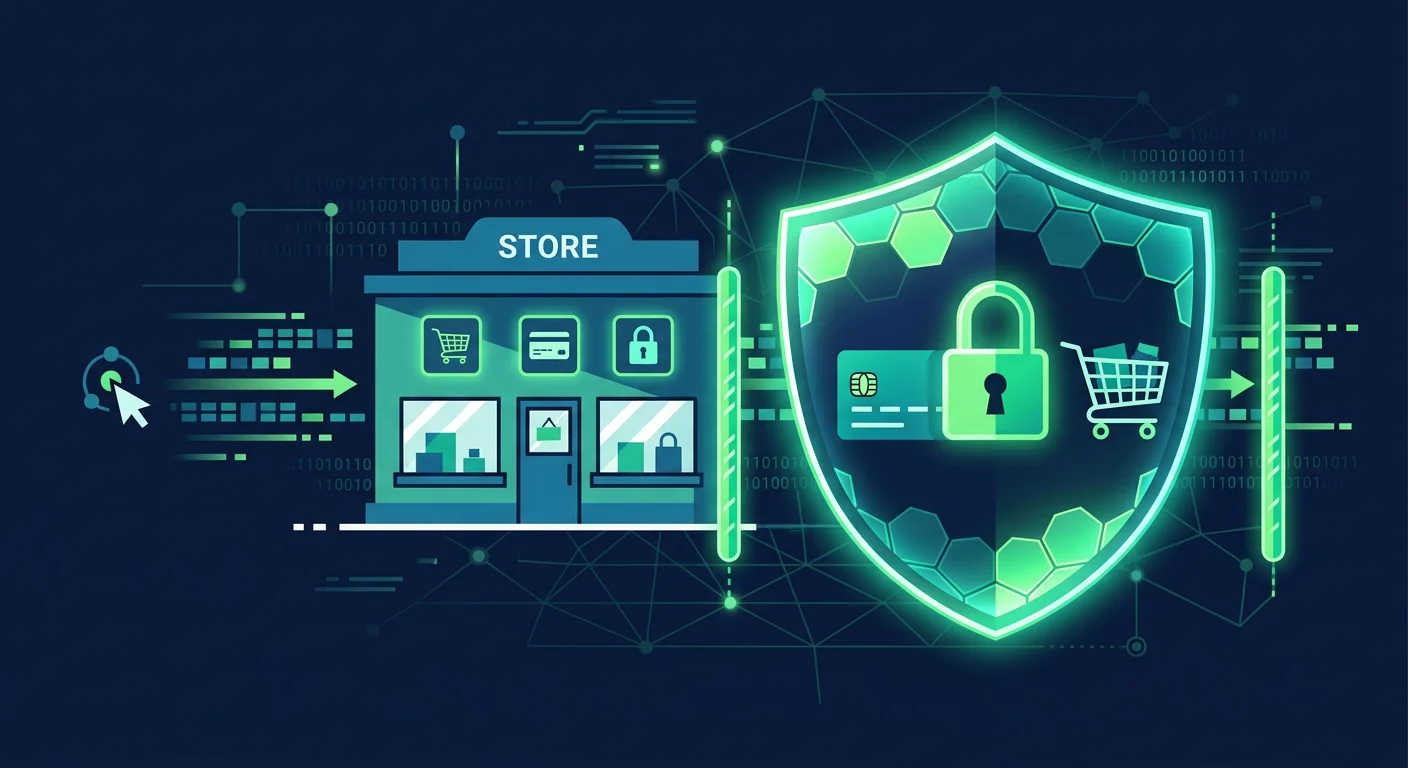
If you run your own website (WooCommerce, Shopify, or another platform), an SSL certificate must be active. HTTPS encrypts data customers send during checkout. Without SSL, credit card data and personal information can be intercepted on the network. Most hosting providers and e-commerce platforms offer free SSL through Let's Encrypt. Enable it and ensure all pages, not just checkout, use HTTPS.
3. Update your platform, themes, and plugins regularly
If you use WordPress with WooCommerce, Shopify, or self-hosted platforms, regular updates patch discovered security vulnerabilities. Outdated plugins and themes are hackers' favorite entry points. Remove plugins and themes you do not use.
4. Limit admin access and use strong passwords
Grant admin access only to people who truly need it. Each team member should have a separate account with the minimum access level required. Do not share one admin account among everyone. Use unique passwords for each account and store them in a password manager.
5. Back up store data regularly
Product data, orders, customers, and store configurations must be backed up routinely. Store backups in a location separate from the main server. If your website is hacked or experiences technical issues, you can quickly restore operations from a clean backup.
6. Watch for phishing emails impersonating marketplaces
Online sellers frequently receive emails that appear to be from Amazon, eBay, or payment gateways. These emails ask you to log in through a provided link. Always open marketplace platforms through an address you type yourself or a bookmark, not through email links.
7. Monitor suspicious transactions
Signs of fraudulent transactions:
- Orders with shipping addresses different from billing addresses
- Multiple consecutive orders from the same card in a short time
- High-value orders from new accounts
- Requests for express shipping on high-value orders
Many payment gateways provide automatic fraud detection features. Enable these and review orders flagged as risky.
8. Understand customer data protection obligations
Data protection laws regulate how businesses must protect personal data. Ensure you:
- Only collect data necessary for transactions
- Store data only as long as needed
- Have a clear privacy policy on your website
- Report data breaches within required timeframes
Example: store website compromised with malware
An online seller uses WordPress with WooCommerce. They installed a free plugin from an unofficial source to add a wishlist feature. That plugin contained malware that injected a script into the checkout page. Every time a customer entered credit card data, it was sent to the attacker's server. For two weeks, hundreds of credit card records were stolen before the store owner realized something was wrong. The impact: mass chargebacks, destroyed reputation, and months of investigation. Using plugins only from official sources and updating regularly would have prevented this scenario.
Common online seller mistakes
- Using the same password for marketplace and business email. If one is compromised, all are exposed.
- Ignoring backups because "nothing has ever happened." Ransomware attacks or technical failures can happen anytime.
- Storing customer card data in spreadsheets. Credit card data should never be stored by sellers. Let the payment gateway handle it.
Frequently asked questions
Do marketplace sellers need to worry about security?
Yes. While marketplaces handle platform technical security, seller accounts can still be compromised through phishing, weak passwords, or lack of 2FA. Account takeover can result in fund withdrawals and store abuse.
How much does an SSL certificate cost?
Many hosting providers offer free SSL through Let's Encrypt. Paid SSL is available for organization validation or extended validation needs, but for small online stores, free SSL is sufficient.
How do I handle a customer data breach?
Follow applicable data protection regulations: identify the leaked data, secure the system, report to authorities within required timeframes, and notify affected customers. Document every step for audit purposes.
Sources and further reading
Editorial note: This article provides general guidance. Specific legal obligations depend on your jurisdiction and the types of data you process. Consult a legal professional for proper compliance.