Every time you send a WhatsApp message, open a banking site, or save a file to the cloud, your data passes through networks that others can monitor. Encryption is the mechanism that makes that data unreadable to anyone except the legitimate sender and recipient. Without encryption, the internet would be a place where every conversation, transaction, and file could be read by anyone on the same path. You do not need to understand the mathematics behind encryption to benefit from it. What you need to understand is when your data is encrypted, when it is not, and what steps you can take to ensure protection is working.
How encryption works in simple terms
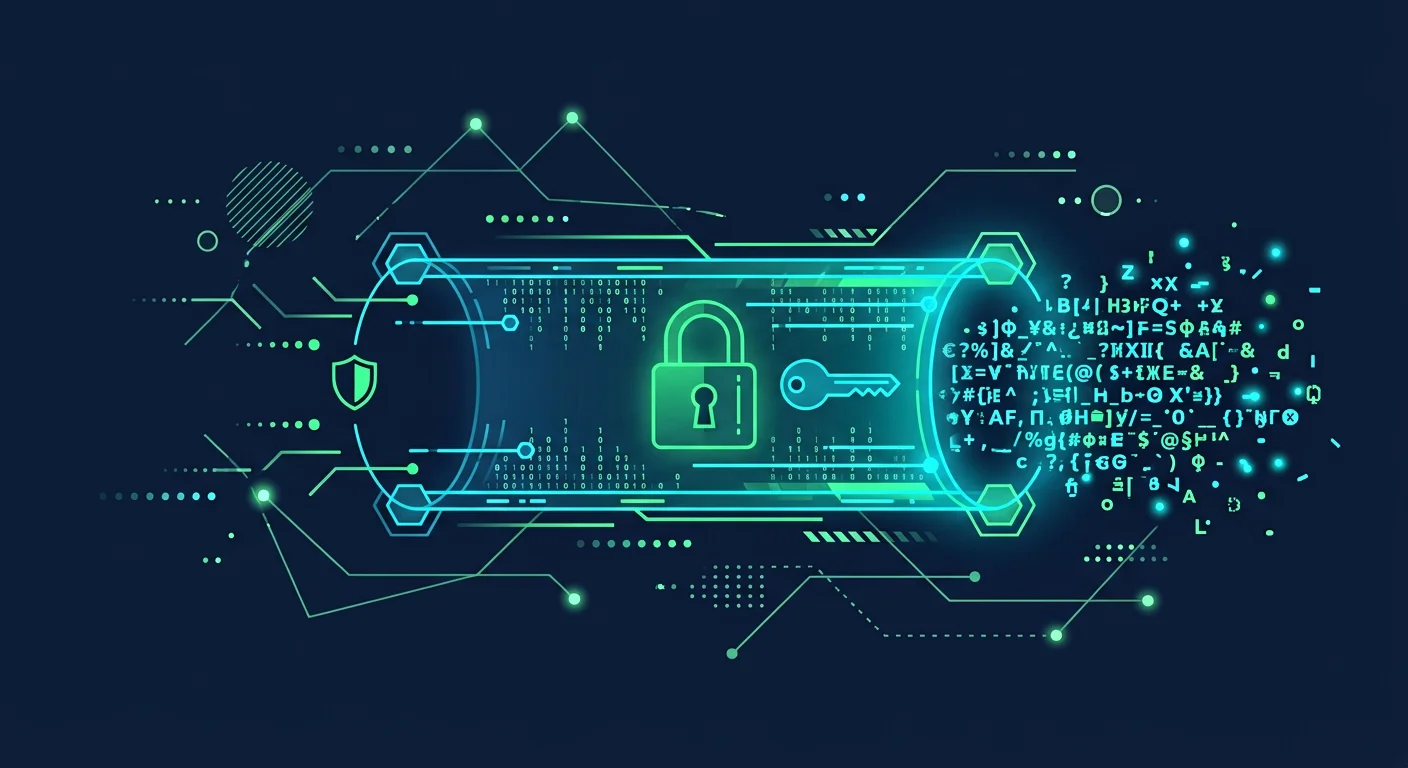
Encryption converts plain text into random text (ciphertext) using a mathematical algorithm and a secret key. Only the party with the right key can convert the ciphertext back into plain text. Imagine sending a letter in a locked box. You lock the box with a key that only you and the recipient have copies of. The courier carrying the box cannot open it. That is the basic principle of encryption. There are two main types:
Symmetric encryption uses one key for both locking and unlocking. Fast and efficient, but both parties must have the same key without anyone else knowing.
Asymmetric encryption uses a key pair: a public key for locking and a private key for unlocking. You can share your public key with anyone, but only you can open messages locked with it.
Types of encryption you encounter daily
Data in transit encryption (HTTPS/TLS)
When you open a site with "https://" and a padlock icon in the browser, the connection between browser and server is encrypted using the TLS protocol. This prevents anyone on the network (WiFi operator, ISP, or attacker) from reading the data you send and receive. All sites handling sensitive data should use HTTPS. If your bank or email site does not have HTTPS, do not enter any data.
End-to-end encryption (E2EE)
End-to-end encryption protects messages from end to end: only sender and recipient can read the content. The service provider (WhatsApp, Signal, iMessage) cannot read your messages, even if compelled by court order. WhatsApp enables E2EE by default for chats and calls. Signal and iMessage also use E2EE. But regular SMS and standard email are not end-to-end encrypted.
Data at rest encryption
Data on hard drives, SSDs, or servers can be encrypted so that if the device is stolen, the thief cannot read the contents without the password or decryption key. BitLocker (Windows) and FileVault (macOS) provide full disk encryption.
Individual file encryption
You can encrypt specific files before sending or storing them in the cloud. Tools like Cryptomator, VeraCrypt, or 7-Zip (with password) let you create encrypted files or folders.
5 ways to use encryption in daily life
1. Ensure HTTPS is active on every sensitive site
Check for the padlock icon and "https://" prefix before entering data on any site. Browser extensions like HTTPS Everywhere (now built into most browsers) force HTTPS connections automatically.
2. Choose messaging apps that support E2EE
Use Signal, WhatsApp, or iMessage for sensitive conversations. Avoid SMS for confidential information because it is not end-to-end encrypted and can be read by mobile carriers.
3. Enable disk encryption on laptops and phones
On Windows, enable BitLocker or Device Encryption. On macOS, enable FileVault. On Android, encryption is usually enabled by default on modern devices. On iPhone, data is encrypted by default.
4. Encrypt files before uploading to the cloud
For highly sensitive documents, use Cryptomator or VeraCrypt to create encrypted vaults before uploading to Google Drive, Dropbox, or OneDrive. The cloud provider only sees encrypted files.
5. Use encrypted email for sensitive correspondence
Standard email is not end-to-end encrypted. For email communication requiring high confidentiality, consider ProtonMail or Tutanota which provide automatic encryption. For regular email, you can use PGP/GPG to encrypt message contents.
When encryption is not enough
Encryption protects data in transit and at rest, but does not protect against:
- Malware on your device that can read data before encryption or after decryption
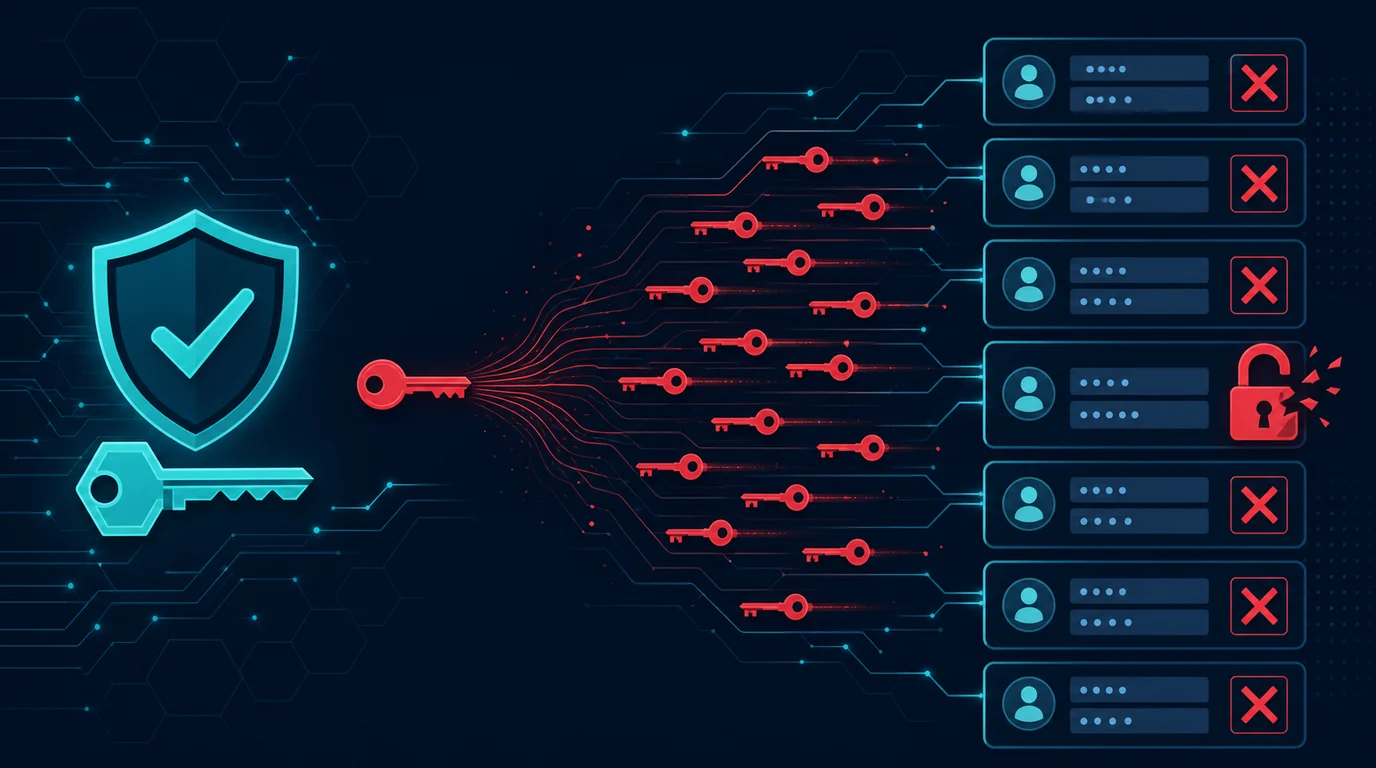
- Weak passwords that make encryption keys easy to guess
- Phishing that tricks you into giving data to the wrong party
- Metadata that is not encrypted: who sends to whom, when, and how much
Encryption is one powerful defense layer, but needs to be combined with other security practices.
Frequently asked questions
Can encryption be broken?
Modern encryption (AES-256, RSA-2048) is practically unbreakable with current computing. What happens more often are attacks on other weak points: weak passwords, malware, or misconfiguration.
Does encryption slow down devices?
The impact is minimal on modern devices. Full disk encryption adds less than 1% latency to read/write operations. HTTPS encryption adds a few milliseconds to web connections.
Do I need encryption for all data?
Not all data requires high-level encryption. Prioritize sensitive data: passwords, financial data, identity documents, private communications, and client data.
Sources and further reading
- EFF: Keeping Your Data Safe
- NIST: Cryptographic Standards and Guidelines
- Signal Protocol Documentation
Editorial note: This article explains encryption concepts for general understanding. Specific technical implementation depends on the platforms and tools you use.