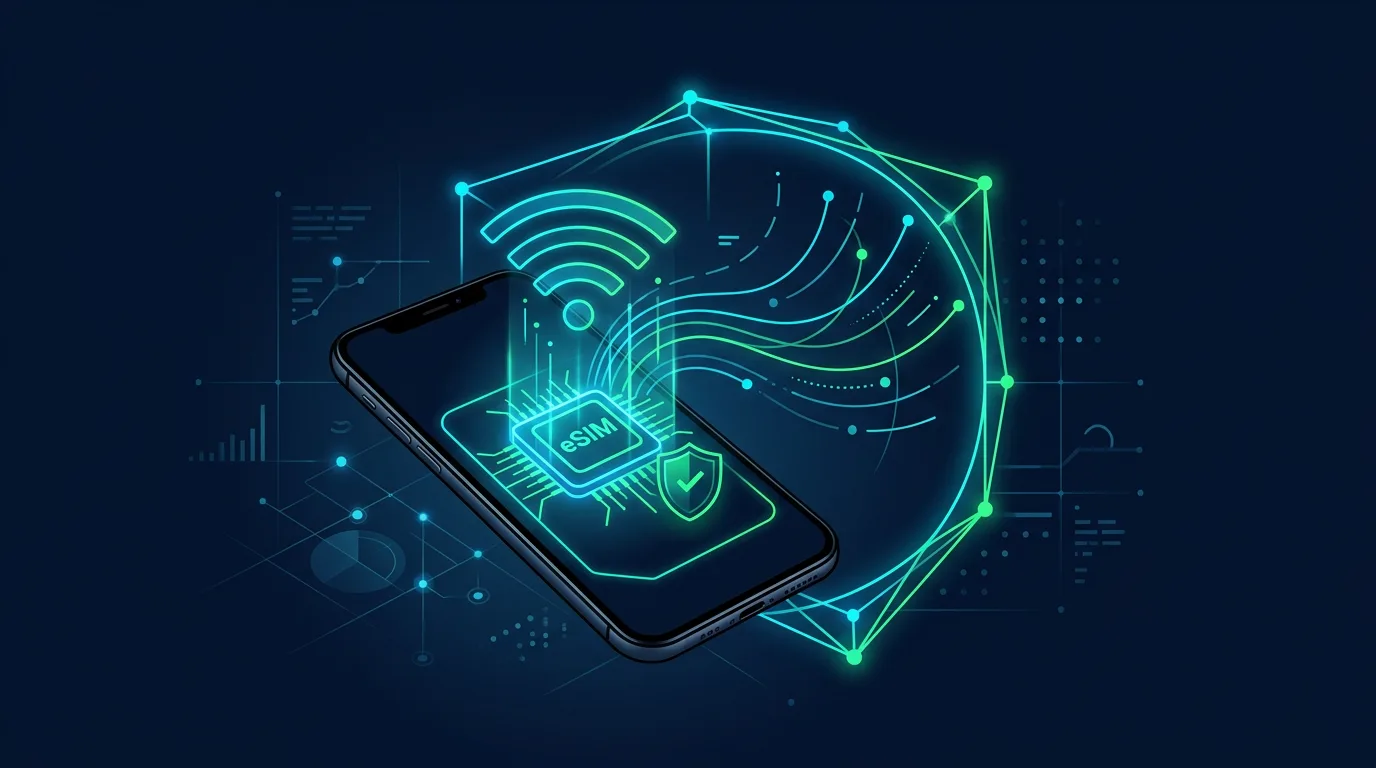
An eSIM removes the need to move a plastic card when you replace a phone. The carrier profile lives on the device and can be activated through the carrier’s process. That is convenient, but a phone number remains a recovery key for many accounts. If someone takes control of the number, they may try to receive SMS codes and reset access. ESIM security does not stand alone. Secure your carrier account, recovery email, phone, and recovery process for a lost device. The goal is not to avoid eSIM. It is to make sure a profile transfer happens only when you request it.
Start with the carrier account
Open the official carrier app or site through an address you enter yourself. Use a unique password and enable MFA if available. Review the recovery email, phone number, signed-in devices, and notifications for SIM or eSIM changes. Ask whether the carrier offers a service PIN, account passcode, or a block on SIM changes through customer service. Do not rely on identity questions whose answers are easy to find on social media. Save the official carrier number in your contacts and use it when verification is needed.
Do not make SMS your only gate
SMS is useful, but a number can be taken over through social engineering, a SIM replacement, or an eSIM transfer. For email, password managers, social media, and financial accounts, use an authenticator app or passkey when supported. Keep protecting the number because carriers and some services still use it. You will also have another route when SMS is unavailable.
Prepare for a lost phone
Record the IMEI and carrier name in a safe place. Turn on device finding, remote lock, and remote erase. Store account recovery codes in a password manager or protected offline media, not in an exposed note on the phone. When the device is lost, use a trusted device to lock it and contact the carrier through an official channel. Ask them to suspend the active profile if needed. Then change the main email password first because email often leads to other accounts.
When replacing a device
Remove the eSIM profile from the old device only after the number works on the new one. Do not share an activation QR code or transfer code through an ordinary chat. Treat it like a temporary credential. Review account devices and sessions after the transfer. Confirm that the old phone is no longer trusted and that change notifications reach you. A few minutes of checking can prevent days of confusion.
Signals that need action
A signal that disappears without explanation, a SIM-change notification, an unexpected reset email, or a carrier mentioning a transfer request all deserve quick action. Call the carrier using an official number, secure the email, and revoke unknown sessions. Record the time, messages, and case number so recovery does not depend on memory.