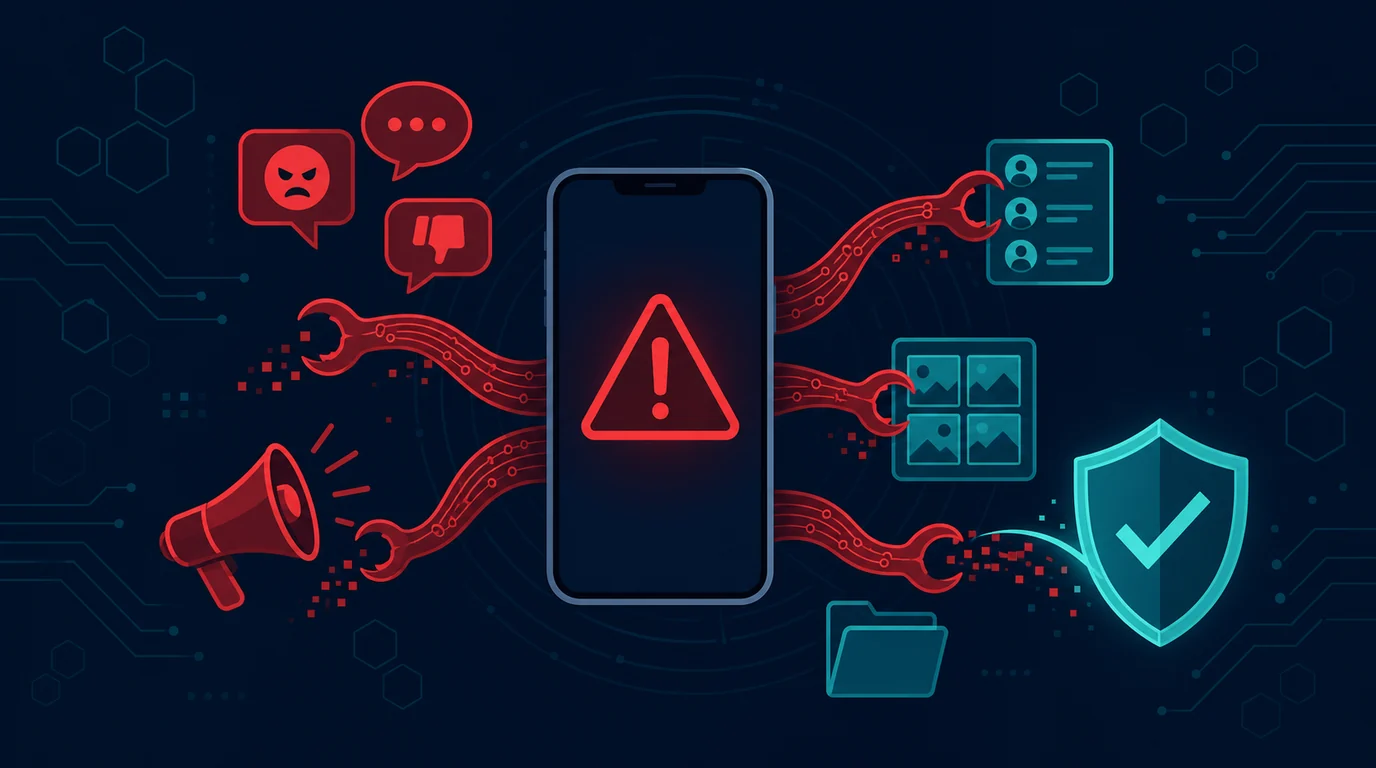
Messages claiming to be from banks, courier companies, tax services, social assistance, or government agencies can appear urgent. The attacker says there is a package on hold, bills have not been paid, documents must be updated, or the account will be blocked. The message then carries a link to download the APK file, which is the Android application format.
The APK itself is not proof of fraud. Android does use APKs to install applications. The risk arises when the file comes from outside the official app store and the sender forces you to install it immediately. Malicious apps can request permission to read notifications, SMS, contacts, screen, or accessibility. This permission can be used to steal verification codes, display fake pages, or press buttons on the screen in the victim's name.
This article helps Android users check messages, understand permissions, and take action if they have already installed suspicious apps. The focus is on prevention and remediation, not on the technicalities of making an application malicious.
Recognize message patterns that encourage installations
Fraudulent messages often put pressure on emotions and time. There are threats of fines, packages being returned, accounts being frozen, or opportunities for help being lost that day. There are also promises of refunds, prizes, balance checks and mandatory application updates. The attackers want you to press the link before you have time to open the official application or site.
Pay attention to the sender's address and how the message arrived. Agencies or companies can use WhatsApp, SMS, or email for notifications, but they shouldn't ask you to install APKs from chat to solve common problems. Messages coming from private numbers, new accounts, or strange email addresses are suspect. Logos and profile photos do not prove the sender is legitimate.
Don't open a link for "just a look" if the message asks for installation. Open the official application that is already on your phone or type the official site yourself. Log in to your account and see if there are any similar delivery statuses, charges, or notifications. If it's not there, delete the message. Contact customer service via the number on the official site or app, not the number in the message.
Why app permissions are so important
When installing an app from an unknown source, the Android system may ask you to allow installation from that source. Once the app is opened, the attacker may ask for other permissions. Some permissions are required by certain applications, but certain combinations of permissions need to be an alarm.
Accessibility is a very powerful permission. This feature was created to help users with accessibility needs, but malicious apps can abuse it to read the display, click buttons, or cover the screen. Package manager or document reader applications usually don't need to control your device. Don't enable accessibility for apps you don't understand.
Permission to read notifications can give apps access to OTP codes or transaction information that appears on the screen. SMS permissions can give access to verification messages. The display permission on top of other apps can be used to create a fake login screen. Screen recording or screen sharing permissions can reveal financial information. Ask why the app needs those permissions and whether the promised functionality makes sense without them.
Review permissions from the Android settings menu, not just when the pop-up appears. Remove permissions that don't match the app's functionality. If you encounter an unknown app with accessibility, notifications, or device administrator enabled, don't immediately ignore it. Note the name, disconnect if necessary, and perform recovery steps from a secure device.
Download apps from official sources
Official app stores provide checks and update paths, although they do not guarantee that all apps are safe at all times. For bank, digital wallet, tax, courier and government service applications, download them via official app stores or links from official sites that you type yourself. Check the developer name, number of downloads, reasonable reviews, and developer site address.
Don't trust the first result on a search engine or the ads that appear on social media. Attackers can buy ads or create similar pages. If you already use the official app, updates usually appear from the app store, not from files sent via chat. Don't delete official apps and then install versions sent by strangers.
Avoid permanently enabling the installation from unknown sources option. If you ever use it for legitimate needs, turn it off again when you're done. The fewer apps that are allowed to install APKs, the less likely you are to accidentally suppress permissions when you receive a fake message.
Do not hand over codes or screen access
APK installation is often only the first stage. Once the application is on the phone, the attacker can call and claim to help activate it. They ask for an OTP code, PIN, or you share your screen via another app. Legitimate staff do not need secret codes to secure accounts or send funds.
Do not read the verification code to anyone. Do not enter codes on pages opened from chat links. Don't install remote access applications on the instructions of callers you don't verify. If someone is pushy, end the conversation. Then open the legitimate service application to see if there is a problem.
Tell your family, especially users who are new to smartphones, that receiving money or assistance does not require installing an APK from chat. This simple rule can stop many fraud scenarios before the app is installed.
If a suspicious APK is already installed
Don't open the app again or try to log in to your financial account from the phone. Disconnect from the internet if you see apps requesting broad access or your phone exhibits strange behavior. From another device you trust, change the password for your primary email, financial accounts, and other important accounts opened on your phone. Check active sessions, recovery addresses, third-party applications, and transactions.
Contact the bank, digital wallet or service provider through official channels if a financial application is installed or there are foreign transactions. Explain that you suspect your phone has a malicious app installed. They can provide instructions for securing the account. Contact the operator if you lose signal without explanation or the OTP code does not arrive.
On your phone, open the app settings and look for recently installed or unknown apps. Check accessibility, notification access, device administrators, permissions to appear on top of other apps, and apps that can install other apps. If you're not sure how to remove it safely, ask an authorized service center or trusted IT professional for help. In serious situations, create a safe backup of important data and then perform a factory reset via the official menu. After reset, install apps only from official sources and do not restore suspicious apps from backup.
Save message evidence, sender number, link, APK name, and time of incident before deleting them. Proof helps when you report an account to the platform, bank, or authorities. Don't forward APK files to friends to ask for opinions. The file can harm their device as well.
Example situation: a package you never ordered
Arman received WhatsApp saying the package was held up because the address was incomplete. The message uses the courier's logo and contains a link to a file called "Resi_Paket.apk". Arman wasn't waiting for the package, but he almost put it up because the message mentioned a small shipping fee.
He stopped and opened the official courier application on his phone. No packages or bills. Arman blocked the number, saved the screenshot and did not open the link. The initial suspicion was simple: a message requesting app installation from chat for a problem that could have been checked in the official app.
In other cases, someone may have already installed the file before realizing the fake message. The best course of action is not to blame yourself, but rather to cut off access, secure the account from other devices, and seek official help as soon as possible.
Protect accounts on Android phones
Use a strong screen lock, enable system updates, and install built-in or trusted security apps. Do not root devices used for banking or digital wallets as doing so can remove built-in protections. Check which apps have wide access every few months.
Separate your phone screen PIN from your financial app PIN. Enable transaction notifications. Don't save photos of PINs, passwords, cards or recovery codes in the gallery. If your phone is lost, use the device's search feature to lock or wipe it remotely, then contact your carrier and financial service provider.
Checklist when receiving application messages
- I don't install APKs from WhatsApp, SMS or emails that I didn't ask for.
- I open the official app or site myself to check the message claim.
- I do not share OTP, PIN or recovery code.
- I read app permissions and deny non-functional access.
- I don't enable accessibility or screen sharing for unknown apps.
- I save evidence and then report fraudulent numbers or accounts.
- I contact the bank, operator or official service if I have installed a suspicious application.
Frequently asked questions
Are all APKs dangerous?
No. APK is an Android application format. The risk increases when the APK comes from an unknown source, is subject to time pressure, or requests inappropriate permissions. For essential services, use the app store or official site.
Is just deleting the app enough?
Not always. If the app has broad permissions or you entered credentials, secure the account from another device, revoke the session, and check the transactions. Ask for help if an app won't be removed or your phone behaves strangely.
Why do fake apps ask for accessibility?
Accessibility can provide the ability to see and interact with screens. Attackers can misuse it to read information or press buttons. Only grant these permissions to apps that you understand and need.
How do I report fake messages?
Report the number or account via the platform features, save evidence, and contact the service provider whose name is used via official channels. For financial losses or suspected criminal acts, follow the reporting procedures of banks, operators and regulatory authorities.
Additional operational checks
Urgent message
In preventing fake APKs on Android, check Urgent messages before the job goes any further. Make sure the phone owner, family members, and authorized service providers can explain why the access or action is necessary. Don't choose the most extensive settings just to make the process feel fast. Record the decisions made, then review them when the function or data used changes.
Sender number
The sender number needs to have boundaries that users can understand. The risk arises when the messaging app can read notifications or take over actions on the phone. Use real work examples to see if the limits still apply. If the answer is not clear, temporarily stop using it and seek assessment from the phone owner, family members, and authorized service providers before any further data or actions are processed.
Download link
Make Download links part of a routine check, not a job only done after an incident. In the context of preventing fake APKs on Android, small changes to accounts, permissions, or workflows can change the level of risk. Owners need to be aware of the changes and ensure protection remains in line with the original intent.
File name
When assessing Filenames, focus on the possible impact, not just on whether the feature is available. Phone owners, family members, and authorized service providers need to ensure users understand the limits. Logged and checkable steps will help the team respond if the messaging app can read notifications or take action on the phone or if there are questions from affected parties.
Field inspection details
App store
In preventing fake APKs on Android, check the App Store with a clear purpose. Make sure the phone owner, family members, and authorized service providers can explain the reason for the access or action. Don't choose the widest setting just for convenience. Record decisions and inspection dates so that small changes do not develop unnoticed.
Developer name
The developer name needs to have a border that users can see. Test the flow with a safe example, then discontinue use if it's not clear why. Request an assessment from the phone owner, family members, and authorized service providers before additional data or actions are processed.
Application updates
Make app updates part of routine work, not an action after a problem occurs. In counterfeit APK prevention on Android, changing accounts, permissions, or flows can change the risk. Owners need to be aware of the changes and ensure the protection still serves its original purpose.
Permission list
When assessing Permission lists, look at the impact on people and data, not just whether features are available. Phone owners, family members, and authorized service providers need to give users a way to ask questions and report. Checkable notes will help with responses if the messaging app can read notifications or take over actions on the phone.
Important accounts
In preventing fake APKs on Android, check important Accounts with a clear purpose.
Phone lost
A lost phone needs to have a border that users can see.
Locking feature
Make Feature locking part of routine work, not an action after a problem occurs.
Message from family
When assessing Messages from family, look at the impact it has on people and data, not just whether the feature is available.
Help number
In preventing fake APKs on Android, check the Help number with a clear purpose.
Platform reports
Platform reports need to have borders that users can see.
Bank channel
Make Banking channels part of routine work, not an action after a problem occurs.
Android Settings
When assessing Android Settings, look at the impact on people and data, not just whether features are available.
Operator account
In the prevention of fake APKs on Android, check the operator Account with a clear purpose.
Backup device
Backup devices need to have user-visible boundaries.
Service center
Make the service center part of routine work, not an action after a problem occurs.
Sources and further reading
- CISA: Secure Our World
- Google: Android Security
- OJK: Consumer Protection Portal
- Komdigi: Content Complaints
Editorial note: Official organizations may have different communication channels. Always verify via the app, website or official helpline number that you search for yourself.