Modern location tracking devices offer immense utility. They help you find lost keys, locate misplaced luggage, and track family belongings. These devices include Bluetooth trackers like Apple AirTags, Samsung Galaxy SmartTags, Tile, and dedicated GPS transceivers.
However, this tracking capability introduces a severe privacy threat: location stalking. Stalkers, criminals, and abusive individuals can place these small, inexpensive tags inside your bags, coat pockets, or under your vehicle's license plate. Because the trackers utilize massive global device networks to update their location, an abuser can monitor your physical movements in real-time without your knowledge.
This guide explains the mechanics of Bluetooth and GPS location surveillance. It details step-by-step methods to scan, locate, and disable unwanted tracking devices on both iOS and Android platforms, and explains how to gather physical evidence for law enforcement.
Technical History of Personal Location Tracking
To understand why modern Bluetooth tags are so dangerous, examine how location surveillance has evolved over the past few decades.
1. The Satellites and Cellular Era (Early 2000s)
Early tracking relied on massive, heavy, and expensive devices. A stalker had to buy a specialized vehicle tracker with a large lithium-ion battery pack. These devices consumed substantial power and had to be connected directly to the car's alternator or hardwired under the dashboard. They required a dedicated cellular subscription with a physical SIM card, meaning the attacker spent hundreds of dollars and left a clear paper trail of billing records and identity documents.
2. The Bluetooth Low Energy Revolution (2010s)
With the release of Bluetooth 4.0, developers introduced Bluetooth Low Energy (BLE). BLE allowed chips to sleep for long intervals and wake up for microseconds to transmit a tiny signal packet. This dramatically reduced power consumption, allowing tracking chips to run on a tiny CR2032 coin-cell battery for over a year without replacement.
3. The Shared Ecosystem Mesh (Present)
The final evolution came when manufacturers integrated BLE tracking chips directly into operating system ecosystems. By turning millions of consumer devices (like every active iPhone or Android phone in the world) into silent, automatic network nodes, manufacturers created a global mesh network. Stalkers no longer need cellular contracts; they piggyback on the internet connections of innocent strangers walking past their target.
The Architecture of BLE Advertising Packets
To analyze how your phone detects an unwanted tracker, examine the technical payload of a Bluetooth Low Energy (BLE) advertisement packet.
Each tracker behaves as a BLE peripheral that continuously broadcasts advertising packets on channels 37, 38, and 39 to avoid local network congestion.
1. Payload Structure
The BLE advertisement payload is exactly 37 bytes long and contains:
- Preamble (1 byte): Synchronizes the receiver's radio.
- Access Address (4 bytes): Always set to
0x8E89BED6for advertising packets. - Header (2 bytes): Specifies the packet type and length.
- Advertiser Address (6 bytes): The MAC address of the tracking device. Apple AirTags cycle this MAC address every fifteen minutes to prevent third-party tracking, making it look like a new device to basic Bluetooth scanners.
- Advertising Data (up to 31 bytes): Contains specific fields, including:
- Length (1 byte): Length of the following sub-segment.
- AD Type (1 byte): Set to
0xFFto indicate Manufacturer Specific Data. - Company Identifier (2 bytes): For example, Apple's ID is
0x004C, while Samsung's is0x0075. - State Profile (remaining bytes): Indicates the state of the tracker, such as whether it has been separated from its registered owner's phone for more than eight hours, triggering automatic sound chimes.
Operating systems parse these state profiles and MAC patterns. If your smartphone registers the same rotating MAC signature with a specific company ID over several physical coordinates, it realizes a tracking device is shadowing your movement, triggering an automatic system alarm.
Technical Mechanics: How Location Trackers Operate
To defend against unauthorized location tracking, you must understand the difference between Bluetooth mesh trackers and active GPS devices.
[Tracker Device] ──(Bluetooth Beacon)──> [Nearby Stranger's Phone] ──(Cellular Data)──> [Cloud Database] ──> [Stalker's Dashboard]
1. Bluetooth Mesh Trackers (AirTags, SmartTags)
Bluetooth trackers do not contain GPS chips or cellular modems. They are low-energy transmitters. They broadcast a unique Bluetooth beacon signal once every few seconds.
When any smartphone belonging to the tracker's ecosystem (such as Apple's Find My network or Google's Find My Device network) passes within Bluetooth range (approximately ten to thirty meters), it detects the beacon.
The stranger's phone silently reads the beacon, notes its own current GPS coordinates, and uploads this location packet to the cloud database. The owner of the tracker logs into their dashboard to view your exact location. This entire background process happens without the stranger's knowledge or consent.
2. Active GPS Trackers
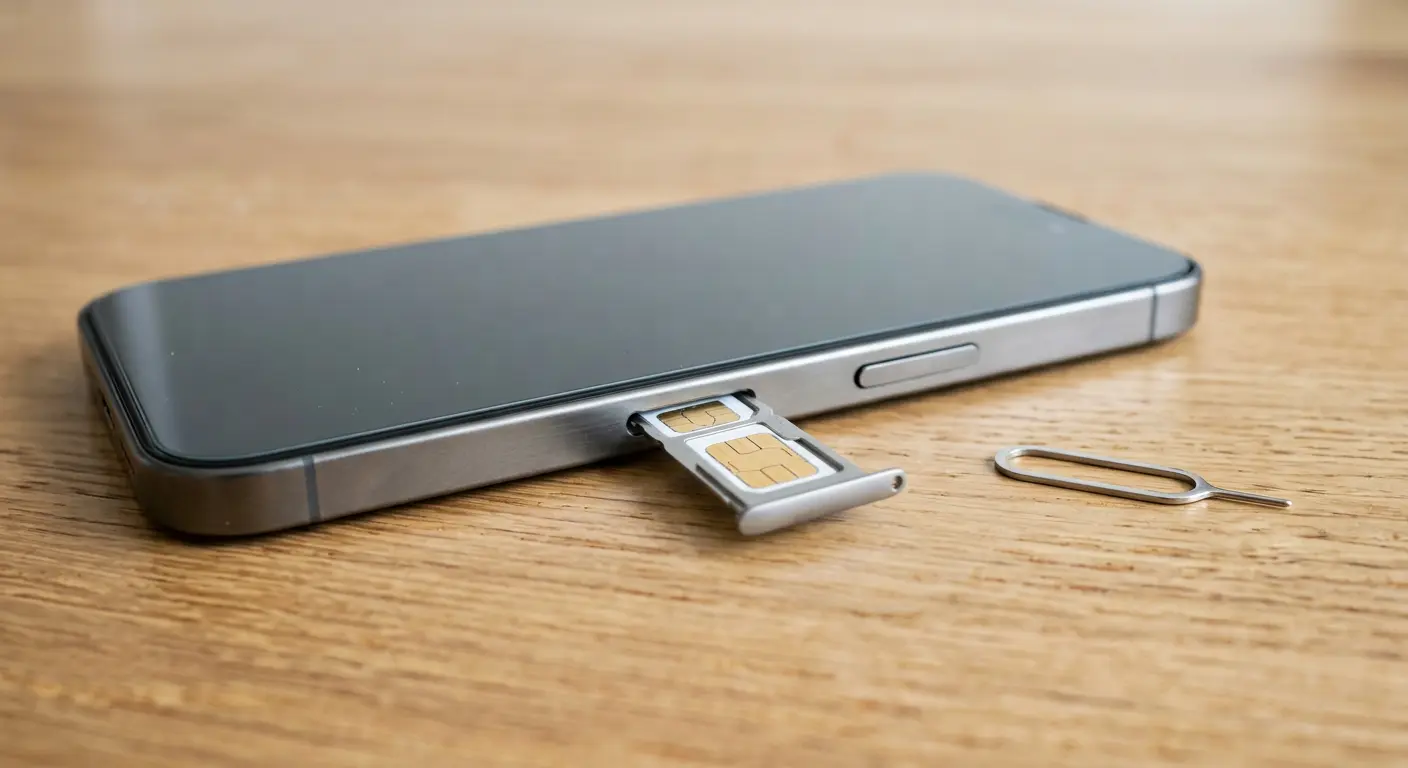
Unlike Bluetooth tags, dedicated GPS trackers contain a GPS receiver chip and a cellular SIM card.
The device receives signals directly from global positioning satellites to calculate its latitude and longitude. It then utilizes local cellular networks to transmit these coordinates directly to the stalker's tracking application or server.
These devices require a battery pack or connection to your vehicle's electrical wiring, making them larger than Bluetooth tags.
The Danger Profile of Unauthorized Surveillance
Stalkers utilize location tags because they are cheap, small, and difficult to detect without active audits.
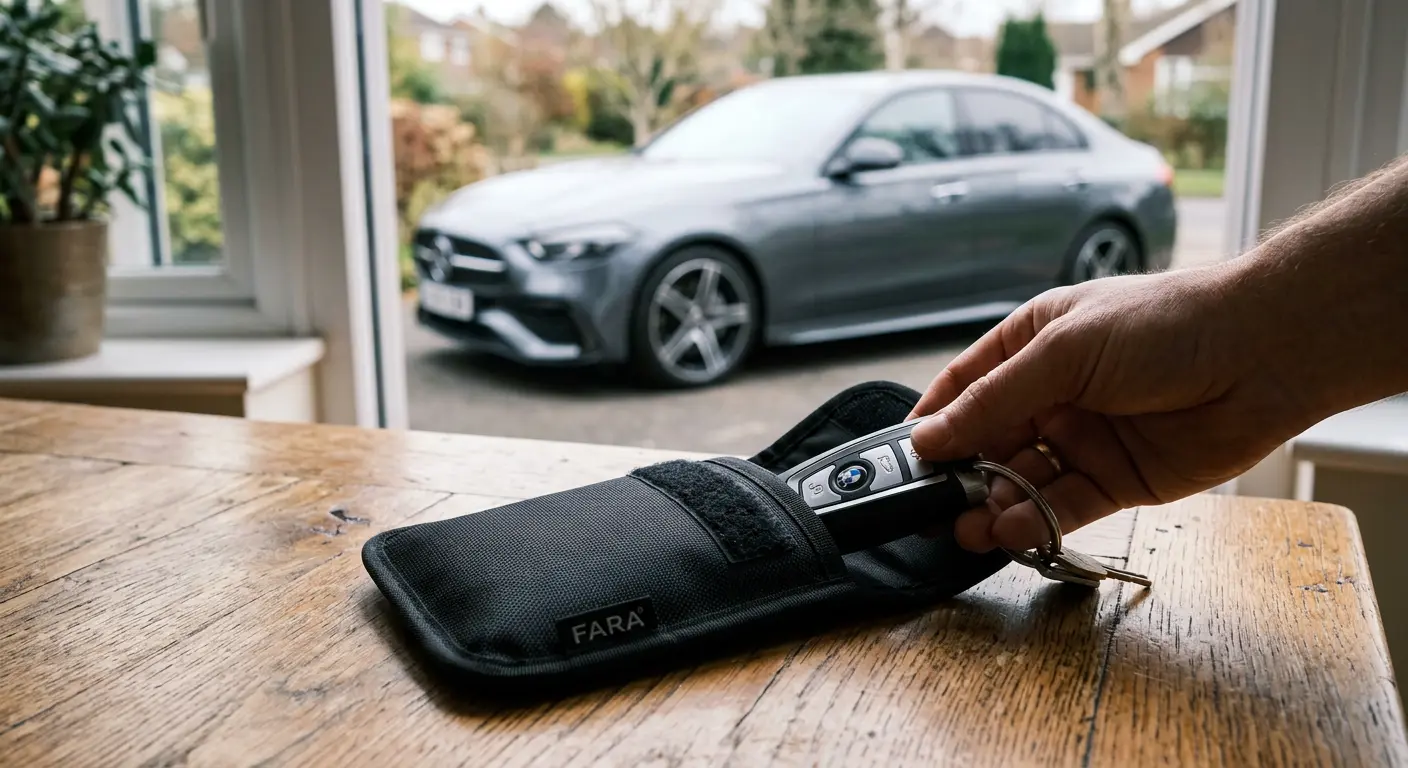
- Automobile tracking: A stalker can attach a magnetic GPS tracker or an AirTag inside your car's wheel well, behind the front bumper, or inside the trailer hitch receiver in seconds.
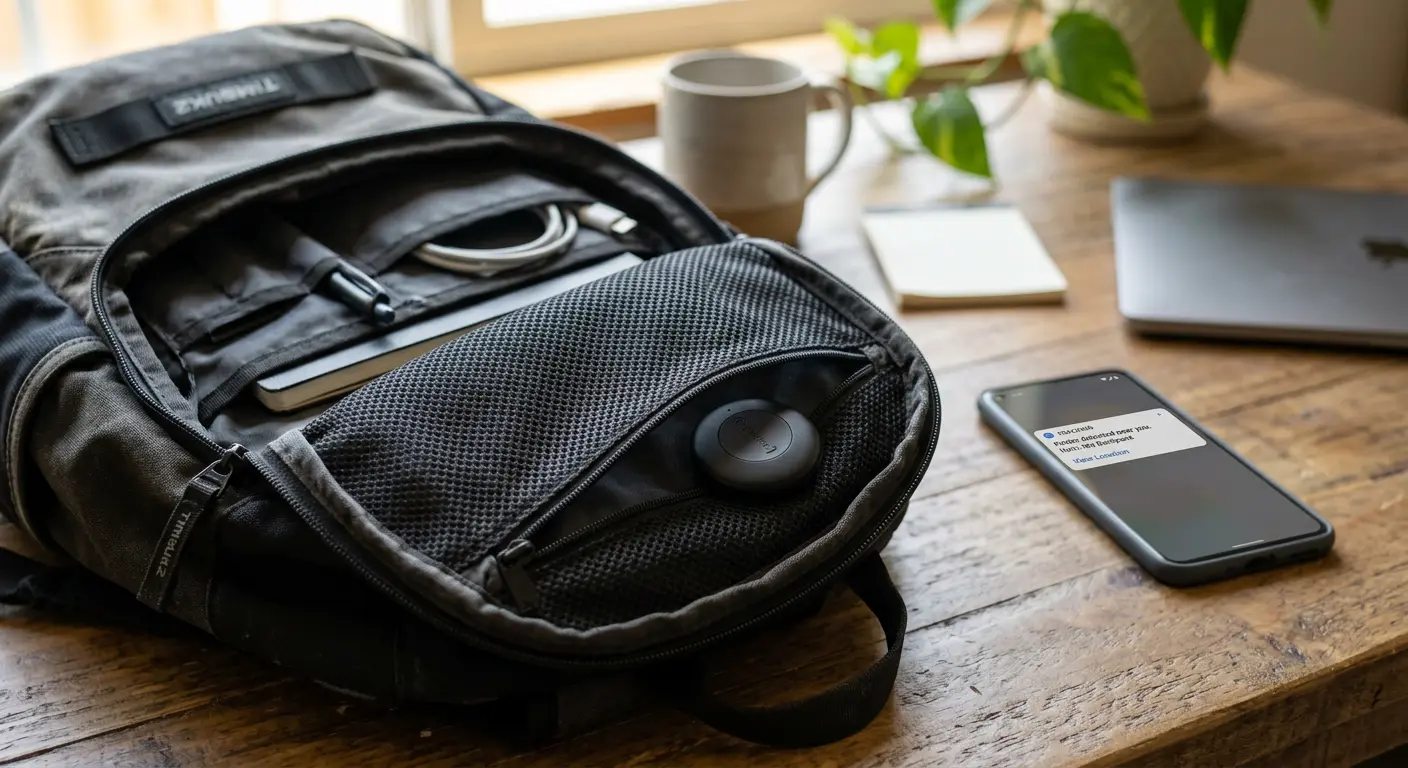
- Personal belonging insertion: A tag can slip into the lining of your backpack, the pocket of a winter coat, or under the sole of a shoe left outside.
- Continuous monitoring: Because global phone networks are dense, an AirTag placed in a city updates its location every few minutes, mapping your daily routine, workplace, and home coordinates.
How to Detect Unwanted Trackers on Your Smartphone
Operating system manufacturers have implemented native warning systems to detect unwanted trackers traveling with you.
Detection Protocol for iOS (iPhone)
Apple's iOS has a built-in safety feature called Item Safety Alerts.
- Automatic Notifications: If an AirTag separated from its owner travels with you over time, your iPhone displays a push notification: "AirTag Found Moving With You".
- Access the Tracking Map: Tap the notification. The Find My app opens, displaying a red dotted map showing exactly where the tracker started following you.
- Play a Sound: Tap Play Sound on the screen. The unwanted AirTag will emit a high-pitched chirping sound to help you locate its physical hiding spot.
- Precision Finding: If you own an iPhone with Ultra-Wideband (UWB) capabilities (iPhone 11 or newer), tap Find Nearby. Your phone displays a green direction screen, indicating the physical distance and direction to the hidden tag (e.g., "3 feet to your right").
Detection Protocol for Android Devices
Google provides native tracker alerts across Android platforms (Android 6.0 and newer).
- Unknown Tracker Alerts: When an unrecognized Bluetooth tracker travels with you, your Android phone displays an automatic alert: "Tracker traveling with you".
- View Details: Tap the notification to view a map of the tracking journey.
- Play Sound: Click Play Sound on the menu to force the tracker to chirp.
- Manual scanning: Do not wait for an automatic notification. You can trigger a manual scan anytime. Go to Settings > Safety & Emergency > Unknown tracker alerts. Tap Scan Now. The system scans the immediate Bluetooth environment for fifteen seconds and lists any traveling tags nearby.
Third-Party Scanning Applications
If you suspect an older tracker or a non-standard brand, use dedicated detector applications:
- Tracker Detect (by Apple): Available on the Google Play Store for Android users to scan for nearby AirTags manually.
- AirGuard (Open-Source): Available for Android and iOS. This app scans for various tracker brands, including Tile, Chipolo, Pebblebee, and AirTags, in the background, logging their signal strength over time.
Physical Inspection Guide: Finding the Hidden Device
If your phone alerts you to a tracker but the sound is muffled or inactive, perform a physical search.
Vehicle Search Zones
A vehicle provides numerous cavities to hide a magnetic tracking device or a plastic Bluetooth tag. Use a flashlight and inspect these specific zones:
| Priority | Vehicle Zone | What to Inspect |
|---|---|---|
| Zone 1 | Wheel Wells | Look behind the plastic mudguards and inspect the metal frame above the tires. |
| Zone 2 | Bumpers | Run your hands along the interior cavity of the front and rear plastic bumpers. |
| Zone 3 | Under Carriage | Inspect any magnetic metal boxes attached to the steel frame rails or fuel tank. |
| Zone 4 | License Plates | Look behind the plastic license plate frames or behind the plate itself. |
| Zone 5 | Interior Cab | Search under the floor mats, inside the seat pockets, and inside the OBD-II port cover. |
Personal Belongings Search
If the tracker is traveling with your person, inspect these items:
- Backpacks and Handbags: Check zippered inner compartments, small key clips, and the space between the lining fabrics.
- Coats and Jackets: Inspect pocket corners, hood linings, and the spaces under decorative patches.
- Luggage: Search around the telescoping handle assembly, behind the luggage tags, and inside the wheel wells.
Action Plan: What to Do When You Find a Tracker
If you find a hidden tracking device, follow this strict protocol. Your safety and legal protections depend on these steps.
Step 1: Do Not Destroy the Device
Your immediate reaction may be to smash the device with a hammer or throw it into a river. Do not do this.
The physical tracker contains valuable digital forensic evidence, including the owner's registration details, cached logs, and serial numbers. Destroying the hardware makes it impossible for law enforcement to trace the stalker.
Step 2: Read the Serial Number via NFC
All Bluetooth trackers (including AirTags and SmartTags) contain an NFC (Near Field Communication) chip that transmits ownership information when tapped against any smartphone.
- Turn on NFC on your phone.
- Hold the white plastic side of the AirTag (or the face of the SmartTag) directly against the top back of your smartphone.
- A web browser link notification will pop up. Tap the link.
- The official website opens, displaying:
- The serial number of the tracking device.
- The last four digits of the owner's phone number (e.g.,
*(***) ***-1234).
- Take a screenshot of this page immediately. Save the screenshot to your secure cloud storage.
Step 3: Disable the Tracker Safely
To stop the stalker from monitoring your location while preserving the physical hardware for evidence, disable the transmitter:
- For Apple AirTags: Press down on the metal battery cover and twist it counterclockwise. Remove the cover and pull out the CR2032 coin battery.
- For Samsung SmartTags: Use a thin flat-head tool or coin to pop open the casing and remove the circular battery.
Once the battery is out, the device stops broadcasting, immediately halting any location updates. Keep the battery, the cover, and the tracker shell together in a clean plastic bag.
Step 4: Contact Law Enforcement
Location stalking is a criminal offense in many jurisdictions.
- Go to your local police station.
- Provide the physical tracking device in the plastic bag.
- Present your screenshots displaying the serial number and the owner's masked phone number.
- Request the police to issue a subpoena or warrant to Apple, Google, or Samsung. Because every tracker must pair with an active account, the manufacturer's database holds the stalker's real name, email address, billing details, and IP address.
Comparison: Bluetooth Tags vs. Active GPS Trackers
Understand the different capabilities of the surveillance devices:
| Feature | Bluetooth Mesh Tag (AirTag / SmartTag) | Active GPS Tracker |
|---|---|---|
| Power Source | CR2032 Coin Battery (lasts ~1 year). | Large internal rechargeable pack or vehicle wire connection. |
| Signal Range | Unlimited (via third-party helper phones). | Unlimited (via cellular towers). |
| Detection Speed | High. Native Android and iOS scanners alert you. | Low. Requires active RF sweeps or manual search. |
| Physical Size | Small (size of a large coin). | Large (size of a pack of cards). |
| Cost | Low (~$25 - $35). | High (~$50 - $150 + monthly SIM subscription). |
A Self-Audit for Personal Location Security
Audit your physical and digital footprint twice a year by running this check:
- Verify Mobile Alert settings: Open your phone's safety settings. Ensure "Unknown Tracker Alerts" (Android) or "Item Safety Alerts" (iOS) are enabled.
- Conduct a physical car check: Clean your vehicle wheel wells and inspect the undercarriage to ensure no foreign magnetic containers have been attached.
- Audit shared locations: Open your mapping applications (Google Maps, Apple Maps, Life360). Review who has access to your real-time location. Revoke access for anyone who does not strictly require it.
- Run a Bluetooth sweep: Use an app like AirGuard to scan your home environment for unfamiliar beacon signals when your personal devices are turned off.
Frequently Asked Questions
Can an AirTag track me if I do not own an Apple device?
Yes. If you carry an AirTag but use an Android phone, the AirTag still uses nearby iPhones belonging to strangers to update its location to the stalker. However, your Android phone's native "Unknown Tracker Alerts" or the "Tracker Detect" app will detect the AirTag and warn you that it is traveling with you.
What happens if I throw the tracker into a public bus or trash can?
If you place the active tracker on a public bus, the stalker's dashboard will display the bus's route. This can act as a useful diversion, but it does not remove the tracking history logged on your phone map. It is safer to remove the battery to preserve evidence, or hand the device directly to the police.
Can a GPS tracker work in areas with no cellular signal?
An active GPS tracker can still receive satellite signals to calculate coordinates in remote areas, but it cannot transmit those coordinates back to the stalker's dashboard without a cellular connection. It stores the coordinates in its internal memory and uploads them once the device re-enters cellular coverage.
Will turning off Bluetooth on my phone stop the tracker from updating my location?
No. Turning off Bluetooth on your personal phone stops your phone from detecting the tracker. It does not stop the tracker from communicating with other people's phones. If you walk past an iPhone user on the street, their phone will silently update the tracker's location, regardless of your personal Bluetooth state.
How do I know if a tracker has been altered to disable its speaker?
Some stalkers buy modified AirTags online that have had their internal speakers physically removed or the wire connections severed. These modified tags cannot play a chirping sound when prompted. In this scenario, you must rely on Ultra-Wideband Precision Finding (iOS) or a thorough physical search to find the tag.
Sources and References
- CISA: Security Guidance for Mobile Devices and Location Privacy
- NHTSA: Understanding GPS and Telematics Security in Passenger Vehicles
- Apple Support: What to do if you get an alert that an AirTag is with you
- Google Android Help: Find unknown trackers traveling with you
Editorial Note: This article serves educational purposes. Safety settings, applications, and operating system menus change frequently with software updates. Refer to your system manufacturer's official documentation to verify the exact paths for tracker detection settings. Keep your mobile software updated to ensure the latest safety alerts remain active.