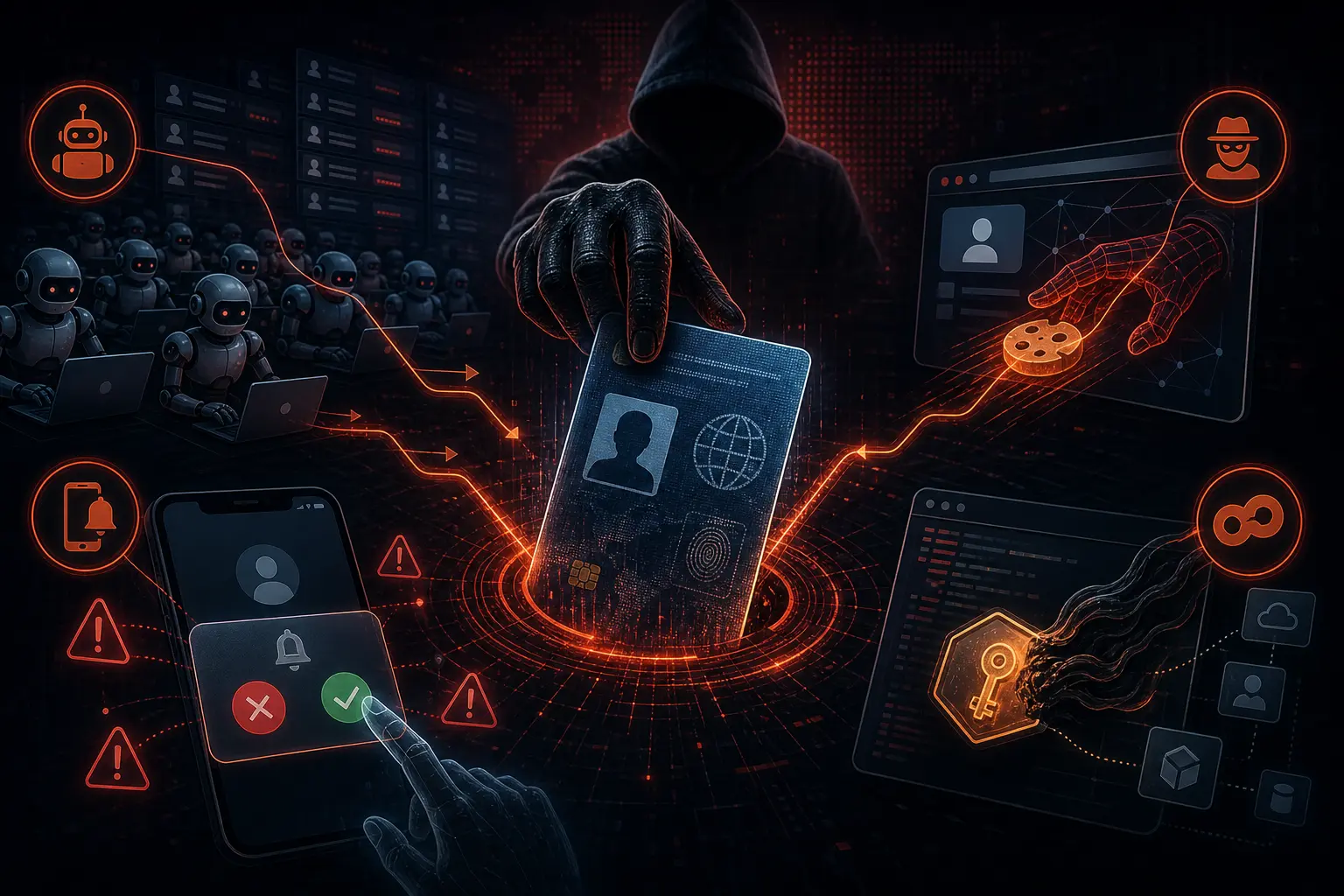
Security researchers from three independent reports, Verizon DBIR, IBM X-Force, and CrowdStrike, reached the same conclusion in 2026: stolen credentials are the dominant attack vector. Attackers do not break into systems. They log in with valid credentials.
Verizon DBIR shows stolen credentials accounted for 22% of initial breaches, the single most common initial access vector. Token theft accounted for 31% of Microsoft 365 breaches. CrowdStrike reported that 82% of detections in 2025 were malware-free. Microsoft tracks 600 million identity attacks daily, more than 99% password-based. 24 billion stolen credential pairs circulate in underground databases (BioProfileMe 2026). 26 billion credential stuffing attempts per month globally (MojoAuth/Akamai). 276 million stolen session cookies circulated on the dark web in 2025 (Recorded Future), allowing attackers to bypass MFA entirely. 70% of users exposed in breaches reused old, compromised passwords (SpyCloud 2025).
This changes how we think about security. The question is no longer "Is your system strong enough?" but "Is your identity protected?"
What Identity-Based Attacks Are
Identity-based attacks target authentication systems, credentials, and identity infrastructure, not application code or encryption. Attackers do not try to find vulnerabilities in your system. They try to log in with credentials they already have.
These credentials can come from:
- Data breaches at other services you use
- Infostealer malware that collects passwords from your device
- Phishing that tricks you into entering credentials on fake sites
- Data sold on dark web marketplaces
- Social engineering that manipulates you into giving away OTP codes
Once an attacker has valid credentials, other defense layers become less relevant. Firewalls let them in because traffic looks normal. Intrusion detection systems stay silent because activity resembles a regular user. Even two-factor authentication can be bypassed.
Credential Stuffing: Mass Attacks with Leaked Passwords
Credential stuffing is an automated attack where attackers take username and password combinations from one data breach and test them across hundreds of other services. This attack succeeds because many people use the same password across multiple accounts.
Statistics show credential stuffing accounted for 22% of data breaches globally in 2024-2025. Attack tools are commercially available on dark markets, complete with proxies to avoid detection and CAPTCHA solvers to bypass protections.
The difference between credential stuffing and brute force: brute force tries random combinations on one account. Credential stuffing tries combinations already known to have worked on thousands of accounts simultaneously. Its efficiency is far higher.
How to Protect Yourself from Credential Stuffing
- Use a unique password for every account. If one service suffers a breach, your other accounts remain safe. A password manager makes this step easy.
- Enable 2FA with an authenticator app. Even if your password leaks, attackers still need a second code.
- Monitor whether your email has been compromised. Use services like Have I Been Pwned to check if your credentials have been exposed.
- Change passwords immediately after a breach is detected. Do not wait.
Token Theft: Bypassing MFA Without Breaking It
This is the least understood threat among regular users. After you successfully log in with 2FA, the service issues a session token. This token keeps you logged in, not your password.
An attacker who steals your session token can impersonate you without needing your password or 2FA code. MFA was already validated when the token was issued. The attacker only needs to import that token into their browser, and the website treats them as you.
How Tokens Get Stolen
Infostealer malware. Malware installed on your device collects cookies and session tokens from your browser. This data is then exfiltrated and sold or used directly. Verizon DBIR 2026 shows infostealers accounted for 31% of Microsoft 365 breaches.
APT attacks on network infrastructure. In 2026, Russian military intelligence group APT28 exploited more than 18,000 routers to intercept Microsoft Office OAuth tokens. The campaign affected more than 200 organizations and 5,000 consumer devices at peak. They did not phish credentials or defeat MFA. They waited for the token to be issued.
Compromised Wi-Fi networks. Attackers controlling a Wi-Fi network can intercept session tokens sent in unencrypted form.
How to Protect Yourself from Token Theft
- Update devices and applications regularly. Security patches close the gaps infostealers exploit.
- Do not save passwords in your browser. Use a dedicated password manager.
- Avoid public Wi-Fi for sensitive activities. If you must use it, use a VPN.
- Check active sessions on your accounts. Many services display a list of connected devices. Disconnect unrecognized sessions.
- Log out of sensitive services when done. Do not leave active sessions unattended.
MFA Fatigue: Bombarding You Until You Give In
MFA fatigue, also known as prompt bombing, occurs when an attacker who already has your password continuously sends push notification approval requests to your device. The goal: to make you approve one out of exhaustion or confusion.
This attack has proven effective. The 2022 Uber incident began with MFA fatigue. The attacker sent dozens of approval requests, then contacted the victim through WhatsApp posing as IT support, asking the victim to approve the requests.
Verizon DBIR shows MFA fatigue and prompt bombing accounted for 22% of Microsoft 365 breaches in 2026. MFA bypass attempts increased 218% in 2025 (MojoAuth). 80% of MFA-bypass breaches occurred through session-token theft (Microsoft Digital Defense Report 2025).
How to Protect Yourself from MFA Fatigue
- Use an authenticator app that generates time-based codes, not push notifications. Time-based codes cannot be manipulated through bombardment.
- If using push notifications, never approve a request you did not initiate. No matter how many requests arrive.
- Use passkeys or hardware security keys when the service supports them. These methods are immune to MFA fatigue because they require physical interaction.
Adversary-in-the-Middle: Intercepting Credentials in Real Time
Adversary-in-the-middle (AitM) attacks use a reverse proxy that displays an exact replica of the real login page. You enter your password and 2FA code as usual. The proxy forwards everything to the real identity provider and receives a valid session token.
Eleven commercial phishing-as-a-service platforms now sell AitM toolkits, including Evilginx, Modlishka, and Muraena. These toolkits enable attackers with no development skills to deploy session hijacking at scale.
How to Protect Yourself from AitM
- Use passkeys or hardware security keys. These methods cannot be intercepted by proxies because the cryptography is bound to the original domain.
- Check the URL before entering credentials. Make sure you are on the correct domain.
- Do not click links from emails or messages asking you to log in. Open the site directly from your browser.
SIM Swap: When Your Phone Number Gets Hijacked
SIM swap is an attack where attackers convince a mobile carrier to transfer your phone number to a new SIM card they control. Once successful, all calls and SMS messages intended for your number, including OTP codes, go to the attacker's device.
SIM swap becomes a serious threat because many services still rely on SMS for verification. Even services using SMS-based 2FA can be compromised through this attack.
How to protect yourself from SIM swap:
- Set a PIN or password on your mobile carrier account
- Ask your carrier to add additional security notes to your account
- Avoid using SMS as your primary 2FA method
- Consider using virtual numbers or messaging apps not tied to a phone number
Passwordless: Removing the Target
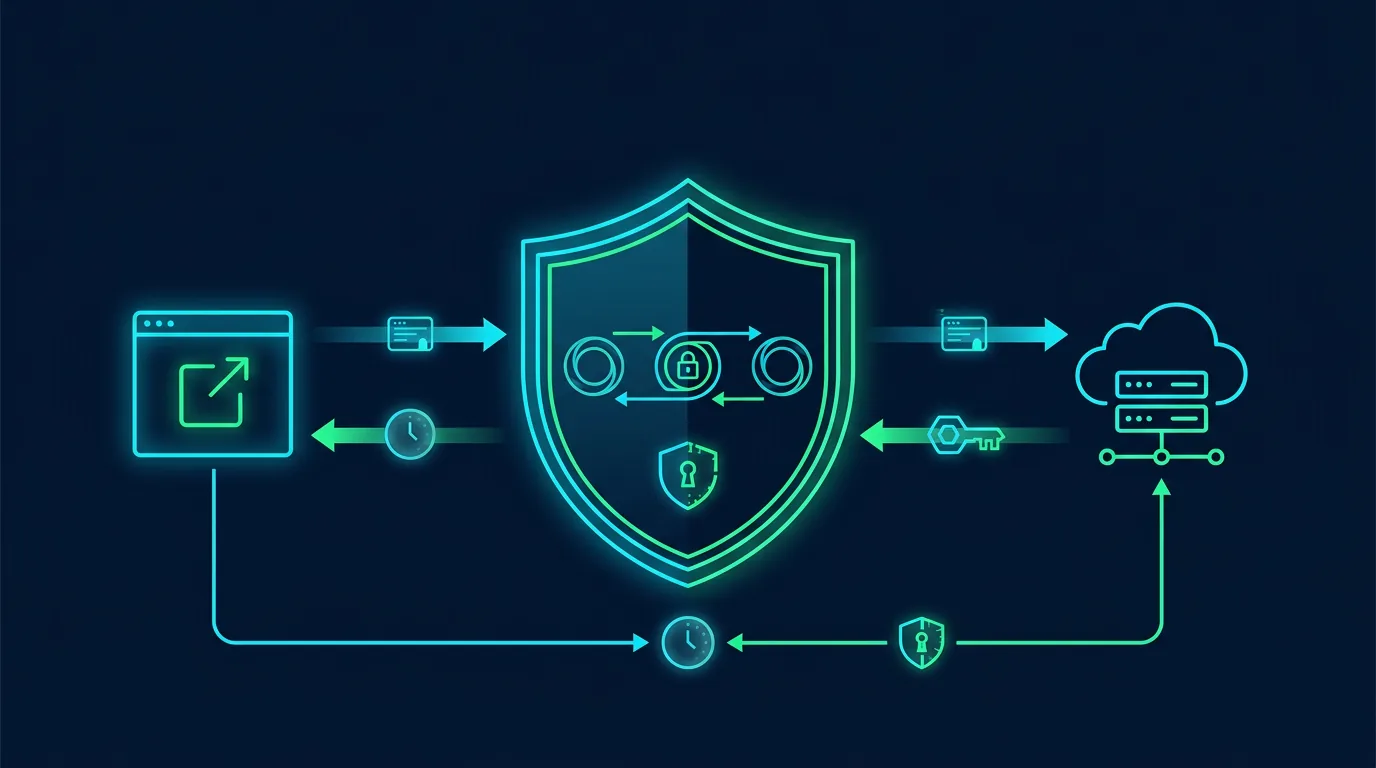
The long-term answer to identity-based attacks is removing passwords entirely. Passkeys (FIDO2) use asymmetric cryptography: the private key never leaves the device. Even in a phishing attack, there is nothing to intercept that an attacker could reuse.
Google, Microsoft, and Apple have supported passkeys natively in their operating systems since 2024. The switch requires effort: identity providers must support FIDO2, endpoints must be compatible, and users need training. But the payoff is clear: if 97% of identity-based attacks use passwords, passwordless eliminates 97% of the attack vector.
Identity Threat Detection and Response (ITDR)
A new product category emerging in 2026: ITDR. These systems detect identity-based anomalies that traditional security tools miss. ITDR monitors unusual login patterns, new devices suddenly accessing accounts, changes to recovery methods, and activity indicating credential compromise.
For individuals, the equivalent of ITDR is using built-in security features of services you use: login notifications from new devices, email verification for password changes, and suspicious activity monitoring.
Practical Steps to Protect Your Digital Identity
- Use a password manager with a strong, unique master password. Enable 2FA on the password manager itself.
- Enable 2FA on all important accounts. Priority: primary email, banking, social media, and cloud services. Use an authenticator app, not SMS.
- Switch to passkeys when services support them. Passkeys eliminate passwords and make phishing and credential stuffing attacks ineffective.
- Monitor for data breaches. Register your email on Have I Been Pwned. Change passwords immediately after a breach is detected.
- Check active sessions regularly. Disconnect unrecognized devices from your accounts.
- Avoid entering credentials on shared devices. If you must, use incognito mode and log out immediately after finishing.
Data Breach Marketplace: The Economy of Stolen Credentials
Dark web markets function as exchanges for stolen credentials. This economy is structured and efficient:
Fresh credentials. Data from the latest breaches sells at a premium. Credentials not yet used in attacks hold higher value because they are more likely still active.
Verified credentials. Some sellers include verification that credentials still work. Buyers do not need to test them.
Bulk credential packages. Millions of email and password combinations sell in large packages at low cost per credential. Volume, not quality, is the selling point.
Credential checking services. Platforms that allow attackers to check whether specific credentials already exist in breach databases.
Session cookies and tokens. Beyond login credentials, session cookies and OAuth tokens are also traded. These allow access without needing a password or MFA.
Credential prices on dark markets vary:
- Regular email and password: $0.50-$5 per account
- Bank accounts with verified balances: $50-$500
- Corporate accounts with VPN access: $500-$5,000
- System admin credentials: $1,000-$20,000+
The volume of available credentials is massive. SpyCloud reports show more than 24 billion username and password combinations were available on dark markets in 2025.
Attack Method Comparison: Effectiveness and Prevalence
Here is a comparison of identity-based attack methods in terms of effectiveness and prevalence:
Credential stuffing. Prevalence: very high. Effectiveness: medium. Typical success rate: 0.1-2%. But at the scale of millions of accounts, even 0.1% yields thousands of compromised accounts.
Credential phishing. Prevalence: very high. Effectiveness: high. Depends on message quality and victim awareness. AI increases effectiveness.
Token theft. Prevalence: medium. Effectiveness: very high. Stolen tokens grant full access without additional credentials. Automatic MFA bypass.
MFA fatigue. Prevalence: low-medium. Effectiveness: medium. Depends on attacker patience and victim exhaustion.
AitM. Prevalence: low. Effectiveness: very high. Captures credentials and tokens simultaneously. Requires more complex infrastructure.
How Services Protect Your Identity
Major service providers have already implemented various protections. Understand what they do and what remains your responsibility:
Google. Advanced Protection Program for high-risk accounts. AI-based login anomaly detection. Passkey support since 2024. Trusted device verification.
Microsoft. Passwordless authentication through Microsoft Authenticator. Risk-based Conditional Access. Token binding for sensitive sessions.
Apple. Passkey integrated across the ecosystem. Sign in with Apple that hides your real email. Private Relay for browsing.
Banks and financial services. Suspicious transactions require additional verification. Daily transaction limits. Real-time notifications.
Even with these protections, ultimate responsibility rests with you. The most sophisticated system can fail if you use the same password across accounts or approve an MFA request out of exhaustion.
Summary
Identity-based attacks shift security from a technical problem to a human one. Attackers do not need to find vulnerabilities in your system. They only need leaked credentials, stealable session tokens, or you approving an MFA request out of exhaustion.
Frequently Asked Questions
Does 2FA really protect me?
2FA increases security, but it is not an absolute guarantee. SMS-based 2FA is vulnerable to SIM swap. Push notification-based 2FA is vulnerable to MFA fatigue. TOTP (Time-based One-Time Password) based 2FA from an authenticator app is much more secure. Passkeys and hardware security keys are the most secure options.
What is the difference between a passkey and a password?
Passkeys use asymmetric cryptography. The private key is stored on your device and never sent to the server. The public key is stored on the server. When you log in, your device proves ownership of the private key without revealing it. No password can be stolen, guessed, or intercepted.
How do I know if my account has been compromised?
Common signs: email confirmations of password changes you did not make, login notifications from unrecognized locations or devices, activity you do not recognize on your account, or friends reporting suspicious messages from your account. Register your email on Have I Been Pwned for automatic notifications.
Are password managers secure?
Reputable password managers (1Password, Bitwarden, KeePass) use strong encryption to store your passwords. The main risk is not from encryption but from a weak master password or device compromise. Use a strong, unique master password, enable 2FA on the password manager, and make sure your device is secure.
What should I do if I receive an MFA request I did not initiate?
Never approve a request you did not initiate. Immediately change that account's password from another device. Check for suspicious activity on the account. If requests keep coming, contact the service's support and consider temporarily freezing the account.
Is biometrics (fingerprint, face) more secure than passwords?
Biometrics provide good convenience and security, but they are not without weaknesses. Biometric data cannot be changed if compromised (you cannot change your fingerprint). Biometrics can also be forged in some cases (deepfakes for face recognition). Use biometrics as one factor, not the only one.
How often should I change my passwords?
If no breach is detected, you do not need to change passwords regularly. NIST recommends changing passwords only after a breach is detected or if there is an indication of compromise. Changing passwords too often can actually be harmful because it tends to make people choose weaker passwords.
Final Summary
Your digital identity is the front door to everything you own in the digital world. Protect it with unique passwords, strong 2FA, passkeys when available, breach monitoring, and the habit of checking active sessions. Do not wait until your account is compromised. Start protecting your digital identity today.
Resources for Reporting and Monitoring
Have I Been Pwned (haveibeenpwned.com). Check whether your email or password has been exposed in a data breach.
SpyCloud. Credential monitoring service that checks whether your data exists on dark markets.
Google Password Checkup. Built-in Chrome feature that checks your passwords against breach databases.
Apple Security Recommendations. Built-in iOS and macOS feature that warns of exposed passwords.
The best defense: unique passwords, 2FA with an authenticator app, passkeys when available, breach monitoring, and the habit of checking active sessions. Your identity is the front door to everything you own digitally. It is time to build a better lock.
Editorial note: Identity-based attacks evolve rapidly as new techniques emerge. This article reflects conditions at the time of writing based on Verizon DBIR, IBM X-Force, and CrowdStrike 2026 reports. Check trusted sources for the latest information.