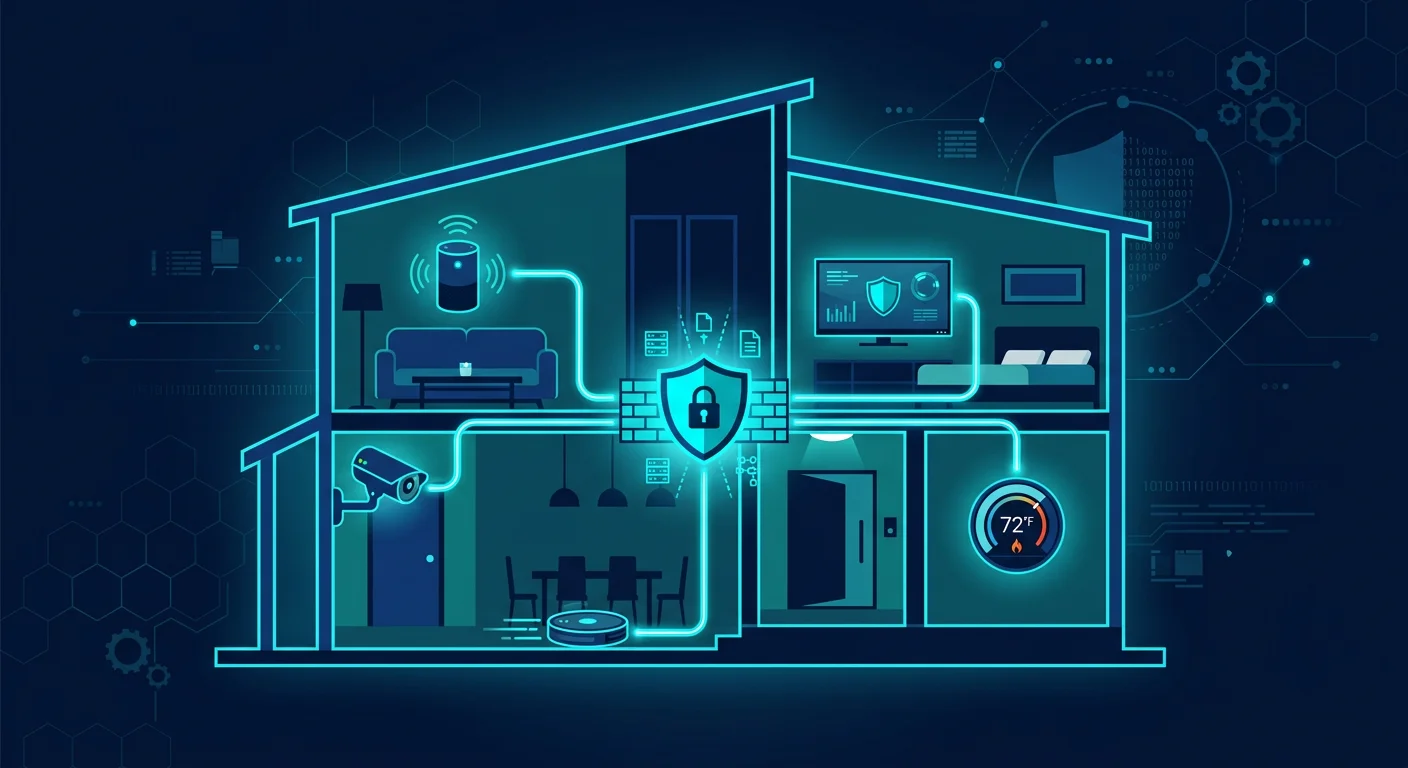
Modern homes are full of internet-connected devices: IP cameras on the porch, smart speakers in the living room, robot vacuums mapping your floor plan, smart TVs tracking viewing habits, smart thermostats, smart locks, even light bulbs you control from your phone. Every one of them connects to the same WiFi network as your work laptop and personal phone. The problem: most IoT devices are designed for convenience, not security. Default passwords are rarely changed, firmware is rarely updated, and encryption is absent. An attacker who compromises one IoT device can pivot to other devices on the same network.
Why IoT devices are vulnerable
IoT manufacturers race to ship products. Security is sacrificed: default passwords are printed in manuals, debug ports stay open, firmware updates are not automatic. Many devices also send data to vendor servers without adequate encryption, and some include microphones or cameras that can be abused if compromised. The Mirai botnet of 2016 proved the impact: hundreds of thousands of IoT devices with default credentials were weaponized to take down major internet services. That threat remains relevant because millions of new IoT devices ship every year with the same weak configurations.
9 steps to secure your IoT devices
1. Change default passwords immediately after setup
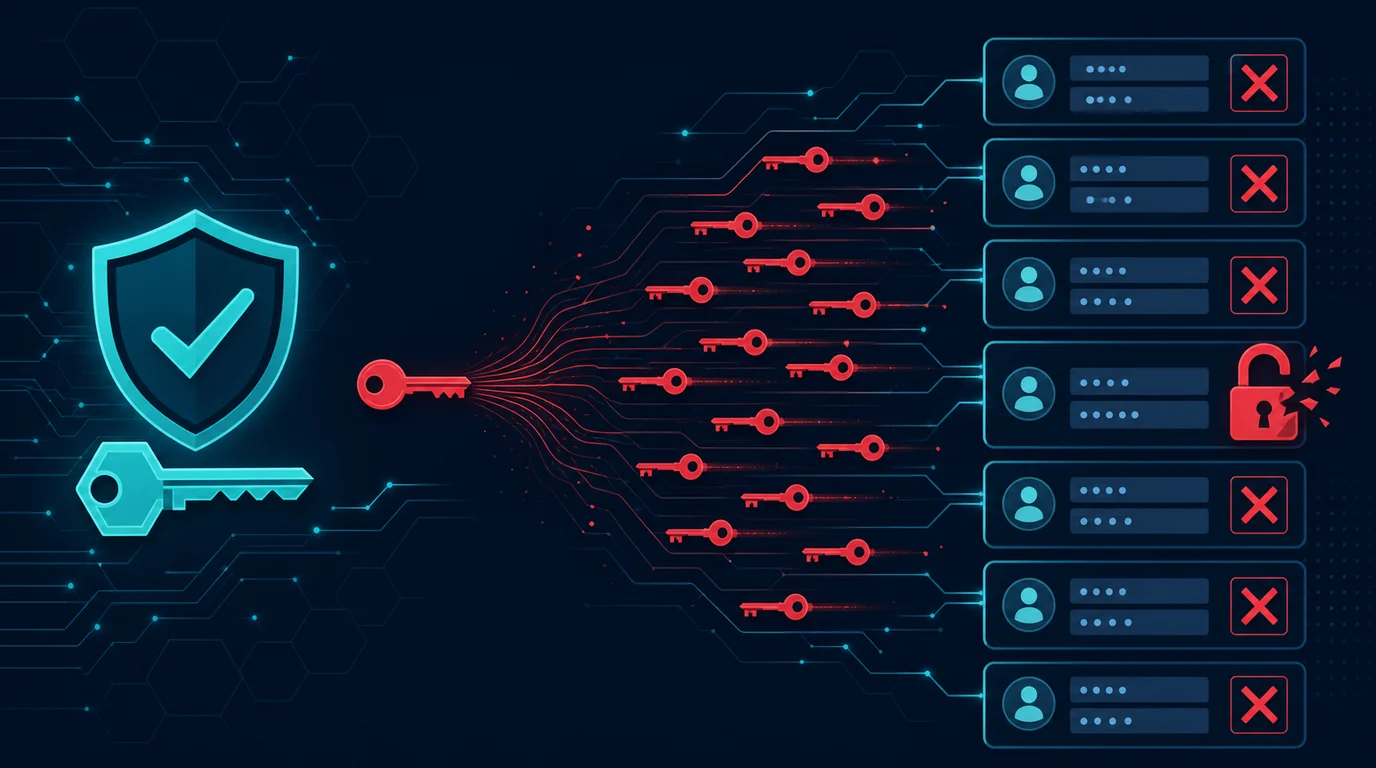
Every IoT device ships with a factory password. Lists of these credentials are available online and serve as attackers' first targets. Right after connecting the device, access its admin panel and change the password to something unique. Do not reuse your WiFi or email password.
2. Create a separate WiFi network for IoT
Most modern routers support guest networks or VLANs. Set up a dedicated network for IoT devices, separate from the network you use for laptops, phones, and work devices. If one IoT device is compromised, the attacker does not immediately gain access to your personal data.
3. Disable features you do not use
Many IoT devices ship with features enabled by default: remote access from outside your home, UPnP (Universal Plug and Play), port forwarding, or cloud services you do not need. Every active feature is an additional attack surface. Open settings and turn off what you do not need.
4. Update firmware regularly
Manufacturers release firmware updates to patch security holes. Some devices update automatically, but many require manual action. Check update settings monthly. If the manufacturer no longer releases updates for your device, consider replacing it with a model that is still supported.
5. Review app permissions and integrations
Companion apps for IoT devices request broad permissions: location, contacts, microphone, storage. Revoke permissions that are unnecessary. Also review integrations with third-party services like Alexa, Google Home, or IFTTT. Each integration adds a data flow you need to understand.
6. Cover cameras and mute microphones when not in use
Indoor IP cameras, smart speakers, and smart TVs with built-in cameras can be abused if compromised. Cover camera lenses with stickers or physical shutters when not needed. Power off smart speakers or unplug them during sensitive conversations.
7. Use WPA3 encryption for your home WiFi
The WPA3 protocol provides stronger protection than WPA2, especially against brute-force attacks on WiFi passwords. If your router and IoT devices support WPA3, enable it. If older IoT devices are incompatible, use WPA2/WPA3 transitional mode.
8. Monitor devices connected to your network
Periodically open your router admin panel and review the list of connected devices. Recognize every entry. If you find something unfamiliar, disconnect it and change your WiFi password. Some routers provide automatic notifications when new devices connect.
9. Research before buying new devices
Not all IoT manufacturers take security. Before purchasing, find out: does the manufacturer release regular firmware updates? Is there a history of unpatched vulnerabilities? Is data transmitted with encryption? Security reviews from tech sites or communities like Reddit can provide insight.
Example: IP camera leaking footage
A shop owner installed a cheap IP camera to monitor their store remotely. They never changed the default password (admin/admin) and left remote access enabled. Weeks later, footage from their store appeared on a streaming site that aggregates unsecured camera feeds. Attackers used default credentials found in publicly available databases. Simple preventive actions, changing the default password and disabling unnecessary remote access, would have closed this path entirely.
Common mistakes IoT owners make
- Assuming small devices are not interesting to hackers. Botnets do not choose targets. They scan all vulnerable devices automatically.
- Leaving UPnP enabled. This feature allows devices to open ports on your router without your permission, creating entry points from the internet.
- Never reviewing old devices. IoT devices installed years ago and never reviewed can become forgotten weak points.
Frequently asked questions
Are all IoT devices dangerous?
No. IoT devices are safe when properly configured and maintained. The risk comes from configuration neglect, not the devices themselves.
What if my router does not support guest networks?
Some routers offer AP Isolation, which prevents devices from communicating with each other. Enable this feature as an alternative. If your router is too old, consider replacing it.
Do I need a dedicated firewall for IoT?
For home use, the router's built-in firewall is sufficient. Dedicated firewalls like Pi-hole or Raspberry Pi-based firewalls are useful if you want more granular control over network traffic.
Sources and further reading
- NIST: Cybersecurity for IoT Program
- NIST: Cybersecurity for IoT Program
- FTC: Careful Connections, Keeping the Internet of Things Secure
Editorial note: This article is educational and defensive in nature. Features and interfaces vary by device. Refer to your device's official manual for specific technical guidance.