A phone is often the most personal device we carry: it holds messages, photos, payment apps, email, two-factor authentication, and signed-in sessions for many services. When it is lost or stolen, the problem is not only the device price. Lock-screen notifications, the SIM, and active accounts can create opportunities for another person to try taking over access.
A phone is a key to many accounts at once
A good emergency plan exists before an emergency. You need to know how to sign in to an official service that can locate, lock, or erase the device from somewhere else. You also need recovery email, backup codes, and official operator and bank contacts that are not kept only on the phone that may disappear. Preparation reduces panic and helps establish the right action order. Not every loss needs the same response. A phone left at home differs from a device believed stolen and outside your control. The principles remain similar: prioritize personal safety, protect primary access, use official services, then review sessions that remain active. Do not chase a device location or negotiate with an unknown person only because an incoming message suggests it. Start with "use a screen lock that provides real protection" and use a route you can open yourself.
Prepare recovery before a device disappears
Start with "use a screen lock that provides real protection", then move to "enable official device-finding and security tools" once that foundation is solid.
1. Use a screen lock that provides real protection
Choose a screen PIN or password that is not easy to guess, enable quick automatic locking, and use biometrics as suitable convenience. Limit sensitive lock-screen notification content so codes and important messages are not easily visible to someone holding the device.
2. Enable official device-finding and security tools
Make sure the official option to find, lock, mark lost, or erase the device is enabled. Test that you know which account signs in from another computer or device. Record device identity details that may be needed by an operator or official report. The goal is not added complexity. A realistic habit lasts longer.
3. Keep recovery material separate from the phone
Store data backups, recovery codes, and a list of key accounts in a safe location reachable from another device. Do not keep the only backup code in the phone gallery or notes. Prepare another way to receive or restore access if the primary number is unavailable.
4. Secure email and mobile service first
After loss, primary email and mobile service deserve early attention because both can recover other accounts. Contact the operator through official details if the SIM is at risk, then review signed-in devices and sessions on email and important accounts. Check the result afterwards.
5. Review payment services and linked devices
Check banking, digital wallets, marketplaces, and services that use the device for approval. Use official procedures to restrict or remove the lost device. Record actions taken so that steps are not repeated and no important account is forgotten.
Example: a "helpful" offer that asks for a verification code
A phone is left on public transport. Soon afterwards, a message from an unknown number says the phone was found and requests a verification code to "prove ownership." Do not provide a code or install an app requested by that person. Use another device to open the official tracking service, mark the phone as lost, and contact the operator through a verified number. Personal safety matters more than collecting a device from an unknown person or location. Give yourself a moment to apply "keep recovery material separate from the phone".
The action order for the first hour
During the first hour, try to lock or mark the device lost through an official service. If it cannot be found or theft is suspected, contact the operator about the SIM, secure the primary email, remove the lost device's sessions, and review payment services. If appropriate, make a report under local procedure and keep device information and the time of the event. Remote erase can be considered when recovery is unlikely and data is highly sensitive.
Build a plan so replacement does not add risk
After obtaining a replacement phone, do not install every app without an order. Begin with email, mobile service, password manager, and MFA, then review sessions and recovery methods on important accounts. Remove the old device from trusted-device lists if it is no longer controlled. Schedule a brief test of tracking and recovery services once a year so the plan still works when it is truly needed. Pay particular attention to "review payment services and linked devices".
A self-audit for phone-loss readiness
This plan only helps if you test it before the phone goes missing. Check these five from another device.
- Screen lock. A PIN of six digits or more, with notification previews off on the lock screen. A sign-in code readable without unlocking cancels every other layer.
- Device-finding service. Find My iPhone or Find Hub already switched on, and already opened once from a laptop rather than merely ticked in settings.
- Recovery material. Backup codes and recovery keys stored off the phone. If everything lives on the phone, losing it means losing the way back in.
- Order of actions. Secure email first, then contact the carrier to block the number. A live number in someone else's hands can still receive codes.
- Payment services. Write down how to disable digital wallets and linked cards, including official service numbers, somewhere you can reach without the phone.
Test once a year: sign in to your primary email without touching the phone. If you cannot, the plan is not finished.
Mistakes that increase the effect of a lost phone
- Going alone to an unknown device location. Tracking locations are not always accurate, and personal safety must come first.
- Giving a code to someone claiming to have found the phone. The code can be used to take over an account or mobile number.
- Changing random passwords without prioritizing email and mobile service. The wrong order leaves primary accounts able to reset other services. Risk cannot be removed completely, but its effect can be narrowed. When uncertain, do not take an irreversible action before you know the official route and the information you actually need. A clear process is worth more than a fast decision you cannot trace.
Frequently asked questions
Should a device be erased remotely immediately?
Consider data sensitivity, chance of return, and tracking options. Locking or marking it lost can be an initial step.
What happens if the SIM is still in the phone?
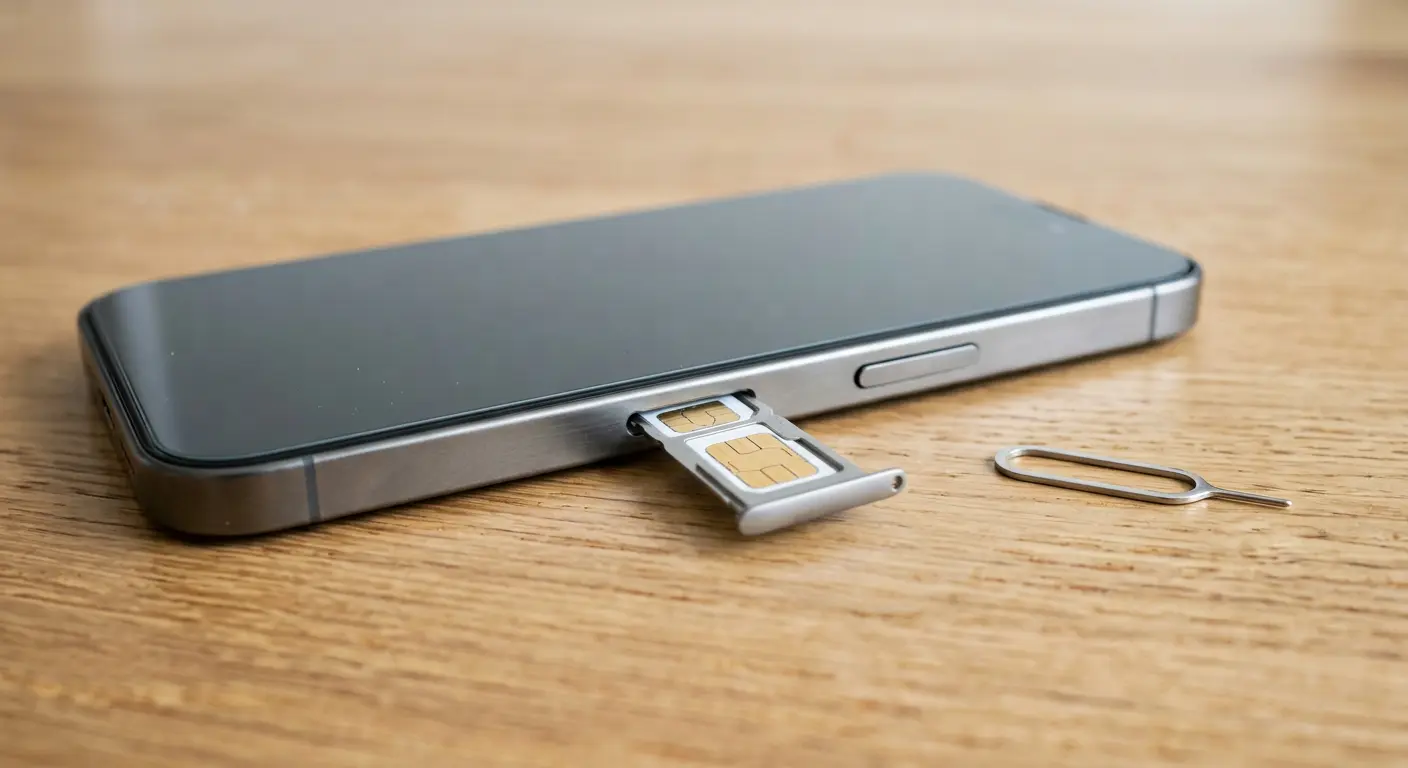
Contact the operator through official channels and ask about securing or replacing the SIM.
Are biometrics enough without a strong PIN?
No. A screen PIN or password remains an important base layer and is required in some situations.
Sources and further reading
Editorial note: This article is educational and defensive. Interfaces, policies, and features can change. Use the official documentation for the service you use when you need current technical instructions.