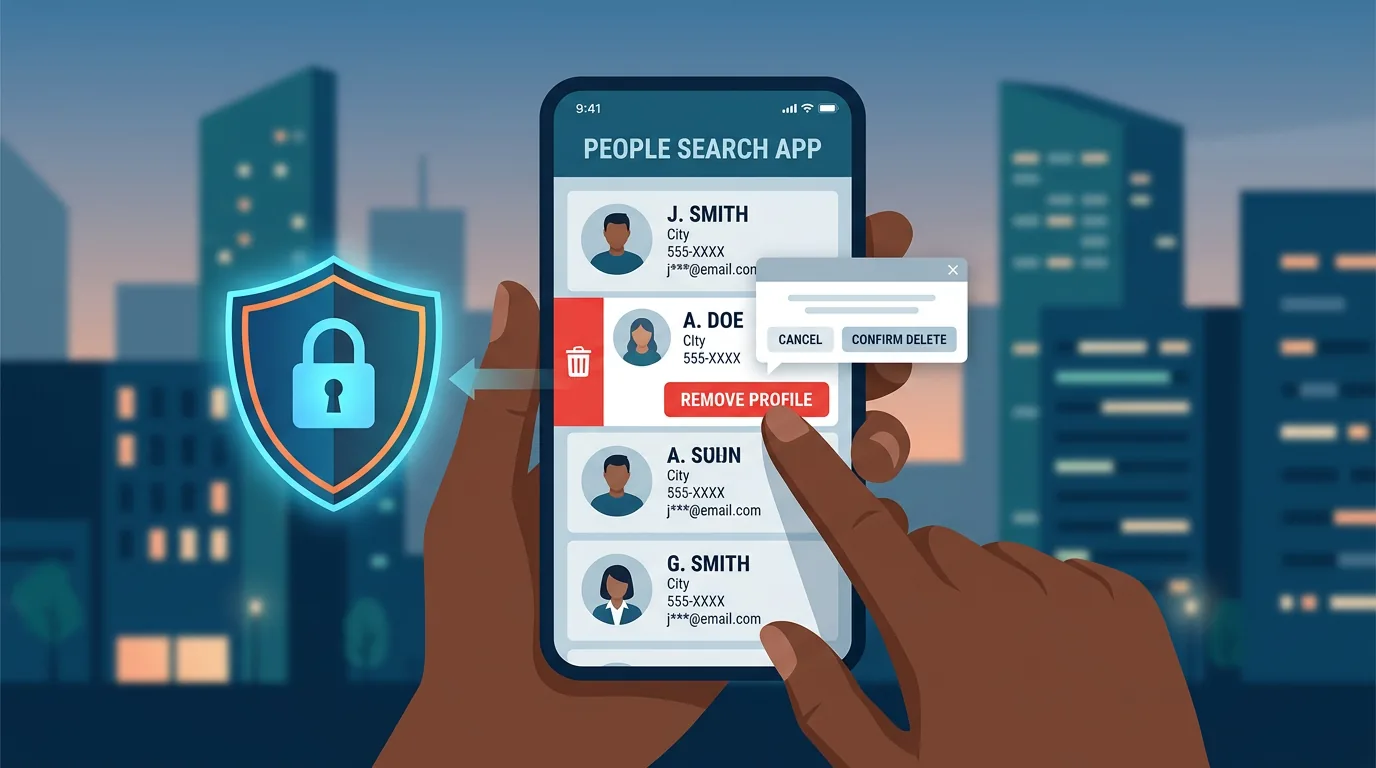
Many people set up digital security once then forget about it. Passwords that were strong when created can leak a year later. A safe browser extension can be sold to a new party. Privacy settings can change after app updates. Without periodic review, the protections you once built slowly weaken without you noticing. A monthly digital security audit is not a complex process. With the right checklist, you can complete it in 30-45 minutes. Consistency matters more than perfection: a brief monthly review is more effective than a large annual audit.
Monthly audit checklist
Week 1: Accounts and passwords
Check for new data breaches. Visit haveibeenpwned.com and check your email addresses. If there are new breaches since your last check, change passwords on affected services and enable 2FA if not already active. Review active login sessions. Open security settings on major accounts (Google, Microsoft, Apple, Facebook). Check the list of logged-in devices. Log out sessions you do not recognize or devices you no longer use. Update weak passwords. If you still use passwords created years ago, or ones reused across services, change them. Prioritize your primary email, banking, and social media accounts.
Week 2: Devices and software
Check for pending updates. Look at update notifications on your phone, laptop, and important apps. Install all pending updates, especially operating system security patches. Review installed applications. On your phone and computer, check the list of installed apps. Remove ones you do not use. Every installed app adds attack surface, especially those with broad permissions. Check app permissions. Open permission settings on your phone: location, camera, microphone, contacts, gallery. Revoke unnecessary permissions. A weather app does not need access to your contacts. Verify backups work. Test whether your backup can be restored. Open one file from the backup, check if it can be read. Backups that are never tested only provide false comfort.
Week 3: Privacy and digital footprint
Audit social media. Open your profile in incognito mode. Check what is visible to people who do not follow you. Hide information that does not need to be public: date of birth, location, phone number. Review browser extensions. Open your browser's extension list. Remove unused ones or those with unknown developers. Check permissions of remaining extensions. Check cloud file sharing links. In Google Drive, Dropbox, or OneDrive, review the list of files shared via links. Revoke access for links no longer needed. Check if any files are publicly shared without your awareness. Clean browser data. Delete third-party cookies, cache, and history from sites you no longer visit.
Week 4: Network and finances
Check devices on your WiFi network. Open your router admin panel and review connected devices. Recognize most devices. Disconnect unknown connections. Review financial transactions. Check bank account and credit card statements for transactions you do not recognize. Report suspicious transactions immediately. Check active subscriptions. Review automatic payments on your credit card or bank account. Cancel subscriptions for services you no longer use. Forgotten services still hold your data. Test recovery procedures. Make sure you can access recovery email and backup phone numbers for important accounts. If recovery numbers or emails are no longer active, update them.
Tips for keeping the audit consistent
Schedule a fixed time. Choose one day each month, for example the first week, and block 45 minutes on your calendar. Treat it like an appointment you cannot cancel. Start with the highest risk. If time is limited, focus on your primary email, banking, and social media accounts. These three accounts open access to nearly all other services. Record your findings. Keep brief notes: what was checked, what was found, what was fixed. These notes help you track progress and identify patterns. Involve the family. If you manage family devices, include their devices in the audit. Teach teenagers to conduct their own audit as part of digital literacy.
Common audit mistakes
- Doing everything at once then burning out. An overly ambitious checklist makes you quit after one month. Start small and increase gradually.
- Checking without acting. An audit without follow-up fixes nothing. Every check should produce at least one action.
- Forgetting old accounts. Unused accounts still hold your data. Audit time is the right moment to find and close forgotten accounts.
Frequently asked questions
How long should a monthly audit take?
30-45 minutes for an individual user. Add 15 minutes for each additional family member or work device you manage.
Do I need special tools?
No. All steps in this checklist can be done with free and built-in tools. Have I Been Pwned, account security settings, and router panels are sufficient.
What if I find something serious?
Prioritize immediate handling. Change passwords, log out unknown sessions, report to the bank if there are suspicious transactions. Delay the rest of the checklist if needed to handle critical findings.
Sources and further reading
Editorial note: This checklist is a general guide. Adjust the frequency and depth of reviews to your risk level. Users with high-risk profiles (journalists, activists, executives) may need more frequent audits.