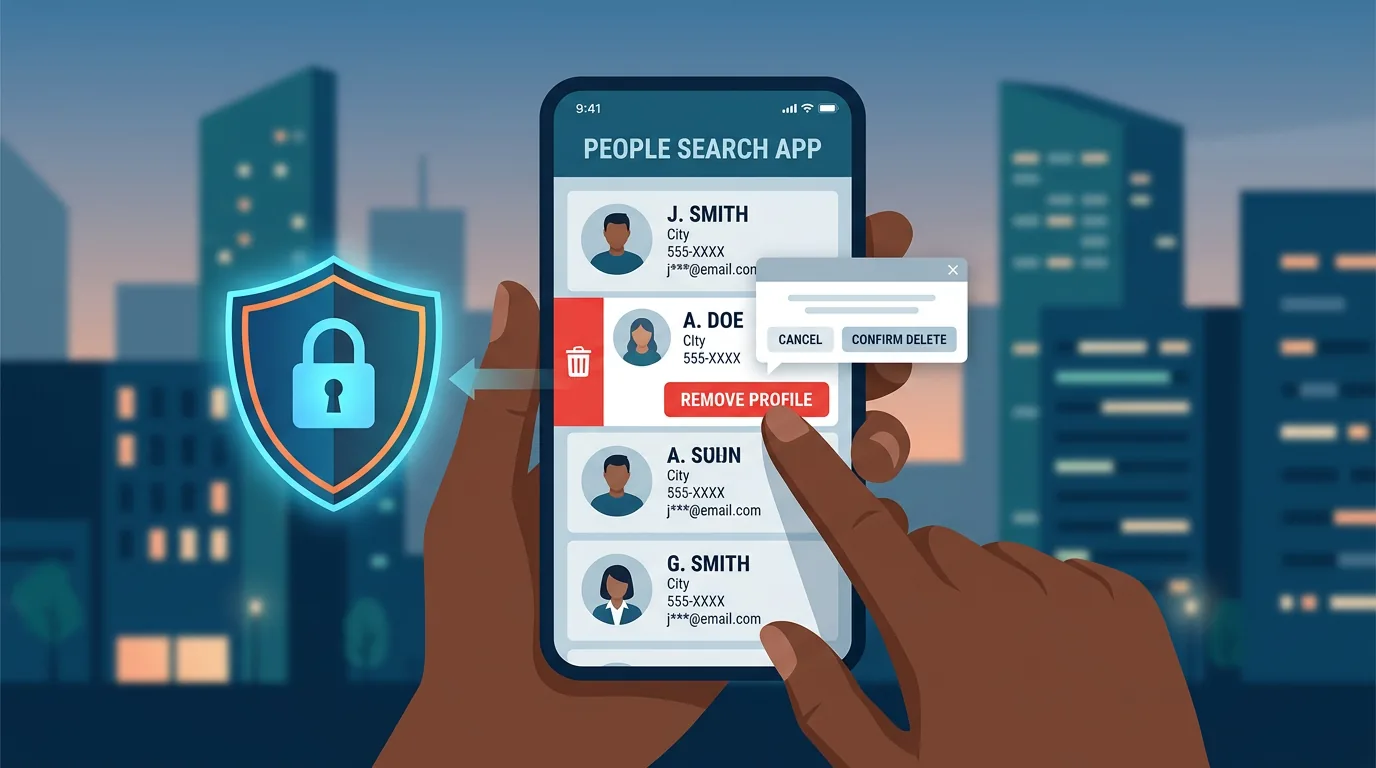
Your digital footprint is larger than you think. Every account you have created, comment you have written, photo you have uploaded, and document you have signed leaves fragments of information across the internet. OSINT (Open Source Intelligence) is a technique for gathering information from publicly available sources, and you can apply it to yourself to see what others can find about you.
Why checking your own digital footprint matters
Cybercriminals do not need to hack your device to obtain your information. They only need to collect fragments already available in public: your full name from LinkedIn, date of birth from birthday posts on social media, address from Google Maps reviews, phone number from online directories. Combined, those fragments are enough to craft convincing phishing attacks, open accounts in your name, or manipulate people close to you. Checking your digital footprint is not paranoia. It is routine maintenance, like reviewing your bank statements or changing the locks after moving house.
7 steps to check your digital footprint
Each step below uses free tools and takes 10-15 minutes. Start with the easiest, then move to the more thorough ones.
1. Google your name with search variations
Open Google and search for your full name in quotation marks: "Your Full Name". Quotation marks force Google to return pages containing that exact phrase. Also try combinations such as name + city, name + employer, or name + phone number. Check results in the "Images" and "News" tabs. Old photos you forgot uploading often surface here. Note the URL of every result that displays your personal information, then keep the list for the removal step later.
2. Check data breaches with Have I Been Pwned
Visit haveibeenpwned.com and enter your email address. This site aggregates databases from public data breach incidents and shows which services have leaked your data. If your email appears in several breaches, check what type of data was exposed: passwords, phone numbers, addresses, or dates of birth. Change passwords on affected services and enable two-factor authentication. The same service can check phone numbers.
3. Audit social media accounts from a stranger's perspective
Open your social media profiles from a browser without logging in (incognito mode). See what someone who does not follow you can view. Profile photos, bios, dates of birth, locations, and old posts often remain public even when you believe privacy settings are configured. Also check:
- Instagram: Highlights showing boarding passes, home addresses, or license plates
- Facebook: Old photo albums, friend lists, employment details
- Twitter/X: Bio, location, old tweets mentioning addresses or workplaces
- LinkedIn: Full employment history, skill endorsements from unknown people
- TikTok: Videos showing home interiors, children's schools, or daily routines
4. Search your username across the internet
Many people use the same username across platforms. Use namechk.com or whatsmyname.app to search your username across hundreds of services at once. Results will show accounts you created and may have forgotten about. Old unused accounts store data with minimal protection. Log into those accounts, delete stored personal data, then deactivate or delete the account. Keep notes on which accounts you kept and which you removed.
5. Check online directories and data brokers
Several sites display information you may not realize is public:
- Google Maps: reviews you wrote along with your name and profile photo
- Professional registries: licensing boards, court records, academic databases
- People search sites: Spokeo, Whitepages, BeenVerified, PeopleFinder
- Business directories: Yellow Pages, local business listings, marketplace profiles
For international data brokers, you can submit opt-out requests through their respective pages. The process varies but generally requires email verification and a 7-30 day waiting period.
6. Track metadata in photos you have uploaded
Photos uploaded to blogs, forums, or certain platforms may still carry EXIF metadata: GPS location, camera model, date and time of capture. Major platforms like Instagram and Facebook strip metadata on upload, but smaller platforms, WordPress blogs, or forums often do not. Download an old photo from a platform you used and check its metadata. On Windows, right-click > Properties > Details. On Mac, open in Preview > Tools > Show Inspector. If GPS location is still present, consider removing that photo or contacting the platform admin.
7. Monitor regularly with Google Alerts
Visit google.com/alerts and create alerts for your full name, username, email address, or phone number. Google will email you each time those terms appear on a newly indexed page. Create a separate alert for each term. Set frequency to "once a day" to avoid flooding your inbox. When an alert arrives, check the context: is it new accurate information, or just a coincidental name match.
Common findings and how to handle them
After running all seven steps, you will likely find a combination of the following:
Forgotten old accounts. Log in, remove sensitive data, then close the account. If you cannot log in, contact the service's support with proof of ownership.
Photos or posts displaying sensitive information. Delete or edit that content. Boarding passes, ID cards, vehicle documents, and photos of your home's exterior are among the most commonly misused.
Data on third-party sites. Submit removal requests through available forms or contact emails. For Google search results, use Google: Remove Outdated Content if the original page has been removed but still appears in cache.
Unhandled data breaches. Change passwords, enable 2FA, and monitor related accounts. For breaches involving financial data, consider freezing cards or changing account numbers.
Common mistakes when checking your digital footprint
- Assuming social media privacy settings are enough. Privacy settings protect against regular users, not search engines or scrapers.
- Using offensive OSINT tools without understanding their risks. Some tools collect your data for their own analytics. Read privacy policies before entering personal data.
- Delaying because "nobody is interested." Digital footprints are used by algorithms, not just humans. Your data can be harvested for targeted ads, fraud, or sold to third parties.
- Checking once and forgetting. Schedule a repeat every 6 months or whenever something significant changes: new job, new city, or new account.
Frequently asked questions
Is OSINT legal?
Yes. OSINT uses publicly available information. What is illegal is using that information for harassment, identity theft, or unauthorized account access.
How long does data removal from the internet take?
It varies. Major platforms process requests within days. Data brokers may take 30 days or more. Google search results update after the original page is removed or noindexed.
Do I need to erase all my digital footprints?
No. The goal is not to eliminate every trace, but to reduce information that could be misused. Keep the footprints you actually want, such as a professional portfolio or community contributions.
What if my data has already been used for fraud?
Report it to law enforcement and create an official record. Contact your bank or financial institution. Document every step you take to simplify the recovery process.
Sources and further reading
Editorial note: This article is educational and defensive in nature. Tools and services mentioned may change their policies and features. Always check official documentation before entering personal data on third-party platforms.