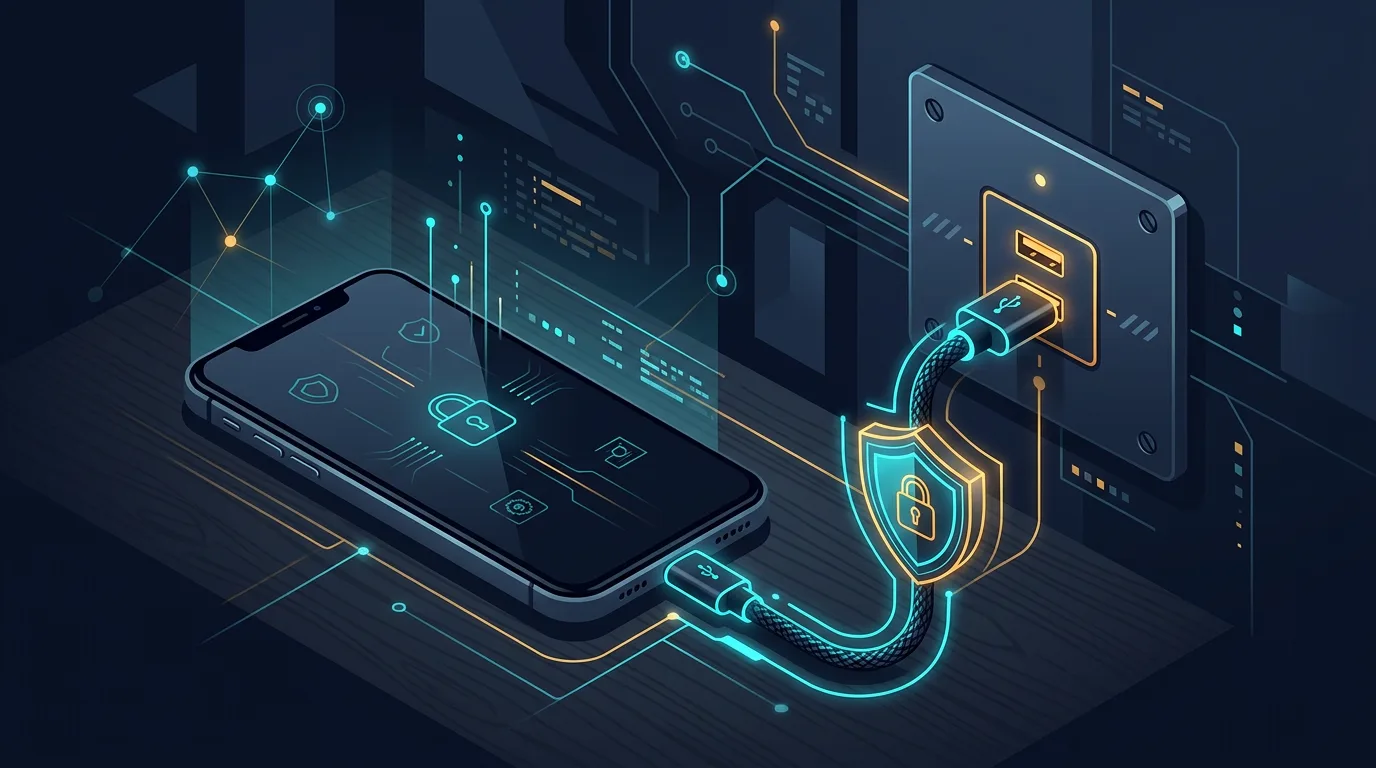
You are waiting for a flight when your phone battery drops to five percent. A USB port is available beside the seat. Plugging in feels like the obvious choice, but that port may provide more than electricity. On some devices, USB also opens a data connection. This risk is often called juice jacking. The term describes a situation in which a compromised charging station attempts to read data, send commands, or place something on a device. The actual risk depends on the port, the phone, the operating system, and what happens after the cable is connected. You do not need to panic. You do need to choose a charging route that keeps control in your hands.
Why a USB port is different from a wall outlet
A wall outlet provides electricity through your own adapter. A public USB port can act as both a power source and a data channel. When a phone asks whether you want to trust a computer or allow file transfer, that message tells you the connection is more than charging. Modern phones have protections that help. A locked screen, permission prompts, and system updates reduce opportunities for misuse. They do not make every public port trustworthy. The safer choice is still to use a charging path you bring yourself.
Safer choices while travelling
1. Bring your own adapter and cable
Use a familiar power adapter and plug it into a wall outlet. A power bank charged at home also gives you an option when a suitable outlet is unavailable. Keep the cable in an accessible pocket rather than at the bottom of a suitcase.
2. Consider a power-only cable
Data cables are useful for moving files, but you may not need that function while charging. A power-only cable can reduce the communication path. Buy from a reputable maker and seller. Poorly made cables can also cause unstable charging.
3. Read what your phone asks
If the phone asks you to trust a device, enable file transfer, or allow access, cancel the request. Choose a charge-only option when available. Do not unlock the phone to speed up charging from an unfamiliar port.
4. Keep the device with you
A physical connection is not the only concern. Someone can also take a phone left across the room. Stay near it and use a screen lock with a PIN or biometrics.
If you already used a public port
Disconnect the cable, lock the device, and look for unusual changes. Check new apps, app permissions, trusted devices, and active account sessions. Install system updates if available. For important accounts, change the password from a trusted device and revoke sessions you do not recognize. If the phone shows serious odd behaviour, such as repeated pop-ups, unfamiliar apps, or access requests you did not initiate, record when it happened. Contact the manufacturer's official support or the relevant account provider. Do not enter a password into a window that appeared without context.
Small habits that lower the risk
A nearly empty battery creates pressure. Prepare a power bank before a trip, carry an adapter, and keep the right cable close. You will then avoid choosing between a dead battery and a port you do not trust. Travel security often starts with simple preparation.