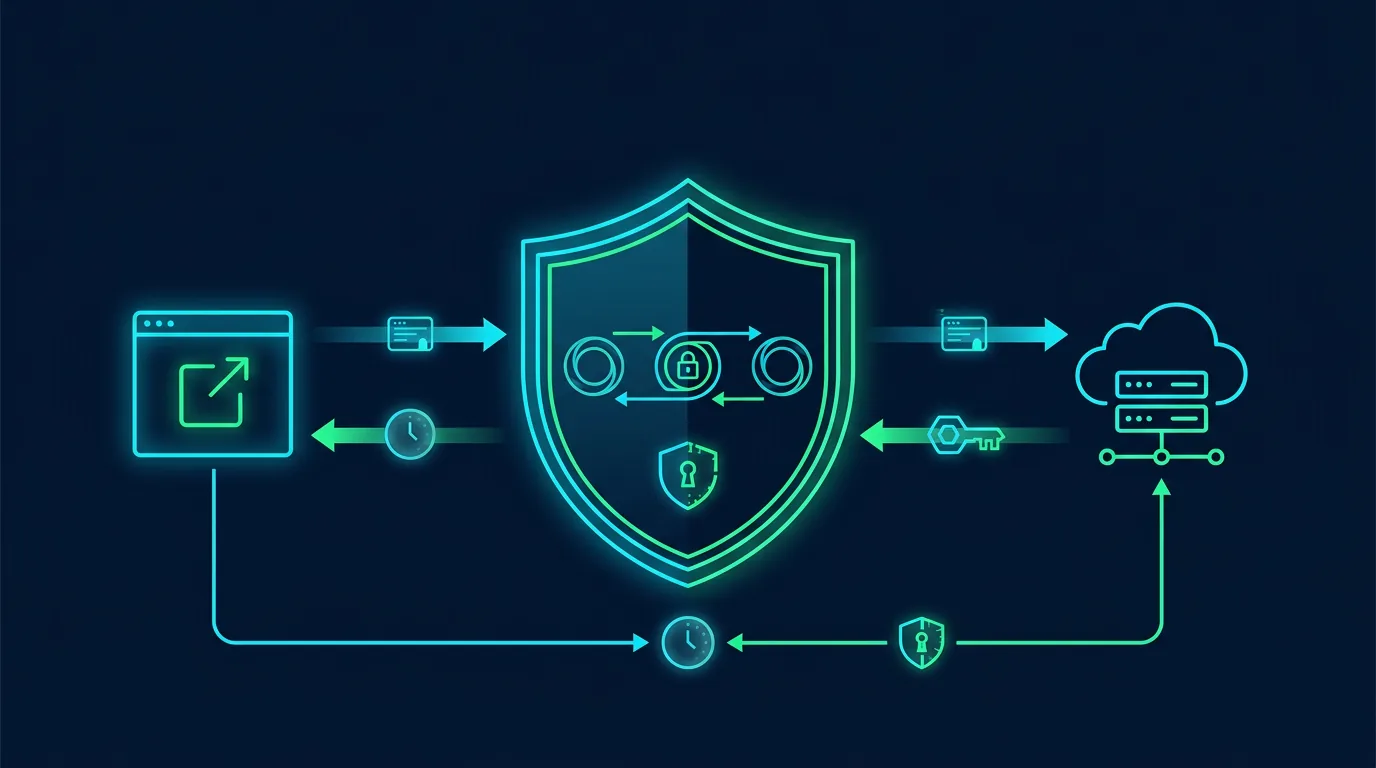
Prevention does not tell you whether a control worked. Logs record who did what, when, from where, and against which asset. Monitoring turns those records into checks and actionable alerts.
Start with important assets
List business email, administrator identities, websites, databases, cloud storage, endpoints, firewalls, and payment services. Decide what must be known within an hour, a day, and a week. A small business does not need to collect every log without a purpose.
Minimum log sources
- Identity and email: failed logins, new locations, MFA changes, forwarding rules, and new administrators.
- Cloud storage: public shares, bulk downloads, bulk deletion, and permission changes.
- Website and API: admin logins, error rates, configuration changes, unusual requests, and abnormal token activity.
- Endpoint: malware detections, suspicious processes, new devices, and encryption status.
- Network: firewall changes, remote connections, unusual DNS, and new devices.
Alerts worth acting on
Prioritize events that change identity, access, or data. Examples include disabled MFA, a new admin, external mailbox forwarding, a successful login after repeated failures, bulk data downloads, and payment-account changes.
Every alert needs an owner, urgency, and procedure. An alert with no owner only creates noise. Start with five to ten alerts that someone can actually review.
Retention and integrity
Keep logs with synchronized timestamps and a clear time zone. Give ordinary operators read-only access. Separate log-management accounts from application-admin accounts. Retention depends on risk, obligations, cost, and investigation needs. For a small business, 90 searchable days can be more useful than years of logs nobody reviews.
A weekly review procedure
- Review administrators and permission changes.
- Review anomalous logins and new devices.
- Check email forwarding and public share links.
- Match alerts to approved changes.
- Record false positives and tune the rules.
- Escalate events involving customer data or payments.
When an alert becomes an incident
Do not delete logs. Record detection time, account, device, IP, and actions already taken. Isolate an endpoint when malware is active. Revoke sessions and tokens after basic evidence is preserved. Use the incident response plan for communication, recovery, and reporting.
Implementation checklist
- Assets and owners are documented.
- Admin, identity, email, endpoint, and cloud logs are collected.
- System time is synchronized.
- Application administrators cannot delete the only copy of logs.
- Five priority alerts have procedures.
- Weekly reviews produce a record.
Sources
- CISA: Logging Made Easy
- NIST SP 800-92: Guide to Computer Security Log Management
- NIST Cybersecurity Framework 2.0
Note: Do not collect more message content or personal data than necessary. Define access, retention, and purpose for logs.
Applying controls without disrupting operations
Make changes in stages. Record the starting state before changing configuration. Keep the owner, change time, and rollback method. This prevents a team from chasing an ideal configuration while putting a working service at risk.
Start with assets that affect money, identity, and customer data. Assign one owner, one reviewer, and one communication channel. After enabling a control, test it with a test account or non-production device. Check the result from both the user side and the log side.
Create a comparable baseline
A baseline contains approved configuration, its owner, the last change time, and the reason for each exception. Store it in a restricted repository. Never store secrets, tokens, private keys, or customer data in the baseline. Screenshots help, but structured notes are easier to review.
Treat exceptions as debt
Exceptions may be necessary for compatibility. Give every exception a reason, owner, risk, compensating control, and expiry date. Review exceptions in an operational meeting. An exception without an expiry becomes forgotten permanent configuration.
Measure outcomes with simple questions
Ask whether the control reduces misuse, speeds detection, or limits incident impact. Measure time to notice a change, time to revoke access, accounts without MFA, alerts that received a response, and expired exceptions. These numbers help a business owner choose the next task.
Protect reader and user privacy
A security control is not permission to collect unlimited data. Define purpose, limit access, and delete operational data when it is no longer needed. When a checklist touches customer data, involve the privacy owner and document the processing basis.
Conclusion
Good defense has an owner, evidence, and a review schedule. Choose one change you can test this week, document the result, and move to the next asset.
Editorial disclosure: This article was written for ShaSec from public documentation and defensive security practice. It does not endorse a specific vendor, ask readers to click ads, or promise that one control can prevent every incident.