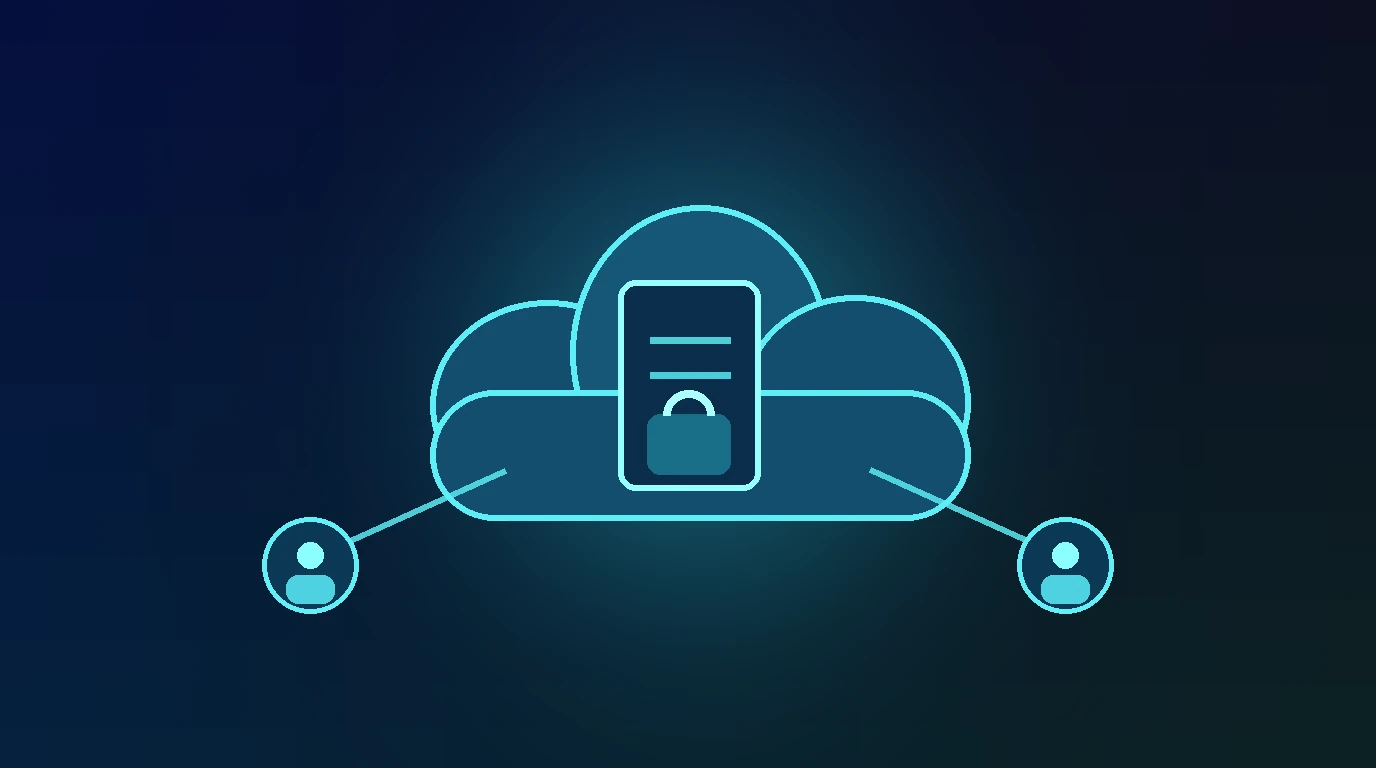
Sharing files through the cloud is now routine at work. The problem is not the service but the sharing settings. One link with permissions set too loosely can expose a project folder, client data, or financial documents to people who were never invited. The basic rule is simple: give just enough access, to the right people, for as long as needed.
Why sharing settings often leak
Leaks rarely come from sophisticated hacking. They usually come from "anyone with the link can view", edit access handed to everyone, or old folders never revoked. A link that is easy to create is also easy to forward: once forwarded, its audience is out of your control.
Practical steps to share cloud files securely
Work from permissions to cleanup. Each step closes one leak path.
1. Choose the right access level
Grant "view" only when the recipient just needs to read. Reserve "edit" for people who truly must change the file. Do not default to the highest permission because it is convenient. Over-permission is the most common cause of leaks.
2. Avoid "anyone with the link" for sensitive files
For contracts, financial data, or client information, share to specific email addresses rather than a public link. With specific emails, you know exactly who opens the file and can revoke access per person.
3. Set link expiry and a password
Where the service supports it, limit a link with an expiry date so access ends automatically after the project. Add a password on the link as a second layer, and send the password through a separate channel from the link itself.
4. Separate and mark sensitive files
Keep sensitive documents in a separate folder with strict sharing, not mixed with general material. For confidential documents, consider a watermark with the recipient's name so the source of a leak can be traced.
5. Review and revoke old access
Open the sharing panel periodically. Revoke access for recipients, vendors, or former team members who no longer need it. Do this every time a project ends or staffing changes.
Example: a project folder with a public link
A team shares a project folder with "anyone with the link can edit" for convenience. The link gets forwarded to a vendor, then accidentally to a wider group. Weeks later, files are changed by an unknown party. Sharing by email with limited permissions would have shown exactly who opened the folder, and who should not have been there.
If sensitive files are suspected to have leaked
Establish the scope: which files, since when, who had access. Revoke all links and access, then replace them with strict sharing. If client or personal data is involved, follow the reporting duties in your agreements and the rules that apply. Keep a timeline for internal records.
Common mistakes to avoid
- Giving edit access to everyone. Only those who actually change the file need it.
- Leaving links alive with no expiry. Access should end with the project.
- Mixing sensitive and general files. One wrong setting can expose both.
Frequently asked questions
Is "anyone with the link" safe?
Fine for non-sensitive files. For confidential documents, share by email or add a password and expiry.
How do I revoke access I already shared?
Open the sharing panel for the file or folder, then remove the name or disable the link. The change takes effect immediately.
When is a watermark needed?
For confidential documents shared with many parties, a recipient-name watermark helps trace the source if the file leaks.
Sources and further reading
Editorial note: This article is educational and defensive. Sharing features differ between cloud providers. Use your provider's official documentation.