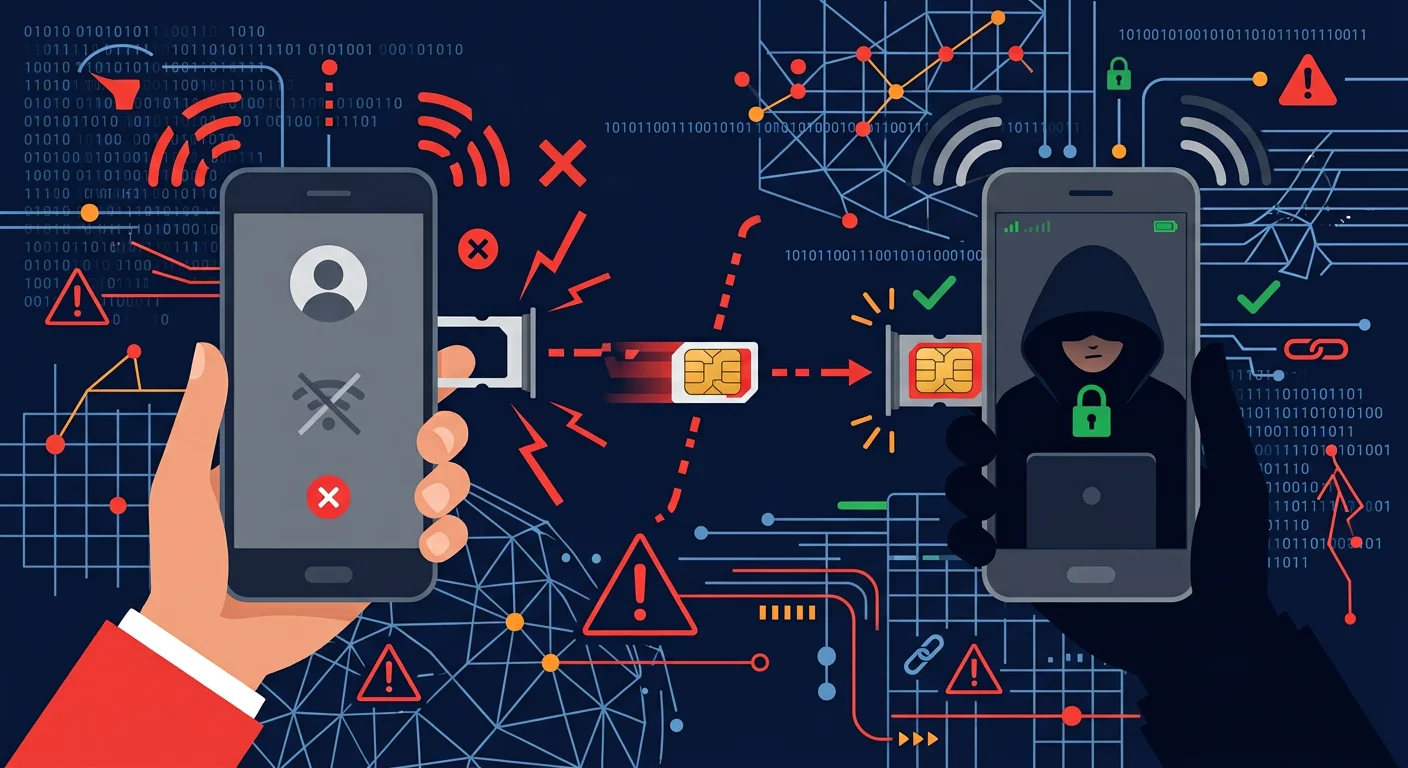
Your phone number is the backup key to nearly all your online accounts. Email password resets, bank login verification, WhatsApp OTP codes: all can be sent via SMS. If someone takes over your phone number, they take over the gateway to your digital life. A SIM swap attack is a technique where attackers convince your mobile carrier to transfer your number to a SIM card they hold. Once successful, all SMS and calls that should reach your phone go to the attacker instead.
How SIM swapping happens
Stage 1: Information gathering
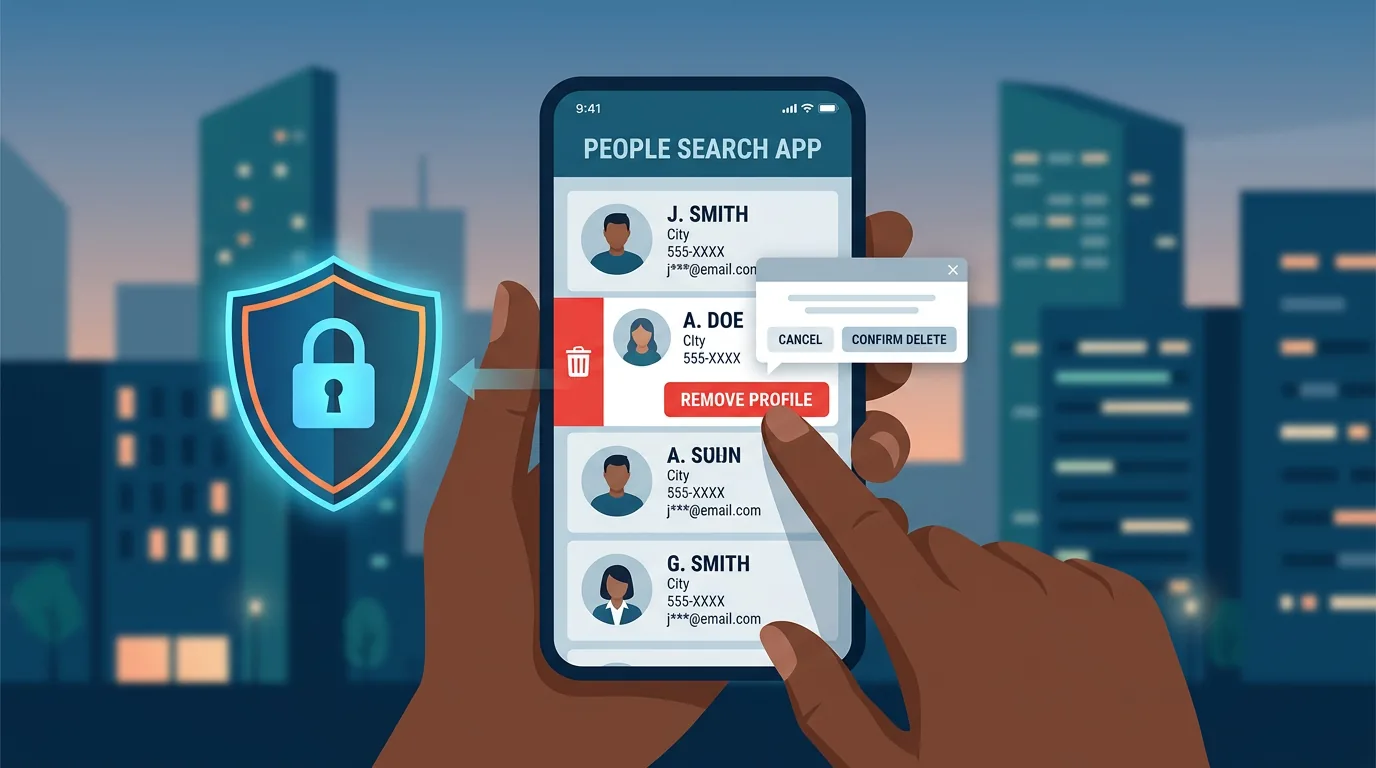
Attackers collect your personal data from public sources: full name, date of birth, address, ID number. This information is available on social media, online directories, or leaked databases.
Stage 2: Contacting the carrier
Attackers contact your mobile carrier's customer service, impersonating you. They claim the SIM card is "lost" or "damaged" and request a replacement to a new SIM they hold. With the personal data already collected, they can answer verification questions.
Stage 3: Takeover
The carrier processes the request and moves your number to the attacker's SIM card. Your phone loses signal. All SMS, including OTP codes, go to the attacker's phone.
Stage 4: Account hijacking
Attackers use your number to reset email passwords, access bank accounts, and hijack social media accounts. If OTPs are sent via SMS, the attacker receives them. Within minutes, they can access bank accounts, primary email, and cryptocurrency accounts.
Signs your number is being SIM swapped
- Phone signal suddenly drops without a clear technical reason (not in a no-signal area)
- Cannot send or receive SMS and calls despite sufficient credit
- Receiving email notifications about password resets you did not request
- Banking or email apps logging you out without reason If you experience any of these signs, act immediately. Every minute counts.
7 steps to prevent SIM swapping
1. Set a security PIN on your carrier account
Contact your carrier and request activation of a PIN or security password for your account. This PIN is required before anyone can make changes to the account, including SIM card replacements. Each carrier has different procedures, so contact customer service or visit an official store.
2. Reduce dependence on SMS OTP
Replace SMS verification with more secure methods:
- Authenticator apps (Google Authenticator, Authy, Microsoft Authenticator) for services that support them
- Push notifications for login verification (like Google Prompt)
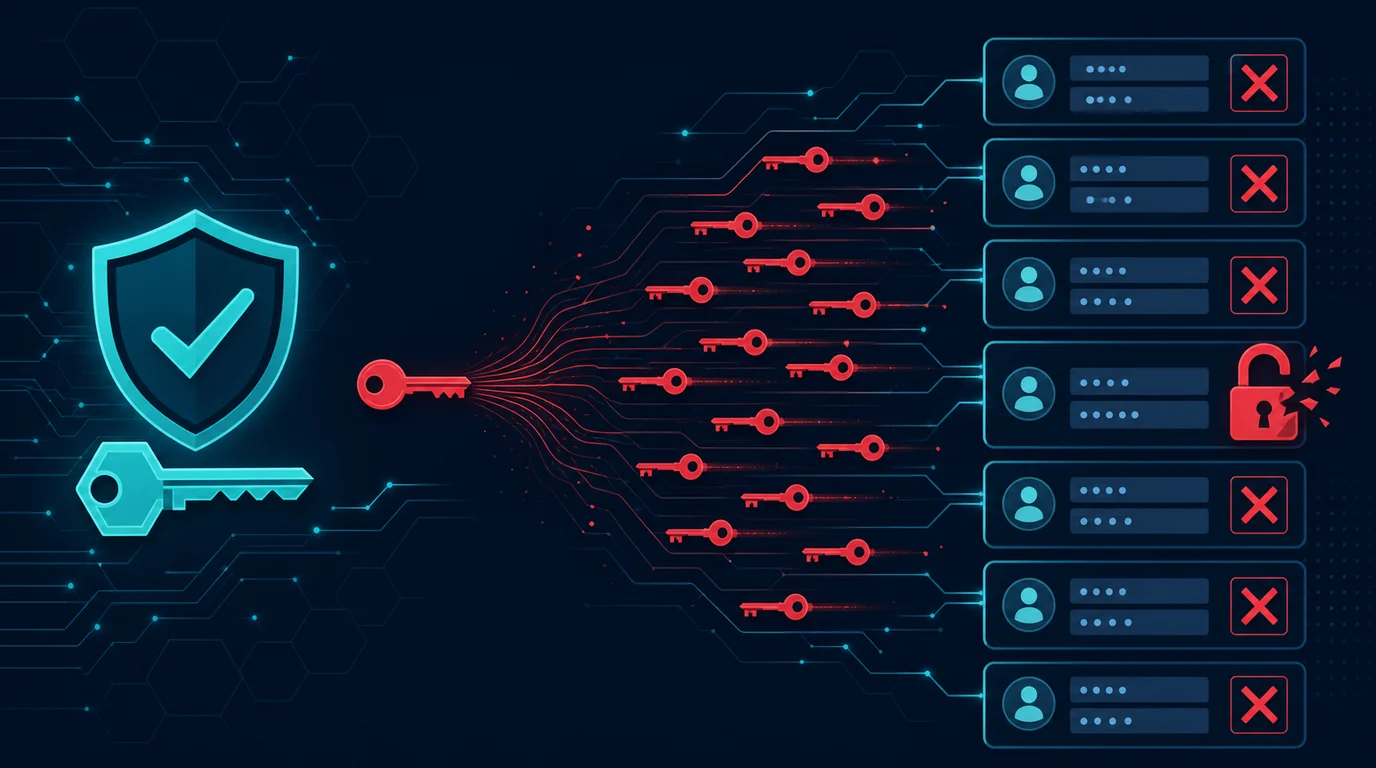
- Security keys (YubiKey, Titan) for high-value accounts The fewer accounts that rely on SMS OTP, the smaller the impact if your number is swapped.
3. Protect personal information on social media
SIM swap attackers gather data from social media to answer carrier verification questions. Hide:
- Full date of birth (especially the year)
- Home address
- Phone numbers in public profiles
- Family information that could be used as security answers
4. Enable notifications for important account changes
Set your primary email to receive notifications whenever there are password changes, login attempts, or reset requests on important services. If you receive a reset notification you did not request, investigate immediately.
5. Set up a secure recovery email
Recovery email for important accounts should be protected with a strong password and 2FA that does not depend on SMS. If attackers take over your phone number, they may try to reset email: but if email is protected with an authenticator app, they are stopped.
6. Do not share your phone number freely
Every place you provide your phone number adds a point where that information could leak. Consider whether you need to provide your phone number for service registrations, online forms, or membership cards.
7. Prepare an emergency response plan
Write down the steps to take if your number is swapped:
- Carrier customer service number
- Official bank numbers for account freezing
- List of accounts that need securing
- Nearest carrier store location Store this plan somewhere accessible without your phone (printed or in email accessible from another device).
If your number has been swapped
- Contact the carrier immediately through customer service or visit an official store. Bring ID to prove your identity. Request the number be returned to your SIM.
- Contact your bank to freeze accounts and block unauthorized transactions.
- Change passwords on all important accounts from a device you control.
- Check login history in email and important services to find unauthorized access.
- Report to law enforcement with evidence: time of signal loss, notifications received, and unauthorized transactions.
- Reevaluate authentication methods on all accounts and reduce dependence on SMS OTP.
Frequently asked questions
Can SIM swapping happen with any carrier?
Yes. All carriers have SIM replacement procedures, and these procedures can be abused. Some carriers have stricter verification than others.
How long does number recovery take after a swap?
It varies by carrier. If you can prove identity with official ID at an official store, the process completes within hours.
Is eSIM safer than physical SIM?
eSIM can be safer because there is no physical card to swap, but eSIM reactivation processes can also be manipulated if attackers have enough personal data. A security PIN is still necessary.
Sources and further reading
- FBI IC3: SIM Swapping Public Service Announcement
- FTC: How to Protect Your Phone and the Data on It
- CISA: Mobile Communications Best Practice Guidance
Editorial note: Procedures vary by carrier. Contact your carrier directly to learn about specific security options available.