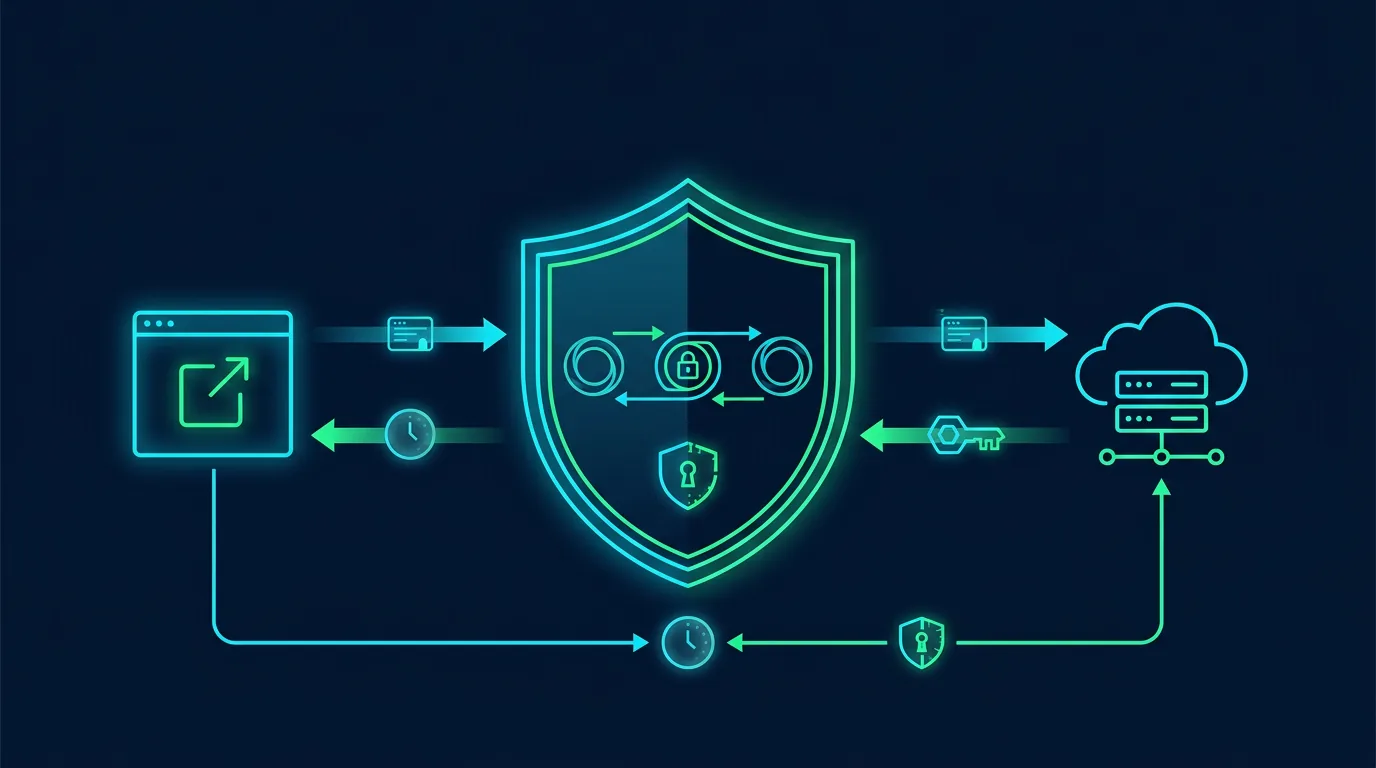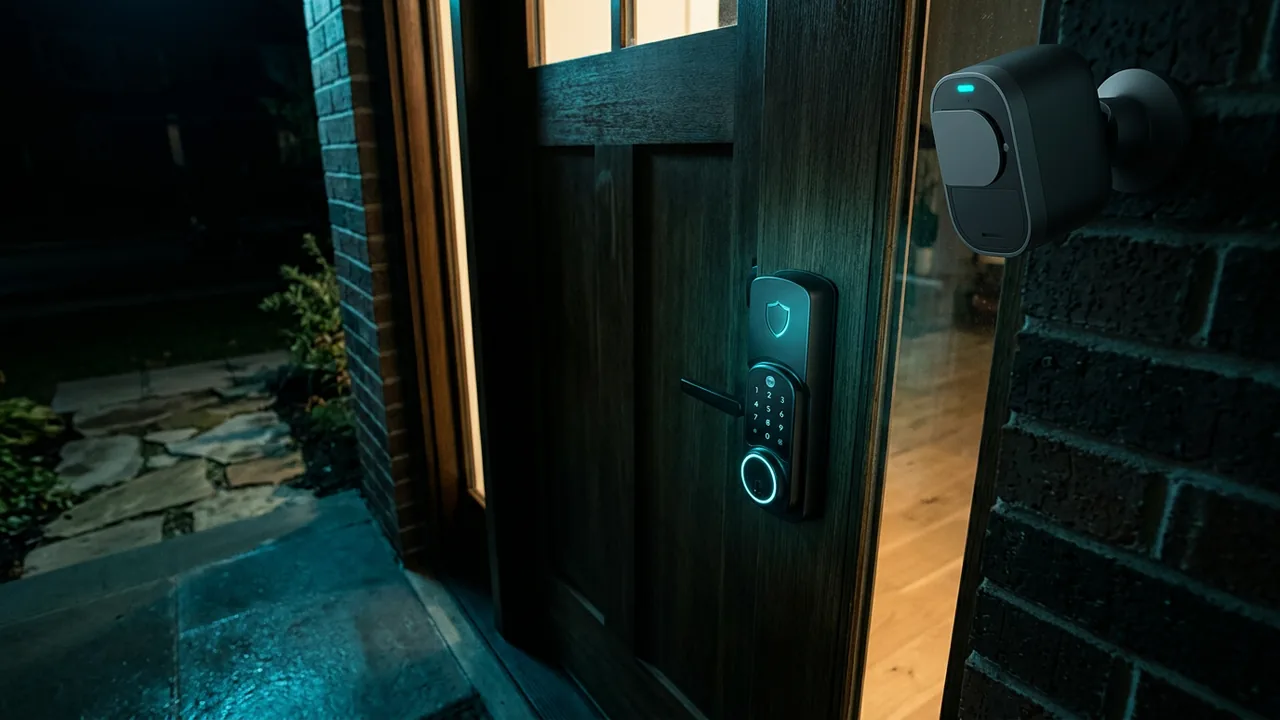
Smart lock lets you open door with fingerprint or phone. WiFi CCTV lets you see home from office. Convenient. But those two devices most often become victim of botnets and spying because default passwords and never updated firmware.
This article guides you to choose, install, and lock smart lock and CCTV so smart home does not become entry for actors.
Risks of smart lock and CCTV that often happen
Mirai botnet and variants. Cheap CCTV with admin / 123456 password becomes target of Mirai botnet scanning internet 24 hours. Bot enters, becomes part of botnet for DDoS. Akamai 2024 report: 40% IoT devices in botnet are cameras.
Spying via CCTV. Many free cloud CCTV store video on overseas server without end-to-end encryption. If CCTV account hacked, actor can watch live bedroom. Case in Indonesia 2023: 600 home CCTV videos leaked on forum because accounts used same password as already breached email.
Smart lock break via Bluetooth relay. Smart locks using only Bluetooth without challenge can be opened with relay attack. Actor uses two phones to relay signal from your phone inside house to door. Method demoed at DEF CON 2023.
Location and habit data. Smart lock logs door open close times. Data sensitive. If leaked, actor knows when house empty.
Firmware updates missing. Cheap brands do not give update after sale. CVE holes stay open for years.
Security principles before buying
- Choose brand with clear updates. Check whether brand has firmware release notes page and support at least 3 years. Big brands like Aqara, Yale, Philips, EZVIZ, Tapo have routine updates.
- Encryption support. Smart lock must use AES-128 or more for Bluetooth and WiFi. CCTV must support WPA2/WPA3 and video encryption in transit TLS 1.2 plus at rest.
- 2FA for app. CCTV and lock apps must support 2FA. If only password, skip.
- Local mode without cloud. Choose CCTV that can record to SD card or local NVR without mandatory cloud. Choose smart lock that can open via offline PIN, not only via cloud.
- Do not buy using default password unchangeable. If manual says default password admin/admin and no instruction to change at setup, leave it.
Ask seller: does device support Matter or HomeKit Secure Video? New standards usually safer than proprietary protocol.
How to install isolated IoT network
Do not install CCTV and smart lock on same WiFi as work laptop and banking.
Create separate SSID.
In router, create SSID Home-IoT dedicated for smart devices. Enable AP isolation or VLAN if router supports. In MikroTik or OpenWrt, create VLAN ID 20 for IoT.
Firewall rules:
- IoT only allowed internet, not allowed access to main laptop network.
- Laptop allowed access IoT to view CCTV, but IoT not allowed to initiate connection to laptop.
- Block IoT access to irrelevant countries if router supports GeoIP.
Change WiFi IoT password with strong 20-char password and store in password manager. Do not use same password as main WiFi.
Enable WPA3 if devices support. If old CCTV only supports WPA2, still okay but ensure long password.
Hardening steps after installation
Smart lock
- Change default PIN. Do not use 123456 or 000000. Use random 6-digit not using birth date.
- Register fingerprints and face only for permanent residents. Do not register handyman or guest as permanent user, use temporary guest PIN with expiry.
- Enable auto-lock 30 seconds. Door auto locks if forgotten.
- Disable unlock via WiFi if you only need Bluetooth. Smaller attack surface.
- Check open close logs weekly. If open at 3 AM when no resident, investigate.
- Update firmware via official app. Do not download firmware from forums.
CCTV
- Change default admin password immediately after installing. Use random 16-char password.
- Enable 2FA in CCTV app. Store recovery code.
- Disable UPnP in router and in CCTV. UPnP opens port automatically to internet without permission. Many cameras leaked because UPnP.
- Disable P2P feature if not needed. P2P eases remote access without port forwarding setting, but often becomes gap. If you only view CCTV at home via local WiFi, disable P2P.
- Enable SD card encryption if camera supports. If thief takes camera, video cannot be read directly.
- Set privacy zones. In Tapo or EZVIZ app, you can block bathroom or work desk area not to be recorded.
- Update firmware monthly. Schedule reminder.
How to prevent spying and doxxing via CCTV
CCTV facing street can record neighbors. In many countries, this can become privacy dispute.
- Point CCTV inside fence, not to neighbor house.
- If must face street, enable privacy masking to block neighbor windows.
- Do not share CCTV access to housing WhatsApp group without control. Give access only to core family members and revoke when moving house.
- If you rent boarding house, ensure owner does not give bedroom CCTV access to others.
- For indoor CCTV (baby monitor), turn off when not needed or cover with physical shutter. Many cases baby monitor hacked and actor talks to baby.
If you buy second hand CCTV, factory reset first and change cloud account. Old owner account may still have access.
Attack simulation and early detection
You can detect early without becoming hacker.
- Check on Shodan.io whether your public IP shows camera. Open shodan.io, search
has_screenshot:true country:ID. If your camera appears, you already exposed. - Check router logs: does CCTV send big data at 2 AM to unknown foreign IP? If yes, may be botnet.
- Check HaveIBeenPwned for email used to register CCTV. If email breached, change CCTV password.
- Use Fing app on phone to scan devices on IoT network. Fing shows brand and whether suspicious open ports like Telnet port 23.
If you find your camera accessible without password from internet, unplug directly from power and replace before reinstalling.
Family SOP for smart home
Make 1-page rule for family.
- Who can create guest PIN? Only parents.
- How long guest PIN valid? Max 24 hours.
- Allowed to share CCTV video to TikTok? No, because shows house layout.
- Allowed to give CCTV access to house helper or guard? Only view at certain hours, not admin.
- How if phone lost with smart lock access? Immediately revoke access via app on laptop and change main PIN.
Place SOP near router, not on front door readable by guests.
Train kids how to manually lock if smart lock battery runs out. Many smart locks have emergency USB-C port for power bank.
Buying checklist for secure smart lock and CCTV
- Brand has firmware updates for next 3 years?
- App supports 2FA?
- Supports WPA3 or at least WPA2 with long password?
- Can work offline without cloud for door opening and local recording?
- Has TLS video encryption and local SD card encryption?
- Has open close logs and auto-lock feature?
- Has privacy masking and privacy zones?
- Manual clear how to change default password and how to factory reset?
- User reviews not many complaints about hacked accounts?
If 3 of 9 not, look for other brand.
Sources and further reading
- CISA: Securing IoT Devices
- NIST IR 8259: Foundational Cybersecurity for IoT
- OWASP IoT Top 10
- DEF CON 2023: Smart Lock Relay Attacks
- Consumer Reports: How to Secure Security Camera
Editorial note: This guide is defensive. Do not disassemble smart lock yourself if you lack skill, it can break and not lock. If doubt, ask official technician understanding security.
Frequently asked questions
Is smart lock safe from burglar?
Smart lock with auto-lock and logs safer than conventional key duplicable at locksmith. Digital risk exists, but can be minimized with strong PIN, firmware update, and network isolation.
Is free cloud CCTV safe?
Free often means your data becomes product. Choose service with clear encryption and 2FA. If you need high privacy, use local NVR without cloud.
How if power out, smart lock still can open?
Yes, smart lock uses internal battery. Average lasts 6-12 months. If battery dead, use power bank via USB-C below lock for emergency, then replace battery.
Need to change router for IoT isolation?
Not mandatory. Cheap routers TP-Link or Xiaomi with Guest Network already provide basic isolation. For advanced VLAN, need MikroTik or OpenWrt.
Can CCTV be hacked even with strong password?
Yes if firmware has unpatched CVE hole. That is why firmware update more important than just strong password.
Can boarding house have CCTV?
Allowed in public areas like entrance, not allowed inside bathroom or private rooms of tenants without clear consent. Respect tenant privacy.
How to delete second-hand CCTV data before selling?
Factory reset via reset button 10 seconds, format SD card in camera, delete account in app, and revoke access in cloud. Do not only delete videos.
Case study: boarding house in Jogja CCTV hacked and videos shared on Telegram
A boarding house in Jogja installed 4 cheap CCTVs without changing default password admin/123456 and enabled UPnP. Public IP indexed on Shodan. Actor from overseas accessed CCTV without password, recorded tenant activities, and shared clips on Telegram group.
Tenants reported to owner, owner did not know how to disable UPnP. Finally all CCTVs unplugged and replaced with brand supporting 2FA and firmware updates, plus VLAN isolation.
Cost replacing 4 CCTVs $130, but boarding house reputation damaged and tenants moved out.
Lesson: default password and UPnP are two main causes CCTV breached. Changing password and disabling UPnP takes 10 minutes, free.
90-day roadmap for secure smart home
Week 1: Change all default passwords for smart lock and CCTV, enable 2FA, disable UPnP and P2P if not needed.
Week 2: Create separate IoT SSID, isolate from main network, change IoT WiFi password with 20 chars, enable WPA3 if supported.
Week 3-4: Update firmware all devices, enable auto-lock, set privacy zones for CCTV, check open close logs for smart lock.
Month 2: Check Shodan whether your camera exposed, check router logs whether weird traffic at 2 AM, train family how to use guest PIN and how to revoke access.
Month 3: Simulate lost phone, try revoke smart lock access from laptop, check whether auto-lock works when battery low, evaluate 1-page family SOP.
Roadmap makes smart home comfortable without becoming botnet nest.
Mistakes making smart home entry point
Installing CCTV and smart lock on same WiFi as banking laptop without isolation. If CCTV hit by botnet, actor can sniff traffic on same network.
Never updating firmware. CVE 2023 for cheap CCTV still open until 2025 because owner did not update.
Sharing admin CCTV access to many people via admin QR code. Should share viewer access only, not admin that can change password and delete video.
Installing smart lock without manual open way. When battery dies and no USB-C emergency port, you locked outside house.
Buying second-hand CCTV without factory reset. Previous owner cloud account can still see your home video.
Additional FAQ and advanced mitigation
Many ask whether solutions are free. Most are free, some need small fee. Firefox Relay free 5 aliases, SimpleLogin free 15, iCloud Hide My Email needs iCloud+ $0.99. For small business, €30 per year for custom domain worth time saved.
Does this hold against advanced attacks? No solution 100 percent. But alias, passkey, IoT isolation reduce 80 percent opportunistic attacks that become majority of small business incidents. Targeted APT attacks need deeper defense.
How if employees refuse new SOP? Education with real examples more effective than force. Show case of Bali cafe rating dropping because fake QR, or Jogja boarding house CCTV video leak. Real cases make people care.
Do you need expensive consultant? For small business with customer data under 10k, 1-page SOP plus monthly checklist enough. Consultant needed if you manage sensitive data like national ID, ID photo, or big financial data and need DPIA per PDP law.
How to measure success? Count simple metrics: spam per week, failed login attempts, number IoT devices updated. Note in sheet monthly. If numbers go down, SOP works.
One principle: security not one-time project, but monthly habit 10-30 minutes. Consistency more important than expensive tools.
Additional checklist: check whether password manager backup encrypted in cloud, check whether IoT device still has Telnet port 23 open, and check whether email alias still forwards correctly. Three checks take 5 minutes but prevent 3 main attack vectors: credential leak, botnet, and mail misdelivery.
For small business, make calendar reminder every Monday morning: check admin logs, check backup, check updates. Automatic calendar more effective than memory.
Customer education also part of responsibility. Put small poster at cashier: "We never ask OTP via WhatsApp, beware fake QR". Physical poster reminds customers and reduces fraud victims impersonating your shop.
Finally, simple 1-page documentation stored in shared Drive more useful than 20-page doc unread. Start with 1 page, then improve monthly based on incidents or simulations.
Additional checklist: check whether password manager backup encrypted in cloud, check whether IoT device still has Telnet port 23 open, and check whether email alias still forwards correctly. Three checks take 5 minutes but prevent 3 main attack vectors: credential leak, botnet, and mail misdelivery.
For small business, make calendar reminder every Monday morning: check admin logs, check backup, check updates. Automatic calendar more effective than memory.
Customer education also part of responsibility. Put small poster at cashier: "We never ask OTP via WhatsApp, beware fake QR". Physical poster reminds customers and reduces fraud victims impersonating your shop.
Finally, simple 1-page documentation stored in shared Drive more useful than 20-page doc unread. Start with 1 page, then improve monthly based on incidents or simulations.
Additional checklist: check whether password manager backup encrypted in cloud, check whether IoT device still has Telnet port 23 open, and check whether email alias still forwards correctly. Three checks take 5 minutes but prevent 3 main attack vectors: credential leak, botnet, and mail misdelivery.
For small business, make calendar reminder every Monday morning: check admin logs, check backup, check updates. Automatic calendar more effective than memory.
Customer education also part of responsibility. Put small poster at cashier: "We never ask OTP via WhatsApp, beware fake QR". Physical poster reminds customers and reduces fraud victims impersonating your shop.
Finally, simple 1-page documentation stored in shared Drive more useful than 20-page doc unread. Start with 1 page, then improve monthly based on incidents or simulations.
Additional checklist: check whether password manager backup encrypted in cloud, check whether IoT device still has Telnet port 23 open, and check whether email alias still forwards correctly. Three checks take 5 minutes but prevent 3 main attack vectors: credential leak, botnet, and mail misdelivery.
For small business, make calendar reminder every Monday morning: check admin logs, check backup, check updates. Automatic calendar more effective than memory.
Customer education also part of responsibility. Put small poster at cashier: "We never ask OTP via WhatsApp, beware fake QR". Physical poster reminds customers and reduces fraud victims impersonating your shop.
Finally, simple 1-page documentation stored in shared Drive more useful than 20-page doc unread. Start with 1 page, then improve monthly based on incidents or simulations.