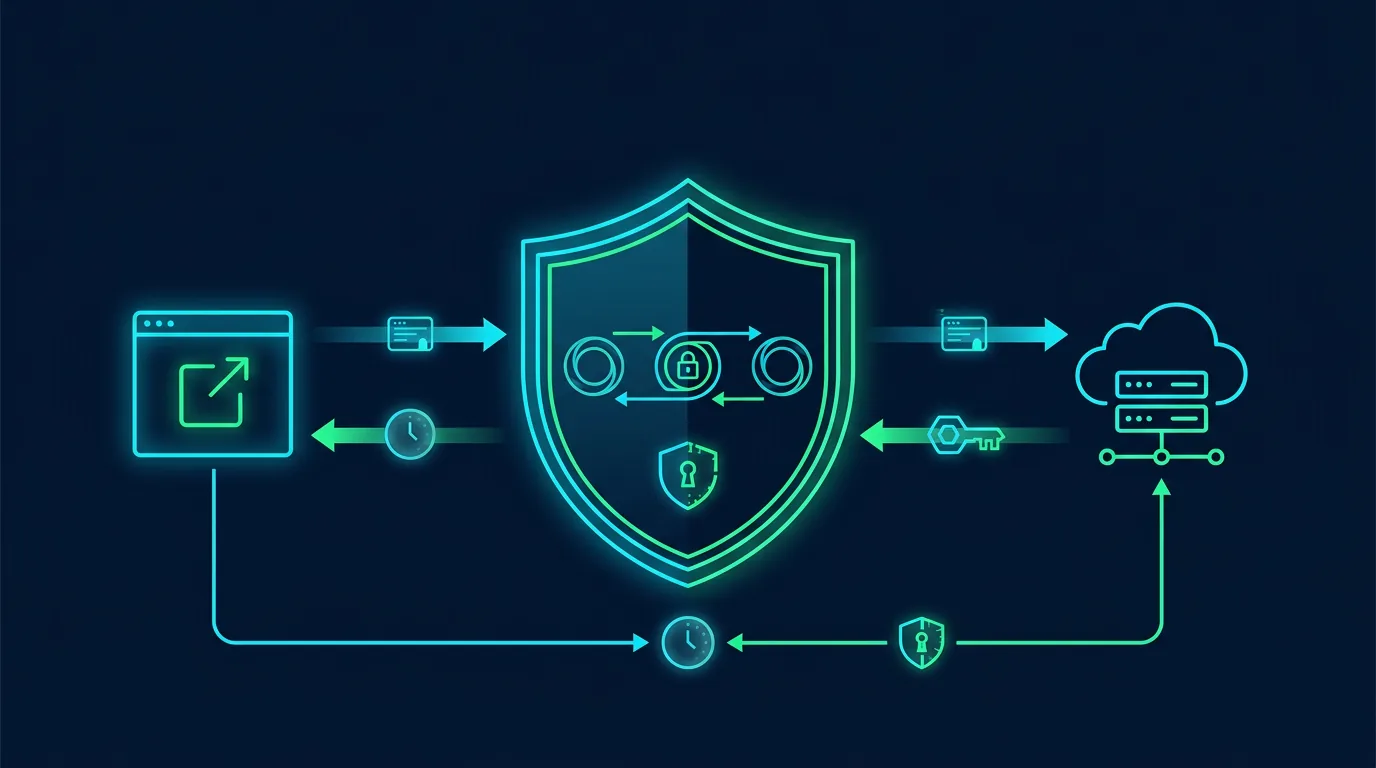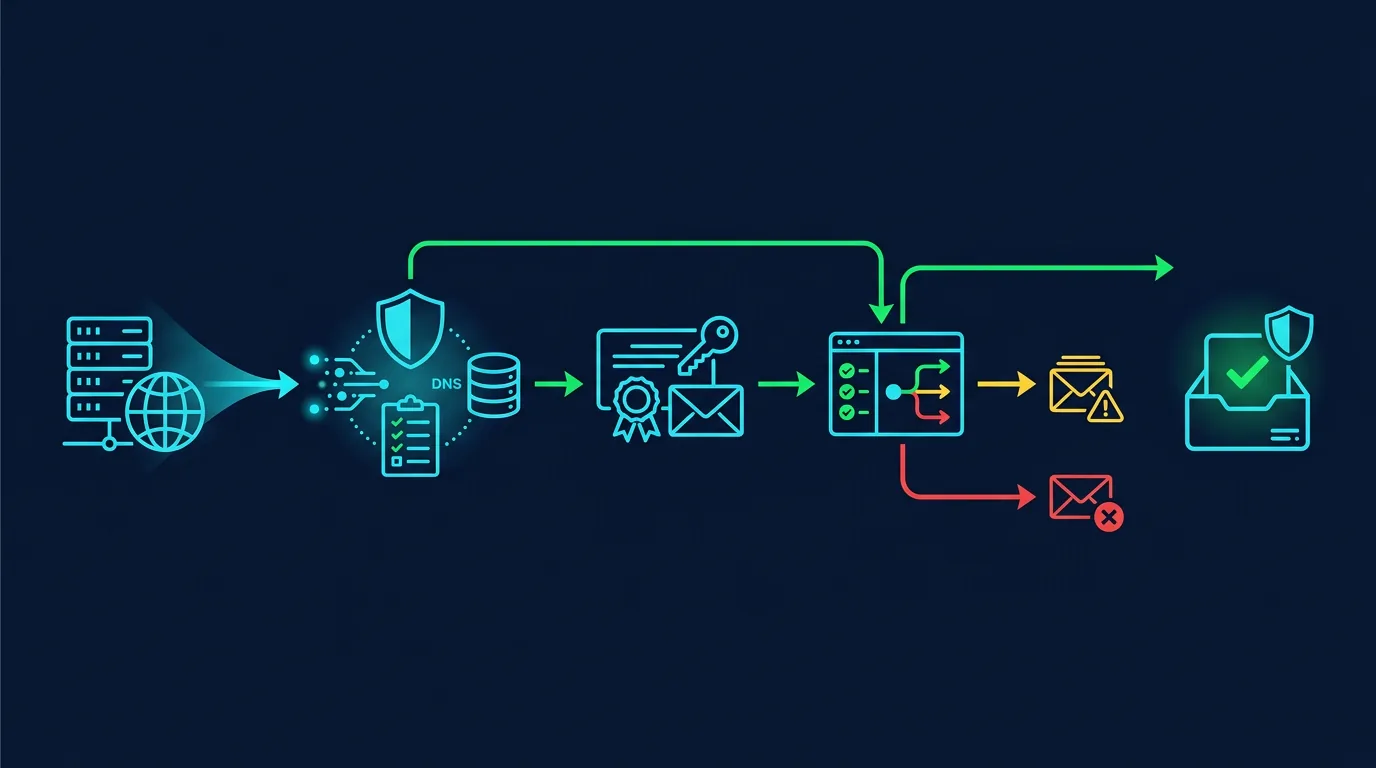
Spoofed sender addresses make scam emails appear to come from a domain people trust. SPF, DKIM, and DMARC give receiving servers a way to check whether a message came from an authorized service. BIMI adds visual brand identity, but it does not replace authentication.
Four different mechanisms
SPF checks the sending server
Sender Policy Framework stores a list of servers allowed to send mail for your domain in a DNS TXT record. SPF helps receivers recognize unauthorized servers. Use one SPF record per domain. Too many include mechanisms can exceed the DNS lookup limit and make validation fail.
DKIM signs the message
DomainKeys Identified Mail adds a cryptographic signature to message headers. The receiver retrieves a public key from DNS and checks whether the message changed in transit. Keep the private key with the mail provider, rotate it when the service supports rotation, and document each selector.
DMARC sets the policy
Domain-based Message Authentication, Reporting, and Conformance connects SPF or DKIM results with the domain in the From header. It also defines what happens when a check fails and sends aggregate reports to the address you specify. Start with p=none to map legitimate senders, then move to quarantine and reject after every service is verified.
BIMI displays brand identity
Brand Indicators for Message Identification can display a logo in supporting mail clients. Deployment usually requires an enforcing DMARC policy plus a VMC or CMC certificate, depending on provider requirements. Treat BIMI as a brand and anti-impersonation enhancement.
A safe implementation order
- Inventory every service that sends mail: mailboxes, websites, CRM, newsletters, invoices, and ticketing.
- Publish one correct SPF record. Do not create a second SPF record.
- Enable DKIM for every service and record its selector.
- Add DMARC such as
v=DMARC1; p=none; rua=mailto:dmarc@example.com. - Review reports across several mail cycles. Separate legitimate services from spoofing and retired configuration.
- Fix legitimate services, then move to
quarantineand finallyrejectwhen coverage is clear. - Monitor DNS changes and key or certificate expiry.
Common mistakes
- Publishing two SPF records for one domain.
- Enabling
p=rejectbefore mapping third-party senders. - Assuming DMARC protects inbound mail from every spoofed domain. It mainly controls abuse of your domain.
- Sending DMARC reports to an unmonitored mailbox.
- Letting vendors send with your main domain without correct DKIM and alignment.
Audit checklist
- The domain has one valid SPF record.
- Every sending service has DKIM enabled.
- DMARC reports go to a monitored address.
- Subdomains have an explicit policy.
- DNS changes require MFA and approval.
- The DMARC policy increases after reports are reviewed.
Sources
Note: Test changes on a staging domain or subdomain when your mail service is critical. A DNS mistake can stop legitimate mail.
Applying controls without disrupting operations
Make changes in stages. Record the starting state before changing configuration. Keep the owner, change time, and rollback method. This prevents a team from chasing an ideal configuration while putting a working service at risk.
Start with assets that affect money, identity, and customer data. Assign one owner, one reviewer, and one communication channel. After enabling a control, test it with a test account or non-production device. Check the result from both the user side and the log side.
Create a comparable baseline
A baseline contains approved configuration, its owner, the last change time, and the reason for each exception. Store it in a restricted repository. Never store secrets, tokens, private keys, or customer data in the baseline. Screenshots help, but structured notes are easier to review.
Treat exceptions as debt
Exceptions may be necessary for compatibility. Give every exception a reason, owner, risk, compensating control, and expiry date. Review exceptions in an operational meeting. An exception without an expiry becomes forgotten permanent configuration.
Measure outcomes with simple questions
Ask whether the control reduces misuse, speeds detection, or limits incident impact. Measure time to notice a change, time to revoke access, accounts without MFA, alerts that received a response, and expired exceptions. These numbers help a business owner choose the next task.
Protect reader and user privacy
A security control is not permission to collect unlimited data. Define purpose, limit access, and delete operational data when it is no longer needed. When a checklist touches customer data, involve the privacy owner and document the processing basis.
Conclusion
Good defense has an owner, evidence, and a review schedule. Choose one change you can test this week, document the result, and move to the next asset.
Editorial disclosure: This article was written for ShaSec from public documentation and defensive security practice. It does not endorse a specific vendor, ask readers to click ads, or promise that one control can prevent every incident.