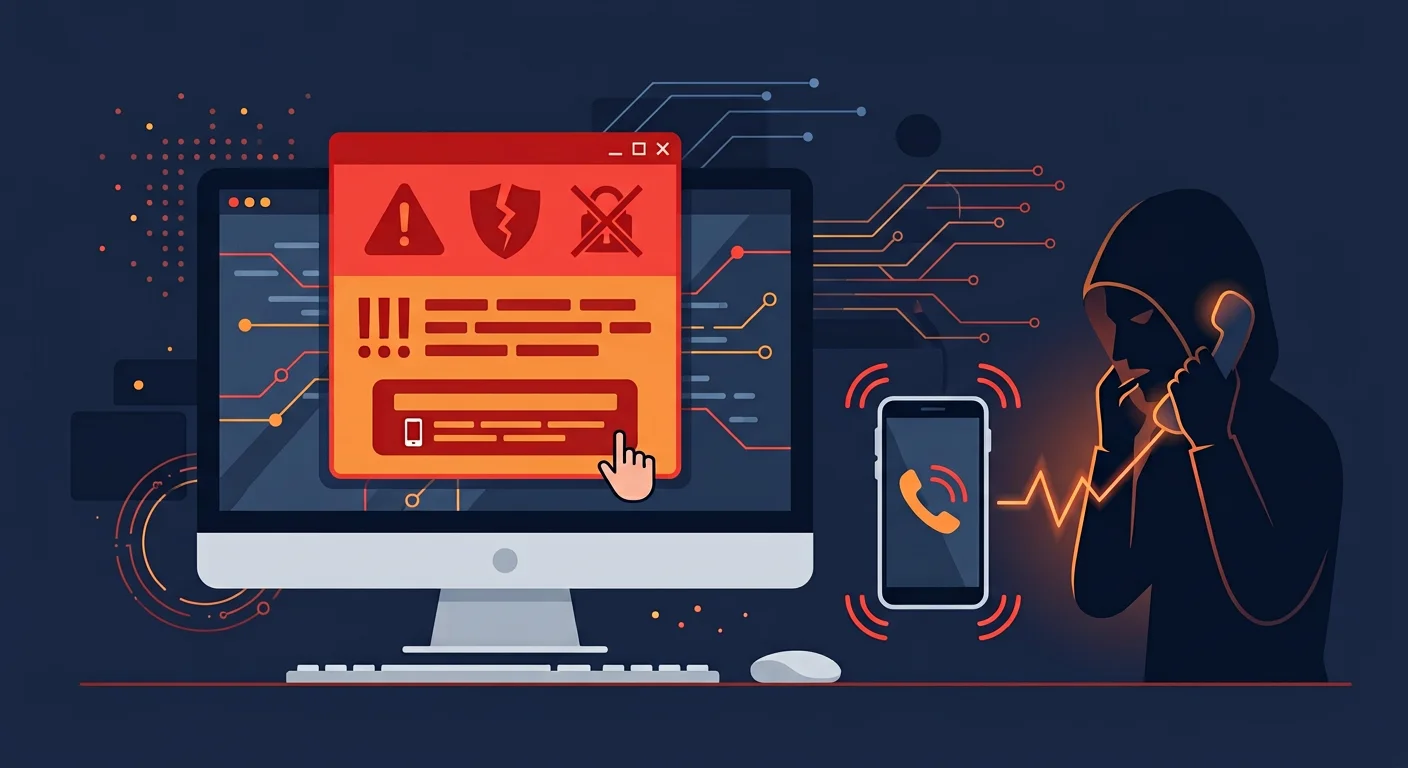
A pop-up appears on screen: "WARNING: Your computer is infected with a dangerous virus! Call Microsoft Support immediately at 1-800-XXXX." An alarmed voice plays from the speakers. A phone number flashes. This is not a warning from Microsoft. This is a tech support scam, and millions of people worldwide fall victim every year. Tech support scams work by creating fear and urgency, then offering "help" that actually leads to money theft, malware installation, or personal data theft.
How tech support scams work
Scammers use several stages: first, they make victims believe there is a serious problem with their computer. Second, they build trust by impersonating technicians from well-known companies. Third, they "fix" a problem that does not actually exist, while stealing data or requesting payment. Amounts requested vary from hundreds to thousands of dollars for "software licenses" or "repair services" that are completely unnecessary.
6 tech support scam schemes
1. Fake warning pop-ups in the browser
You are browsing the internet when a pop-up appears with a virus warning, complete with Microsoft or Apple logos. These pop-ups often lock the browser making it difficult to close. A "support" phone number is prominently displayed. The fact: Microsoft and Apple never display virus warnings through browser pop-ups. Real security warnings come from antivirus software installed on the system, not from web pages.
2. Cold calls
Someone calls claiming to be from "Microsoft", "Windows Support", or "your ISP". They say they detected problems with your computer and offer free help. They often state your name and address (information available in public directories) to build trust. The fact: Microsoft, Apple, and ISPs never proactively call customers to offer technical support. Every such call is a scam.
3. Fake search results
Scammers buy ads on Google or other search engines for keywords like "Microsoft support" or "Windows customer service number". When you search for official support numbers, their ads appear at the top with fake phone numbers. The fact: Official support numbers are always available on the company's official website, not in paid advertisements.
4. Remote access for "diagnosis"
After victims call the fake number, scammers ask them to install remote access software like AnyDesk, TeamViewer, or UltraViewer. They claim this is to "diagnose the problem". Once connected, scammers can fully control the victim's computer. While connected to the victim's computer, scammers often:
- Open Event Viewer and show normal error logs as "proof of viruses"
- Install actual malware
- Steal files and passwords saved in the browser
- Open banking sites and ask victims to log in
5. "Repairs" followed by payment demands
After "fixing" a non-existent problem, scammers request payment. Payment methods requested are usually hard to trace: gift cards, wire transfers, cryptocurrency, or vouchers. If victims refuse, scammers may threaten to "damage" the computer they already accessed.
6. Follow-up calls (refund scam)
Weeks after the first scam, scammers call again. This time they claim to be from the "refund department" and offer a refund. To process it, they request remote access again or ask victims to transfer "excess payment". This is a second scam targeting the same victim.
How to protect yourself
Never call numbers from pop-ups
Close the browser through Task Manager (Ctrl+Shift+Esc) if pop-ups lock the screen. Do not call the displayed number.
Do not engage with unsolicited tech support calls
If someone calls claiming to be from Microsoft or your ISP, hang up. Look up the company's official number through their website.
Never allow remote access to strangers
Remote access software gives full control over your computer. Only allow people you know and trust in person.
Verify through official websites
If you are worried about computer problems, visit the manufacturer's official website (microsoft. Com, apple. Com) and contact support through their official channels.
Never pay with gift cards or cryptocurrency
Requests for payment via gift cards, cryptocurrency, or wire transfers are certain signs of fraud. Legitimate companies never request payment this way.
If you have become a victim
- Disconnect from the internet immediately if the scammer is still connected via remote access
- Uninstall remote access software the scammer installed
- Scan your computer with trusted antivirus to find any malware that may have been installed
- Change all passwords from a different device, especially for email and banking
- Contact your bank if you provided credit card information or made payments
- Report to law enforcement and keep evidence of conversations and payments
Frequently asked questions
How do scammers get my phone number?
Phone numbers are available in public directories, social media, or leaked databases. Scammers call randomly hoping some targets will respond.
Can antivirus prevent this scam?
Antivirus can block malicious pop-ups and detect malware, but cannot prevent you from voluntarily granting remote access or calling fake numbers. Human vigilance remains the primary defense.
Does this scam only target elderly people?
No. While elderly people are more frequently victimized, this scam targets all ages. Busy professionals who do not have time to verify are also vulnerable.
Sources and further reading
- FTC: How to Spot, Avoid, and Report Tech Support Scams
- Microsoft: Avoid Tech Support Scams
- FBI: Tech Support Scams
Editorial note: This article is educational and defensive in nature. If you suspect fraud, contact law enforcement and relevant agencies before taking further action.