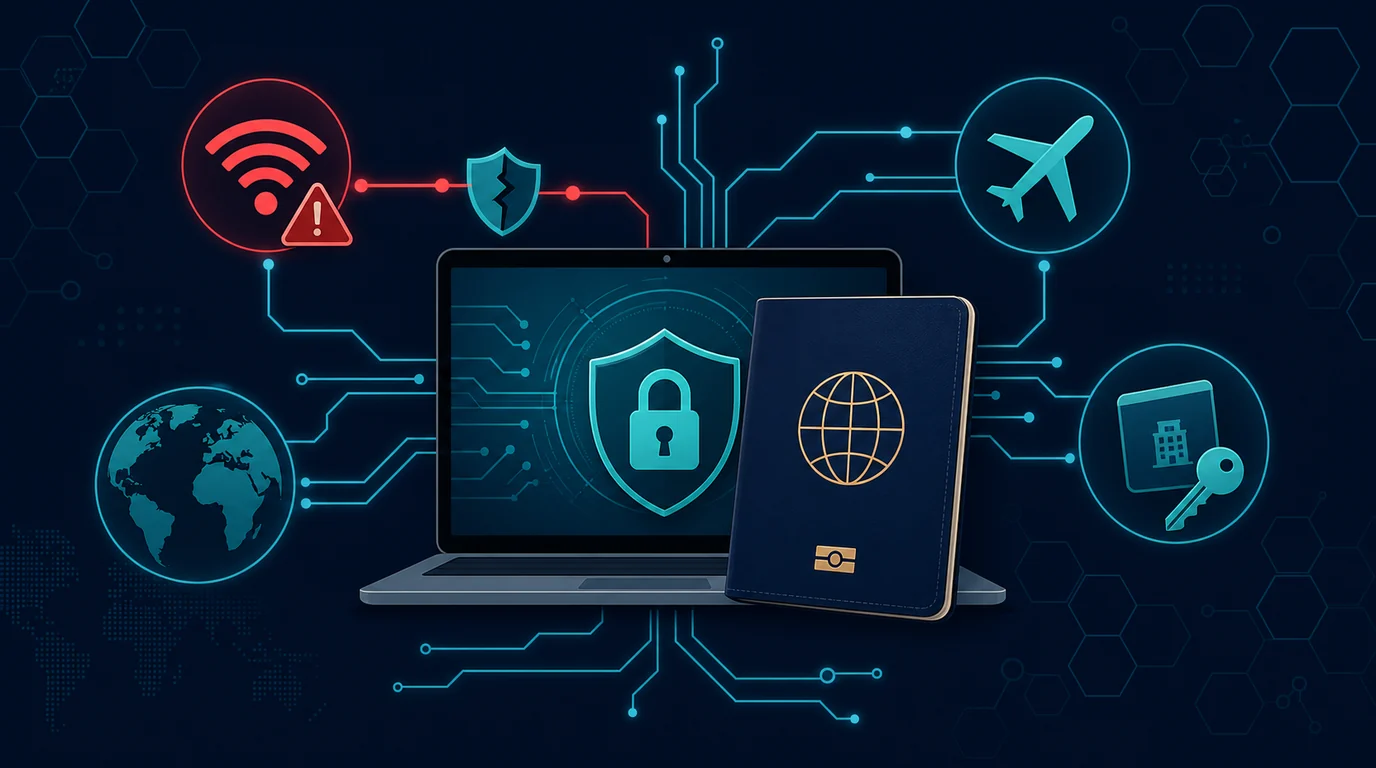
At home your devices live in an environment you mostly control. The Wi-Fi is yours, the room locks, and nobody asks you to open your laptop.
Travel strips all of that at once. You connect to networks run by strangers, leave a laptop in a hotel room that staff enter daily, charge at airports, and may hand a device to an officer at a border. The risk changes not because you became careless but because the environment is different.
The preparation that matters happens before you leave, not when trouble appears on the road.
Prepare your devices before departure
Carry less data. This is the most effective step and the one people skip most. A device that does not hold sensitive documents cannot leak them. Move work archives, old photos, and financial files to storage at home or in the cloud, then delete the local copies. Bring only what the trip requires.
Turn on full-disk encryption. Windows uses BitLocker, macOS uses FileVault, and modern phones encrypt by default as long as you set a screen lock. Encryption only protects a device that is powered off, so build the habit of shutting the laptop down fully rather than closing the lid when you leave it in a room or approach an inspection.
Strengthen your screen lock. Replace a four-digit PIN with six digits or an alphanumeric passcode. Shorten auto-lock to one minute. Consider disabling biometric unlock when passing through checkpoints, since in many jurisdictions compelling your fingerprint is legally easier than compelling a passcode.
Update everything before you go. Operating system, browser, and applications. Postponing updates until you are traveling means downloading them over networks you do not trust, which is the situation you want to avoid.
Take a full backup. Back up your phone and laptop before departure, then verify the backup actually restores. Losing a device abroad is far easier to handle when you know nothing is permanently gone.
Print key information on paper. Passport number, emergency contacts, bank hotline numbers, and your accommodation address. When your phone is lost or dead, paper is your only access to that information.
Secure your account access
Move off SMS-based 2FA. Your number may not receive texts abroad, and SIM swap risk rises when you use a local SIM or temporary eSIM. Authenticator apps and hardware security keys work without cellular signal and do not depend on your phone number.
Print or store backup codes offline. Every important service issues single-use recovery codes. Print them and keep them separate from your devices, in a wallet or a suitcase pocket. This saves you when the phone holding your authenticator app disappears.
Carry a spare hardware key if you use one. One on your keychain, one in a different bag. Losing your only security key in a foreign country locks you out of your own accounts.
Review active sessions before leaving. Sign out every device you are not bringing. The fewer active sessions, the easier it is to spot unfamiliar activity when you check later.
Tell your bank your travel plans. This prevents card blocks from unusual locations and makes them more attentive to transactions that are genuinely suspicious.
Networks on the road
Treat all public Wi-Fi as monitored. Hotel, airport, cafe, and conference networks are run by parties you do not know and shared with hundreds of people. Hotel login portals also frequently run on old equipment that nobody patches.
Use cellular data for sensitive tasks. Roaming or a local eSIM is usually safer than foreign Wi-Fi for banking, work email, and important logins. Tethering your laptop to your own phone combines both: a large screen on a network you control.
Use a trustworthy VPN on public networks. A VPN wraps your traffic so the network operator cannot read it. Choose a paid provider with a clear reputation rather than a free VPN app whose business model is selling your data. Enable the kill switch so the connection drops if the VPN fails.
Turn off auto-connect to known networks. A phone that remembers old network names will silently join a fake network using the same name. Delete networks you no longer need from your saved list, and switch Wi-Fi off when you are not using it.
Verify network names with staff. Fake networks use names close to the official hotel or airport one. Ask the front desk for the exact name. Two networks with similar names is a warning.
Disable file sharing and device discovery. On Windows, set the network to public. On macOS, turn off file and printer sharing. On phones, turn off AirDrop or Nearby Share in crowded places.
Physical devices and charging
Do not leave devices unsecured in a hotel room. A room safe deters opportunistic theft, though it is not real security. For a work laptop holding sensitive data, take it with you. Shut it down fully when you leave it, since encryption only protects a powered-off machine.
Use your own charger, not public USB ports. Charging stations in airports and on aircraft can carry data over USB. Bring a wall adapter and plug into a standard power outlet. If you must use a public USB port, use a charge-only cable or a data-blocking adapter.
Carry a power bank. This solves charging without you needing to think about foreign ports at all, and it helps during delays.
Use a privacy screen filter on planes and in lounges. The person in the next seat reads your screen more often than you think, and that includes passwords as you type them.
Never log in from a public computer. Hotel lobby machines, internet cafes, and business centers may run keyloggers. If you must use one to print a boarding pass, do not sign into email or banking, and sign out of everything afterward.
Crossing borders
Rules differ by country. Some authorities can inspect electronic devices on entry, including asking you to unlock them. Research the rules for your destination before you travel, particularly if you carry client data or sensitive work information.
Consider a separate travel device for higher-risk destinations. An inexpensive laptop and a spare phone holding only trip data cuts exposure sharply. This is standard practice for journalists, lawyers, and consultants carrying third-party data.
Power devices off before joining the inspection queue. A powered-off device has encryption fully engaged. A merely locked device keeps encryption keys in memory.
Do not lie to officers. Hiding a device or misrepresenting its contents creates legal problems far larger than whatever is on the device. If you have professional confidentiality obligations, state them calmly and ask for the appropriate procedure.
Treat any device out of your sight as touched. If an officer or anyone else takes your laptop into another room, note how long. When you get home, consider reinstalling the operating system before reconnecting it to work networks.
Matching preparation to the type of trip
Not every trip needs the same level of preparation. Treating a family holiday the same as a work trip carrying client data produces two errors at once: too much friction for the first, too little protection for the second.
Personal holidays center on device loss and local scams. The biggest risks are a stolen phone, a hijacked social media account, and fraud aimed at tourists. Adequate preparation: a full backup, device tracking enabled, a strong screen lock, and non-SMS 2FA. You do not need a separate device.
Work trips add responsibility for other people's data. If your laptop holds client documents, employee records, or company system credentials, losing it stops being a personal problem. Trim the device down to files needed for that trip, use remote access to office systems rather than local copies, and make sure IT knows which device you took where.
Travel to heavily monitored regions calls for separate hardware. If you are a journalist, researcher, lawyer, or activist, consider a clean device that never touches your main accounts. Create temporary travel accounts, and after returning, never connect that device to your primary network or accounts.
Long trips change the connectivity math. For trips lasting weeks, a local eSIM is usually cheaper and safer than depending on public Wi-Fi daily. Buy from official providers rather than a kiosk that wants to photograph and keep your passport.
Traveling with children adds another layer. Kids' devices connect to whatever Wi-Fi is available and hold family accounts. Review their settings before departure, disable auto-connect, and confirm family accounts do not grant access to your payment methods.
Recovery when a device disappears abroad
Acting in the right order determines the outcome. Panic usually sends people to the wrong party first and costs them time.
Lock the device remotely as your first move. Find My iPhone and Google's Find My Device let you lock the screen, display a contact message, and track location. Do this before wiping, because a wiped device can no longer be traced. If there is a reasonable chance of recovery, lock and wait.
Call your mobile carrier to block the SIM. This prevents your number from being used to receive verification codes. If you are abroad, find your carrier's international service number. This is another reason printing key numbers on paper pays off.
Sign that device out of every service. Open security settings for email, banking, and social media from another device, then end the sessions running on the lost one. This closes access even if the thief gets past the screen lock.
Wipe remotely once recovery looks unrealistic. After a reasonable wait, trigger the remote erase. An encrypted device with a strong lock is already hard to breach, but wiping removes the doubt.
File a police report locally and get a copy. You need this document for travel insurance claims and sometimes for replacing identity documents. Store a photo of it in the cloud rather than only carrying a printout that can also be lost.
Rebuild your account recovery methods. If the lost device held your authenticator app, use your backup codes to sign in, then re-register the authenticator on a new device and generate fresh backup codes. This is the moment the codes you printed before departure prove their worth.
During and after the trip
Check login notifications regularly. Turn on sign-in alerts for your primary email and banking, then read every notification. A login from a country you are not in means acting immediately.
Do not broadcast your location in real time. Posts showing you are away from home help both physical thieves and scammers who call your family with an emergency script. Post travel photos after you return.
Keep financial activity on networks you control. If you need to check a balance, use cellular data and the bank's official app rather than a browser on hotel Wi-Fi.
After you return, change passwords you typed on foreign networks. Prioritize primary email, banking, and work accounts. Do it from your home network.
Sign out all sessions from travel devices and locations. Open security settings on each important service and end sessions you do not recognize. Also revoke third-party app access you granted during the trip.
Forget travel Wi-Fi networks on your devices. Remove them all from the saved list so your devices stop probing for them later.
Watch card statements and account activity for several weeks. Card data stolen during travel often surfaces late, with small test charges preceding a large one.
Scams that target travelers
Beyond technical risk, travel makes you a target for scams built specifically for people unfamiliar with a place.
Fake paid Wi-Fi appears around airports and hotels. A portal requests card payment for internet access, then harvests your card details. Official airport Wi-Fi is generally free or billed through a clearly named provider. When in doubt, use cellular data.
Cloned booking sites copy the look of well-known accommodation platforms. You usually find them through search ads, they offer prices slightly below market, and they request payment by direct transfer. Book only through official apps or sites you open from a bookmark, and avoid payment outside the platform's own system.
Visa and document fee scams target travelers before departure. Intermediary sites charge far above official rates for forms that are actually free or cheap. Always start from the destination government's official site.
Remote family emergency scams exploit your absence. Scammers contact your family at home, claim you had an accident or were detained abroad, and ask for money. Because your family knows you really are traveling, the story lands. Agree on a family passphrase before you leave and warn them about this pattern.
Fake QR codes appear at tourist sites, restaurants, and parking areas. Scanning takes you to a cloned payment page. Check whether a QR sticker looks pasted over an original, and read the domain name before entering any payment details.
The short version
Travel changes your devices' environment, not your level of care. The defense is therefore preparation rather than constant vigilance on the road.
Carry less data, turn on full-disk encryption, move off SMS-based 2FA, and bring your own power bank. On the road, use cellular data for sensitive tasks and treat every public Wi-Fi network as readable by someone else. When you get home, change the important passwords and end the sessions you left behind.