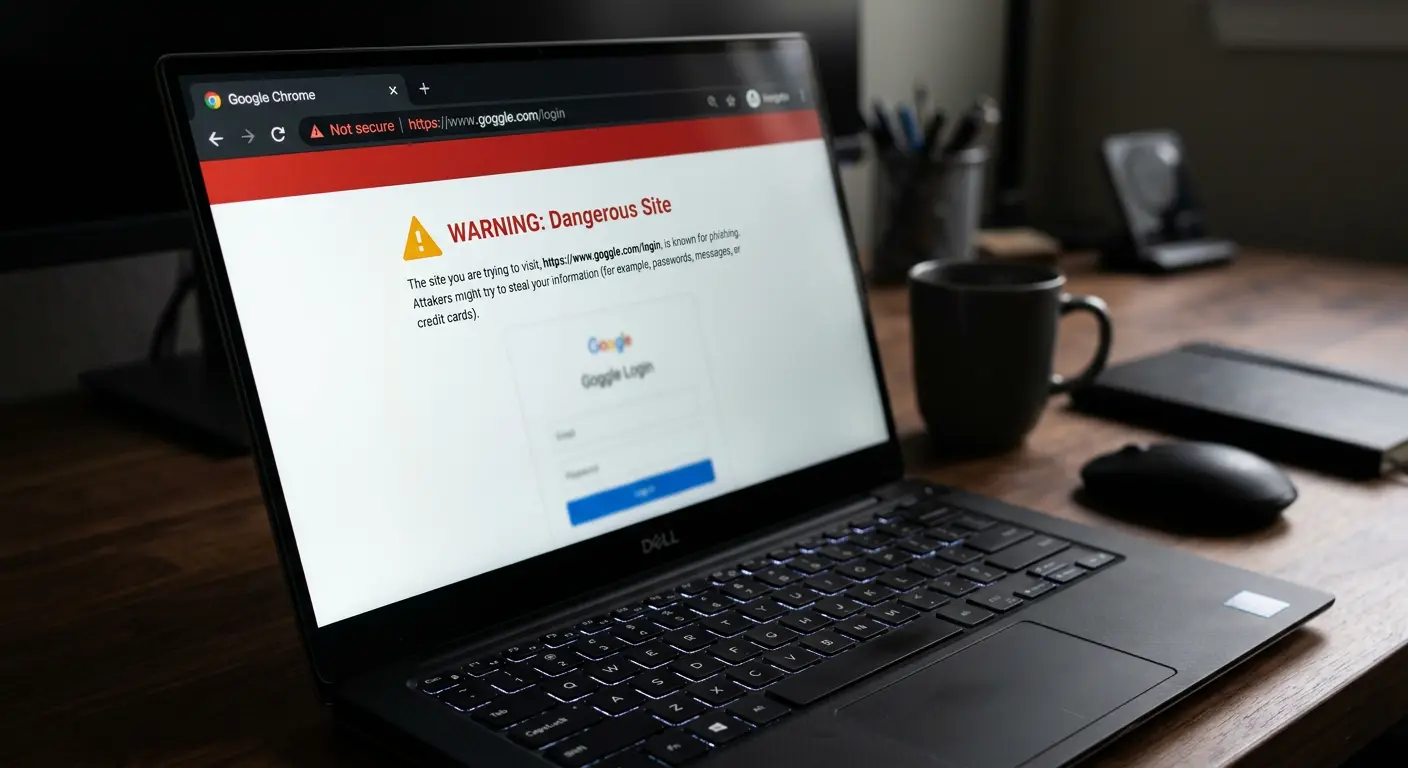
When you open a web browser to access your email, social accounts, or financial portals, you trust the domain name displayed in the address bar. If you see paypal.com or bankofamerica.com, you assume you are communicating with the legitimate service provider.
Attackers exploit this natural cognitive trust through two sophisticated domain-spoofing techniques: Typosquatting and International Domain Name (IDN) Homograph Attacks.
These methods involve registering domain names that look identical or highly similar to legitimate brands. If you type a web address with a slight spelling error, or click a link containing visually indistinguishable non-Latin letters, you enter a cloned phishing portal designed to steal your credentials, capture your sessions, and infect your machine with malware.
This guide details the technical execution of typosquatting and homograph exploits. It explains the mechanics of Punycode translation, details browser-level rendering risks, and provides actionable defensive guidelines to identify and block domain-level deceptions.
The Mathematics of Damerau-Levenshtein Distance in Typo Generation
To understand how attackers systematically generate typosquatting domains, examine the mathematical concept of Damerau-Levenshtein Distance. This algorithm measures the edit distance between two strings of characters.
1. Mathematical Logic
The Damerau-Levenshtein distance between string $a$ and string $b$ is the minimum number of operations required to transform one string into the other. These operations are limited to:
- Insertion: Adding a single character (e.g.,
chase.comtochases.com). - Deletion: Removing a single character (e.g.,
google.comtogogle.com). - Substitution: Replacing one character with another (e.g.,
apple.comtoapp1e.com). - Transposition: Swapping two adjacent characters (e.g.,
netflix.comtonetflix.comchanging tonetflxi.com).
2. Systematic Generation
Attackers utilize automated scripts (such as DNSTwist) that calculate all possible mutations within an edit distance of $d=1$ or $d=2$ for a target brand. These scripts query domain registries to check if these mutated domains are available for registration. By systematically purchasing domains with the lowest edit distance, attackers guarantee they capture the highest percentage of natural, human typing errors.
Historical Case Study: The Equifax Phishing Misdirection (2017)
A prominent real-world example of typosquatting occurred during the response to the massive Equifax data breach in 2017.
To help consumers check if their data was exposed, Equifax set up a official, separate portal named:
equifaxsecurity2017.com
This domain structure was a major security mistake. It trained consumers to enter their personal data and social security numbers on an unfamiliar domain name that did not utilize the main corporate equifax.com prefix.
An independent security researcher quickly realized the danger and registered the typosquatted domain:
equihax2017.com
The researcher set up a perfect visual clone of the official Equifax breach site.
- The Twist: Instead of stealing credentials, the cloned site displayed a warning: "Your security system is weak. This is a educational test."
- The Failure: Because the domain was so similar, even Equifax's official customer support representatives accidentally posted links to the typosquatted
equihax2017.comaddress on their official verified Twitter accounts multiple times, directing thousands of anxious consumers to the researcher's educational warning site instead of the official portal.
This incident proved that even highly trained professional staff cannot reliably distinguish between typosquatted domains when brands abandon standard URL security naming conventions.
Technical Analysis of Typosquatting
Typosquatting (also called URL hijacking) relies on human mechanical errors during keyboard entry.
When you type quickly on a keyboard, your fingers make predictable errors. Attackers register thousands of misspelled variations of popular domain names to capture this accidental traffic.
Types of Typosquatting Mutations
Attackers analyze target domains and register mutations across several categories:
| Mutation Type | Mechanical Logic | Example Legitimate | Example Typo-Squatted |
|---|---|---|---|
| Character Omission | Skipping a letter during rapid typing. | google.com | gogle.com |
| Fat-Finger Error | Striking a key adjacent to the intended letter. | netflix.com | netfljx.com (U is next to J / I next to J) |
| Transposition | Swapping the order of two adjacent letters. | wikipedia.org | wiikpedia.org / wikpeida.org |
| Phonetic Substitution | Replacing letters with homophones or similar sounds. | chase.com | chace.com |
| Alternative TLDs | Registering the same domain under unfamiliar extensions. | microsoft.com | microsoft.co / microsoft.cm |
| Combosquatting | Adding semantic helper words like "security" or "login". | paypal.com | paypal-login-portal.com |
When you land on a typosquatted domain, the attacker does not display an error page. They present a perfect visual clone of the target website's login screen. You enter your password, the system registers the credential, and the attacker redirects you to the real website to hide the intrusion.
Technical Analysis of IDN Homograph Attacks
While typosquatting relies on user mechanical mistakes, the International Domain Name (IDN) Homograph Attack relies on visual deception. This attack exploits the system that displays non-English characters in web addresses.
The Origin of International Domain Names (IDNs)
Historically, the Domain Name System (DNS) only supported ASCII characters (the standard English alphabet, numbers, and hyphens).
To make the internet accessible globally, the Internet Engineering Task Force (IETF) introduced International Domain Names in 2003. This standard allows people to register domain names in non-Latin scripts, including Cyrillic, Greek, Hebrew, Arabic, and Chinese.
The Homograph Vulnerability
Many characters in Cyrillic, Greek, and Latin scripts look identical on a high-resolution computer screen. These visually identical characters are called homoglyphs.
For example:
- The standard Latin lowercase letter
а(ASCII value97). - The Cyrillic lowercase letter
а(Unicode valueU+0430).
To your eyes, these two characters look identical. However, to a computer and the DNS, they are completely different characters with distinct mathematical representations.
An attacker can register the domain name аpple.com where the letter а is Cyrillic, and the remaining letters pple.com are Latin. This is a completely separate domain name from the real, all-Latin apple.com.
If you click a link containing the Cyrillic variation, your browser displays apple.com in the address bar. The visual appearance is identical, but you are connected to the attacker's server.
Punycode: How Computers Handle Unicode Domains
To allow the legacy ASCII-only DNS infrastructure to resolve Unicode domain names without errors, developers created a translation system called Punycode.
Punycode translates Unicode strings into an ASCII-Compatible Encoding (ACE) format. All Punycode domains begin with the unique prefix xn--.
[Cyrillic Domain: аpple.com] ──(Punycode Translation)──> [ASCII Domain: xn--pple-43d.com]
The Translation Process
When an attacker registers the homograph domain аpple.com (using Cyrillic а):
- The registration database registers the domain as
xn--pple-43d.com. - When you click the link, your browser translates the ASCII string
xn--pple-43d.comand displays the rendered Unicode stringapple.comin the address bar. - If your browser fails to implement homograph defenses, you see
apple.comon your screen, while the underlying network request routes directly to the IP address associated with the serverxn--pple-43d.com.
Browser-Level Rendering Defenses
Modern web browsers have implemented defenses to prevent homograph attacks from rendering as plain Latin text in the address bar.
The Mixed-Script Detection Engine
Browsers utilize mixed-script detection algorithms. If a domain name mixes characters from different scripts within a single label (e.g., combining Latin letters with a single Cyrillic character like аpple.com), the browser recognizes the potential fraud.
- It refuses to render the Unicode characters.
- It displays the raw, translated Punycode string directly in the address bar (e.g.,
xn--pple-43d.com). - This immediately reveals the deception to the user, as no legitimate company operates a website starting with
xn--.
The Whole-Script Spoofing Challenge
However, if an attacker registers a domain name using characters exclusively from a single non-Latin script that matches a Latin brand (for example, registering the entire word pаypаl using Cyrillic characters where every character has a homoglyph counterpart), some browsers may still render the Unicode script if the user's local operating system or region utilizes that language setting. This variation makes independent user verification essential.
Step-by-Step Hardening Manual: How to Defend Your Network
Implement these security protocols to protect your home and business environments from domain-level spoofing.
Action 1: Leverage the Power of Password Managers
Your password manager is your most effective defense against both typosquatting and homograph attacks.
- How it works: A password manager does not analyze the visual appearance of a website. It matches your stored credentials against the exact, registered ASCII domain name stored in its database.
- The Autofill block: If you land on a typosquatted domain (like
netfljx.com) or an IDN homograph domain (resolving internally asxn--pple-43d.com), your password manager's autofill feature will remain disabled. It will refuse to suggest your username or password because the active domain does not match the legitimate ASCII record (e.g.,netflix.comorapple.com). - Defensive Rule: If your password manager refuses to autofill your credentials on a login page, treat the website as fraudulent. Do not type your password manually. Close the tab immediately.
Action 2: Configure Advanced Browser Punycode Settings
You can force your web browser to always display raw Punycode in the address bar, completely eliminating the visual homoglyph deception.
For Mozilla Firefox
- Open a new Firefox tab.
- Type
about:configin the address bar and pressEnter. - Accept the warning prompt to access the advanced settings panel.
- In the search box, type
network.IDN_show_punycode. - Locate the setting. By default, it is set to
false. - Click the toggle button to change the value to
true.
Once enabled, Firefox will bypass Unicode rendering entirely for all international domain names, displaying raw ASCII strings starting with xn-- in the address bar, exposing any homograph domains instantly.
Action 3: Use Secure DNS Resolvers with Phishing Filters
Configure your router or device operating systems to use secure Domain Name System (DNS) resolvers that block known typosquatting, phishing, and malicious domains before they load.
Set your primary and secondary DNS settings to these verified public providers:
| DNS Provider | Primary IPv4 | Secondary IPv4 | Filtering Protection |
|---|---|---|---|
| Cloudflare Security | 1.1.1.2 | 1.0.0.2 | Blocks known malware and phishing domains. |
| Quad9 Security | 9.9.9.9 | 149.112.112.112 | Filters malicious hosts using global threat intelligence. |
| AdGuard Home | 94.140.14.14 | 94.140.15.15 | Blocks trackers, ads, and malicious redirect portals. |
Action 4: Implement Bookmarks and Safe Search Routes
Reduce your reliance on typing complex URLs manually:
- Create Bookmarks: Create a dedicated "Financial" or "Primary Accounts" bookmark folder in your browser. Save the verified, legitimate URLs for your banks, email portals, and critical services. Always access these portals by clicking your saved bookmarks, bypassing manual typing errors entirely.
- Avoid email link clicks: If you receive an urgent security alert via email or SMS text message (e.g., "Your account has been locked. Click here to verify"), do not click the provided link. The underlying URL may use Cyrillic homoglyphs or typosquatting. Instead, open your browser, use your saved bookmark, or type the main verified domain directly.
Action Plan: Post-Incident Protocol for Compromised Credentials
If you realize you entered your password on a typosquatted or homograph domain, execute this containment plan immediately:
Step 1: Change the Password Immediately
Open a new, secure browser tab. Go directly to the legitimate website (using a bookmark or direct verified entry) and change your password. Use a strong, random password generated by your password manager.
Step 2: Revoke Active Sessions and Tokens
In your account security settings:
- Locate the "Where you're logged in" or "Active Sessions" panel.
- Select Sign out of all other sessions to invalidate any session cookies stolen by the attacker's phishing portal.
Step 3: Audit Shared Credentials
If you reused that compromised password on other accounts (e.g., using the same password for both your bank and your social media), log into those secondary accounts and change the credentials immediately. Do not reuse passwords across multiple services.
Step 4: Run a Local Malware Scan
Some typosquatting domains serve "drive-by downloads" that install infostealers or remote access tools on your machine. Run a complete system antivirus scan to ensure no malicious files have executed in the background.
A Self-Audit for Domain-Level Security
Perform this evaluation twice a year to ensure your defenses remain active:
- Verify Password Manager behavior: Ensure you utilize a reputable password manager that matches credentials strictly by ASCII domain name.
- Check DNS configurations: Run a DNS test (like
dnsleaktest.com) to verify your system utilizes secure, filtering resolvers like Cloudflare or Quad9 instead of default, unprotected ISP servers. - Audit saved bookmarks: Review your browser bookmarks. Delete any old or inactive links, ensuring only verified, HTTPS-secured domain entries remain.
- Test browser rendering: Visit a safe Punycode test page to verify your browser displays the
xn--prefix for mixed-script labels rather than rendering visually deceptive homoglyphs.
Frequently Asked Questions
Why does HTTPS/SSL not protect against typosquatting?
An SSL certificate (the lock icon in your address bar) only verifies that your connection to the displayed domain name is encrypted. It does not verify the intent or legitimacy of the domain owner. Attackers can easily obtain a free, valid SSL certificate (from services like Let's Encrypt) for any typosquatted domain (such as netfljx.com) or homograph domain they register. A lock icon only means the connection is secure; it does not mean the website is safe.
Is it illegal to register typosquatted domains?
In many jurisdictions, registering typosquatted domains with bad faith intent to profit from a trademark is illegal under laws like the Anticybersquatting Consumer Protection Act (ACPA) in the United States. Trademark owners can file disputes through the Uniform Domain-Name Dispute-Resolution Policy (UDRP) to seize these domains, but the process takes time, and attackers constantly register new variations faster than legal actions can shut them down.
Can an attacker execute a homograph attack on an email address?
Yes. Email addresses utilize the same DNS infrastructure. An attacker can register a homograph domain like аpple.com and send emails from an address like support@аpple.com. To your email client and your eyes, the sender address looks identical to the official support channel, making the phishing email highly convincing.
Does Safari protect against homograph attacks?
Yes. Apple's Safari and iOS web browsers use strict rendering rules. If a domain contains characters from a script that does not match the user's preferred language settings, or if it mixes scripts, Safari displays the raw Punycode xn-- address in the URL bar to prevent deception.
What is combosquatting?
Combosquatting is a variation of typosquatting where attackers combine a legitimate brand name with other keywords, such as security-paypal.com, chase-update-verification.com, or netflix-billing-alert.com. Because these domains contain the correct spelling of the brand, they can bypass simple spellcheckers, but they are entirely separate, malicious domains.
Sources and References
- CISA: Identifying and Mitigating Phishing and Domain Spoofing
- NIST: Security Guidance on DNS Infrastructure and Domain Integrity
- Unicode Consortium: Technical Report #39 - Unicode Security Mechanisms
Editorial Note: This article serves educational purposes. Browsers, algorithms, and domain registration policies are modified frequently to combat spoofing. Refer to your software manufacturer's official documentation to verify current security settings. Keep your web browser updated to maintain active Mixed-Script detection standards.