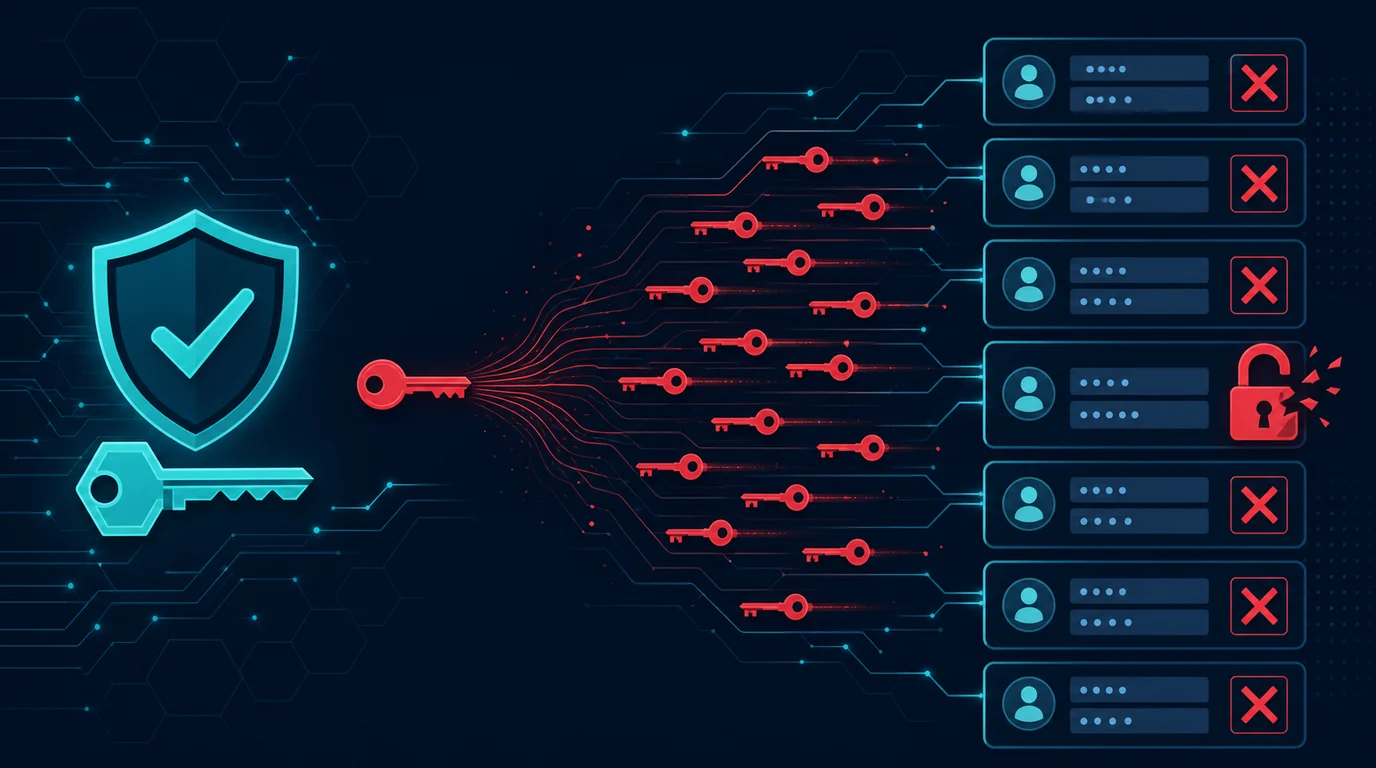
The traditional security model works like a fortress: strong outer walls protect everything inside. Once someone passes the firewall or logs into the VPN, they are considered trusted and can access nearly all resources. The problem: once an attacker breaches the perimeter, they move freely inside the network. Zero Trust reverses this assumption. No person, device, or application is automatically trusted, even if they are inside the office network. Every access request is verified, every time, without exception.
Why Zero Trust matters for small businesses
Small businesses often think they are too small to be targets. In reality, automated attacks do not choose targets by business size. Ransomware attacks SMBs just as aggressively as large companies, because SMBs often have weaker defenses. Zero Trust does not require a large budget or dedicated IT team. Its principles can be applied gradually, starting with the most impactful steps.
5 Zero Trust principles
1. Never trust, always verify
Every user, device, and application must prove their identity each time they request access. One login in the morning does not grant unlimited access all day. Sessions have time limits, and access is periodically re-evaluated.
2. Grant minimum necessary access (Least Privilege)
Each person only gets access to resources they need for their work. Accounting staff do not need access to marketing files. Developers do not need access to financial data. If one account is compromised, the impact is limited to resources that account can access.
3. Verify based on context
Access depends not only on who is requesting, but also the context:
- From which device? Is the device registered and managed?
- From which location? Is this a normal location for this user?
- At what time? Is it normal working hours?
- For what resource? How sensitive is the requested data?
4. Assume the network is already compromised
Do not rely on network perimeter as the primary defense. Segment the network so one compromised section does not open access to the entire infrastructure. Encrypt all internal communications, not just those traversing the public internet.
5. Monitor and log all activity
Every access request, successful or denied, is logged and monitored. Anomalies are detected faster: logins from unusual locations at 3 AM, access to files irrelevant to work, or abnormal download volumes.
7 steps to implement Zero Trust in small business
1. Enforce multi-factor authentication on all accounts
MFA is the Zero Trust foundation. Passwords alone are not enough to verify identity. Require MFA for email, VPN, cloud storage, and all business applications. Use authenticator apps or security keys, not SMS.
2. Centralize identity management (SSO)
Single Sign-On (SSO) centralizes authentication in one place. When an employee leaves, you deactivate one account and all application access is cut. Services like Google Workspace, Microsoft 365, or Okta provide SSO for small businesses.
3. Segment access by role
Create groups based on roles: accounting, marketing, operations, management. Each group only gets access to relevant folders and applications. Review access whenever roles change or employees leave.
4. Register and manage all devices
Every device accessing business resources must be registered. Use lightweight Mobile Device Management (MDM) like Google Endpoint Management or Microsoft Intune to ensure devices meet minimum security standards: updated OS, encrypted disk, active antivirus.
5. Set session time limits
Login sessions should not last forever. Set sessions to expire after inactivity periods (e. G., 30 minutes) or after a set time (e. G., 8 hours). Re-login is required to access again, ensuring the same person is still using the account.
6. Segment the network
Separate networks for guests, IoT devices, and work devices. If an IoT device is compromised, the attacker does not immediately gain access to business servers. VLANs on business routers or managed switches provide segmentation without major cost.
7. Enable logging and monitoring
Enable logs on all business services: email, cloud storage, VPN, firewall. Use a simple dashboard or lightweight SIEM to monitor suspicious activity. Automatic alerts for anomalies (logins from foreign countries, mass downloads) speed up response.
Example: ransomware attack on a business without Zero Trust
A small company with 20 employees suffered a ransomware attack. A staff member clicked a phishing link in an email. Because the network was not segmented and all employees had access to the same shared drive, ransomware spread to all business files within minutes. Accounting data, client contracts, and project files were encrypted. With Zero Trust: network segmentation limited spread, least privilege access meant ransomware only encrypted files the compromised account could access, and monitoring detected mass encryption activity before all files were affected.
Common Zero Trust implementation mistakes
- Trying to implement everything at once. Zero Trust is a journey, not a one-time project. Start with MFA and access segmentation, then increase gradually.
- Thinking Zero Trust is only about technology. Organizational culture is equally important. Employees must understand why repeated verification is necessary, not see it as an obstacle.
- Forgetting personal devices. If employees use personal devices for work (BYOD), those devices must also meet minimum security standards.
Frequently asked questions
Is Zero Trust expensive for small businesses?
Not necessarily. Many basic steps (MFA, access restrictions, network segmentation) can be implemented with existing tools or low cost. Investment increases with needs.
Does Zero Trust hurt productivity?
Initially, there is adjustment. But once accustomed, consistent verification processes become a natural part of workflows. Productivity lost from one security incident far exceeds the time spent on verification.
How do I start without an IT team?
Start with the most impactful: enable MFA on all accounts, restrict access by role, and back up data regularly. For advanced steps, consider a security consultant or managed service provider.
Sources and further reading
- CISA: Zero Trust Maturity Model
- NIST SP 800-207: Zero Trust Architecture
- Microsoft: Zero Trust for Business
Editorial note: This article provides general guidance. Specific Zero Trust implementation depends on your business infrastructure, needs, and budget. Consult a security professional for a tailored plan.